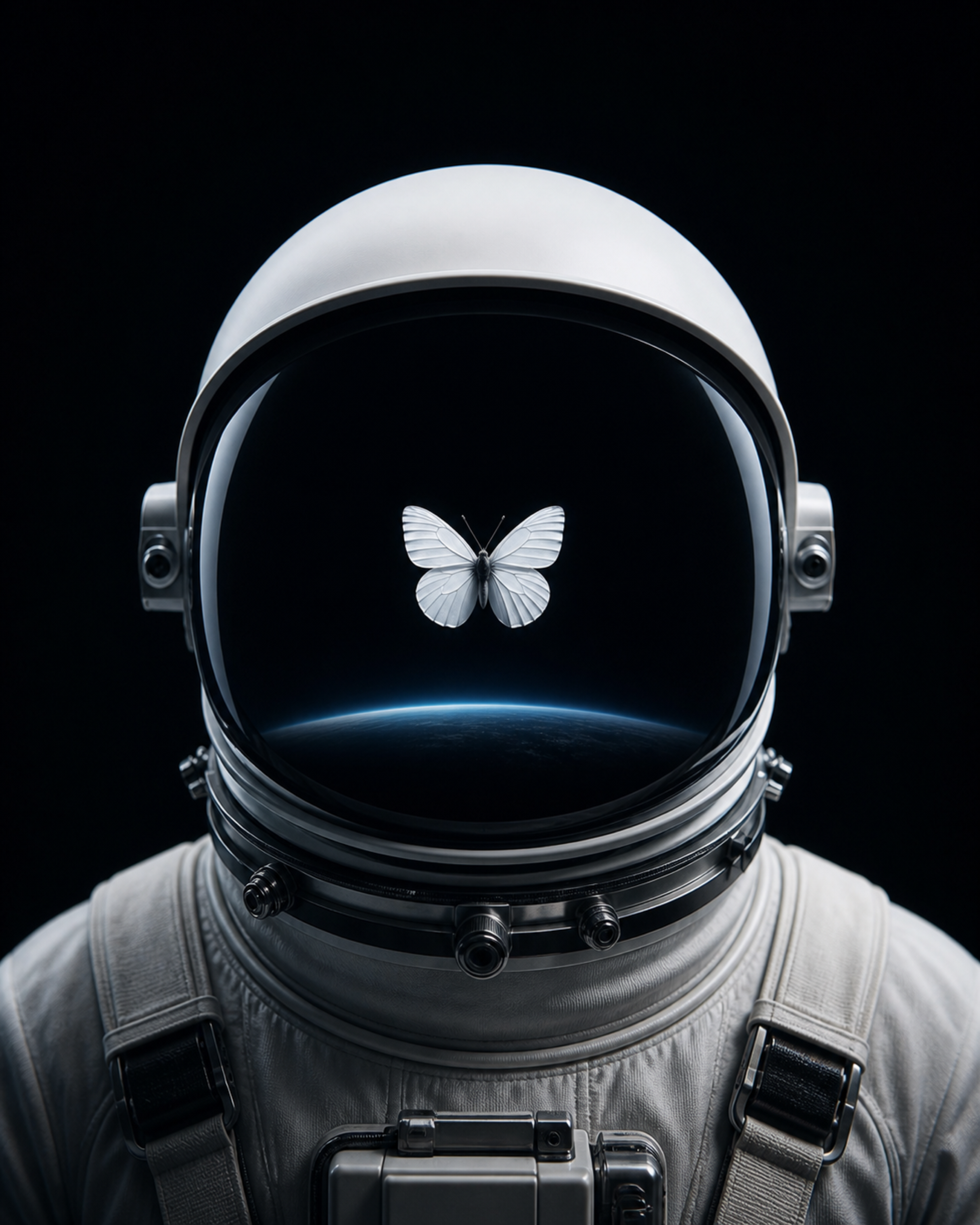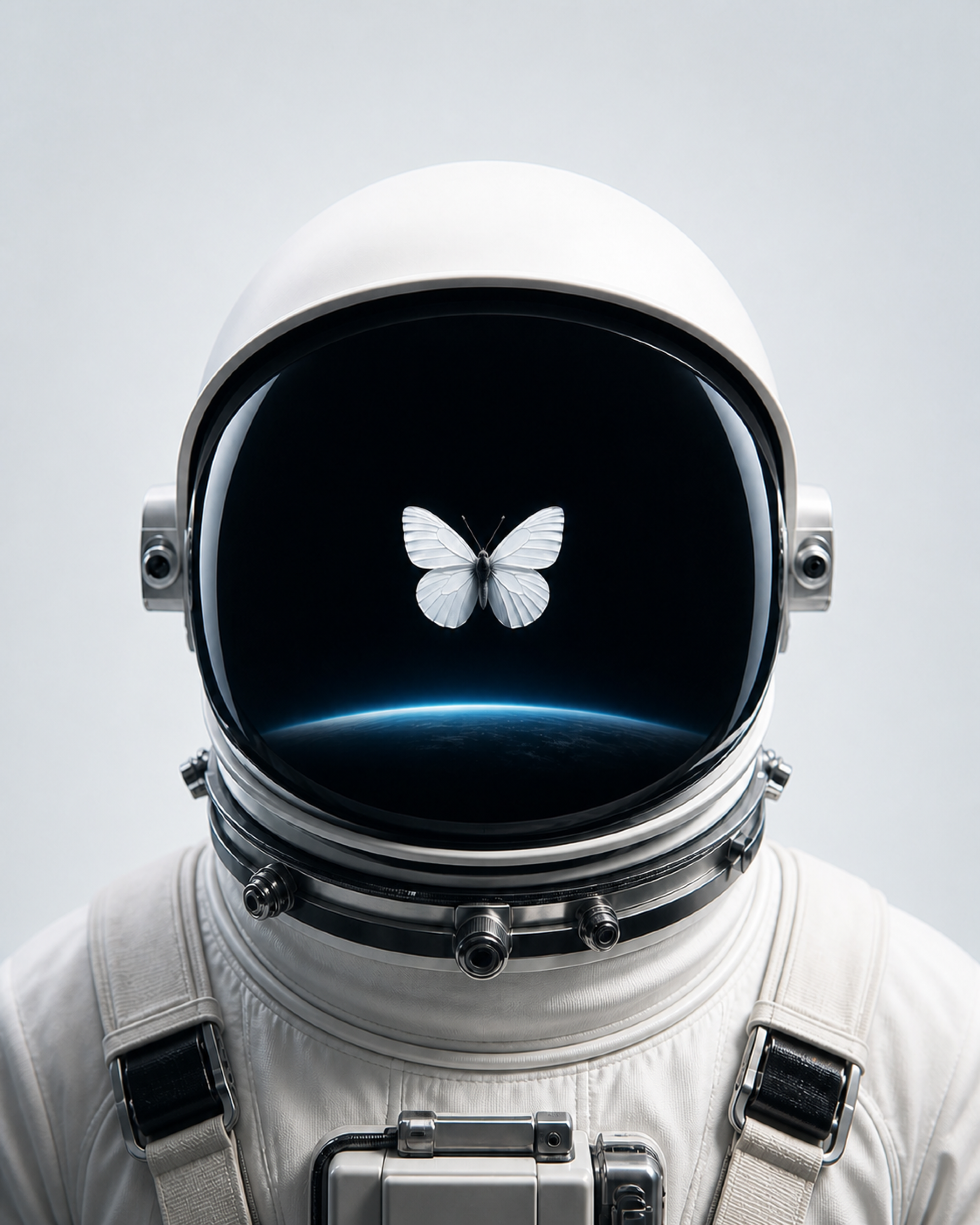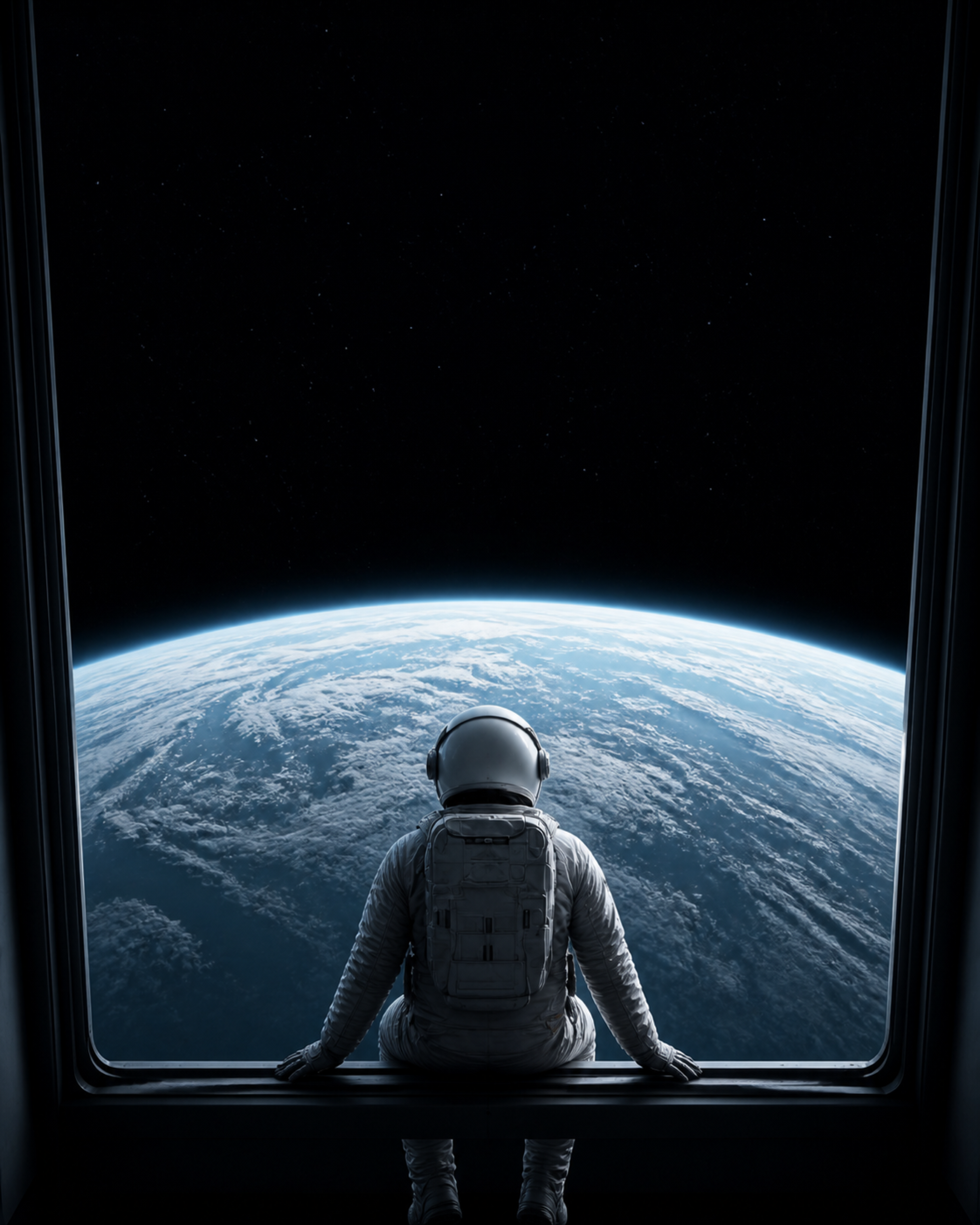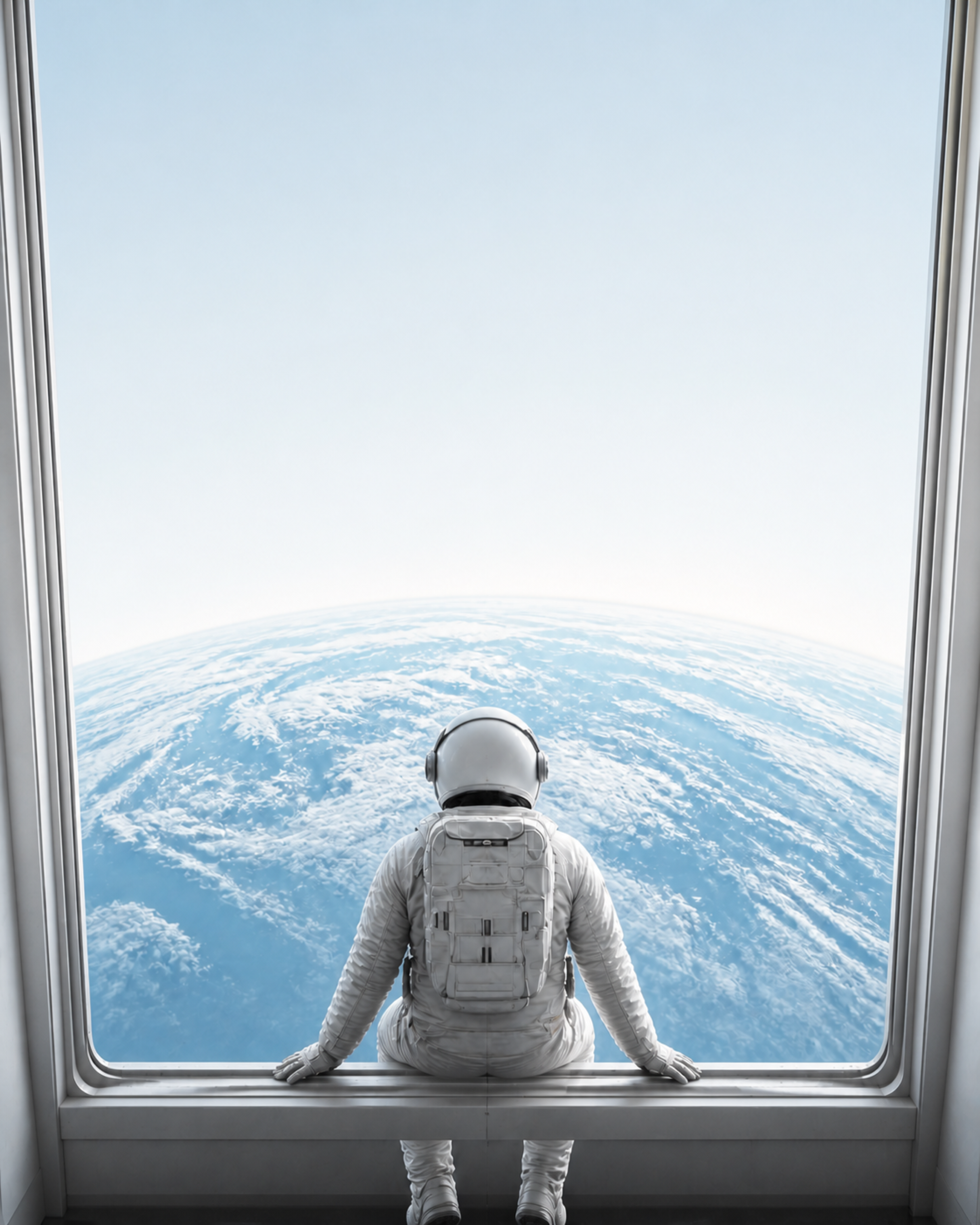
Andromeda Pro · Image pack
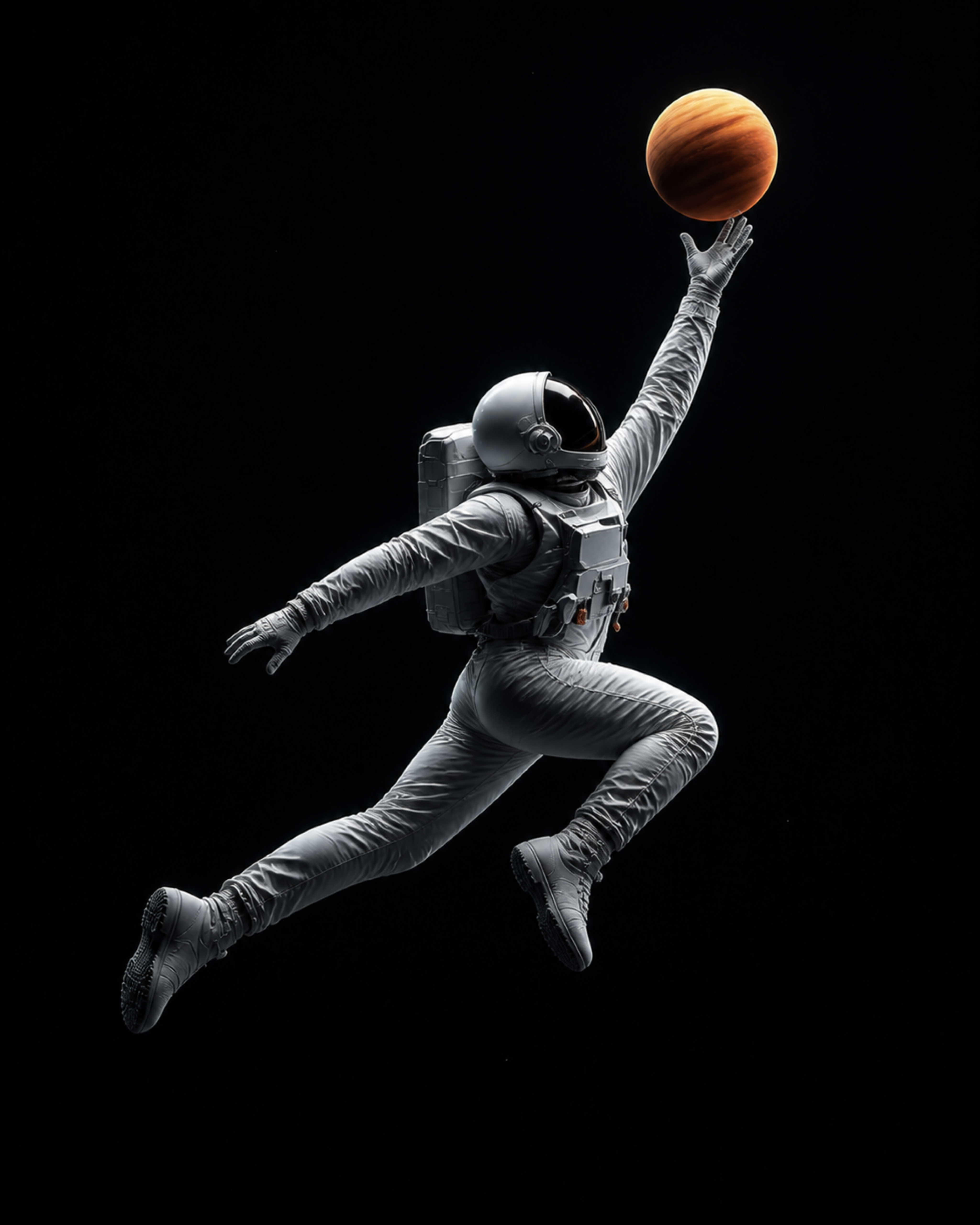
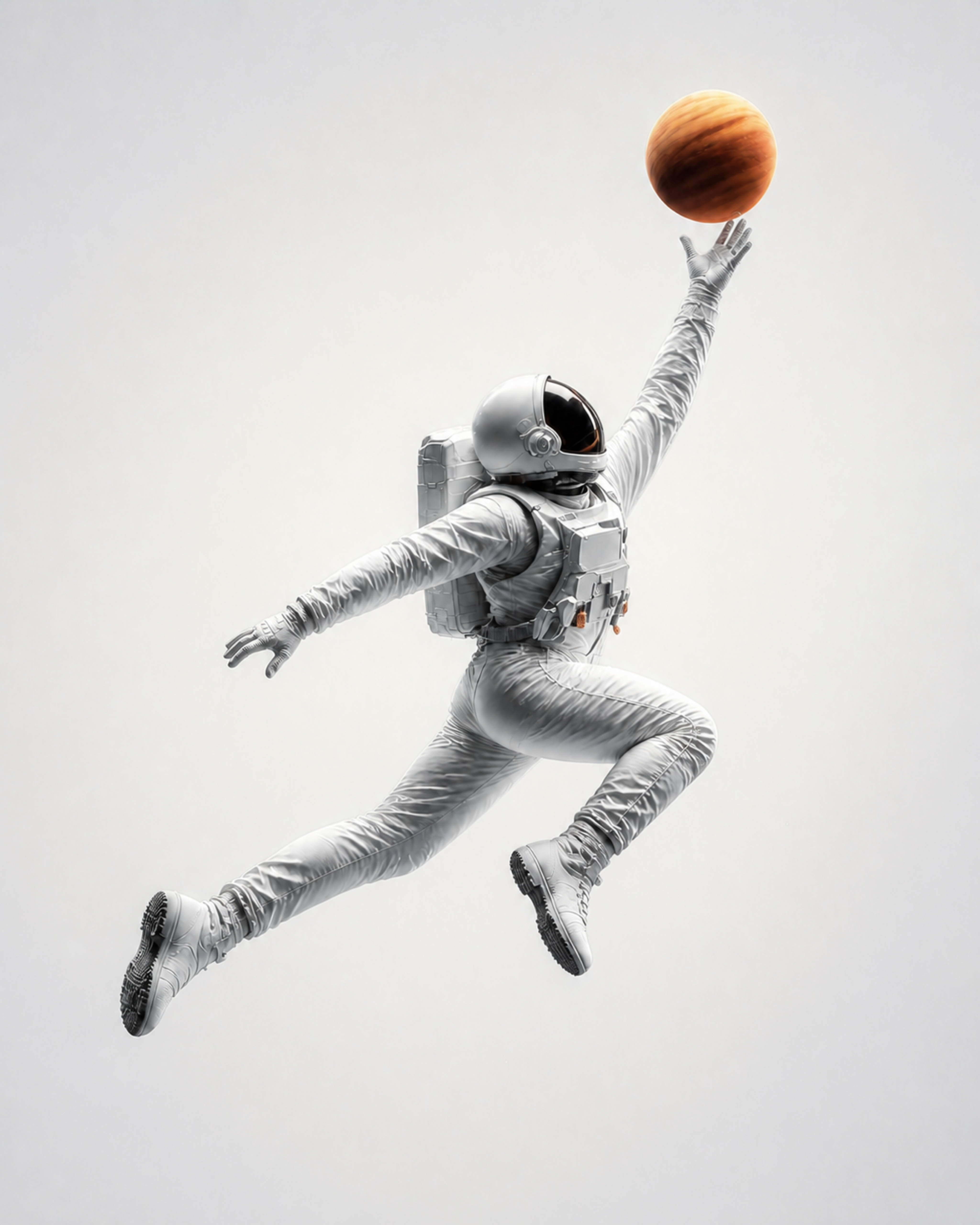
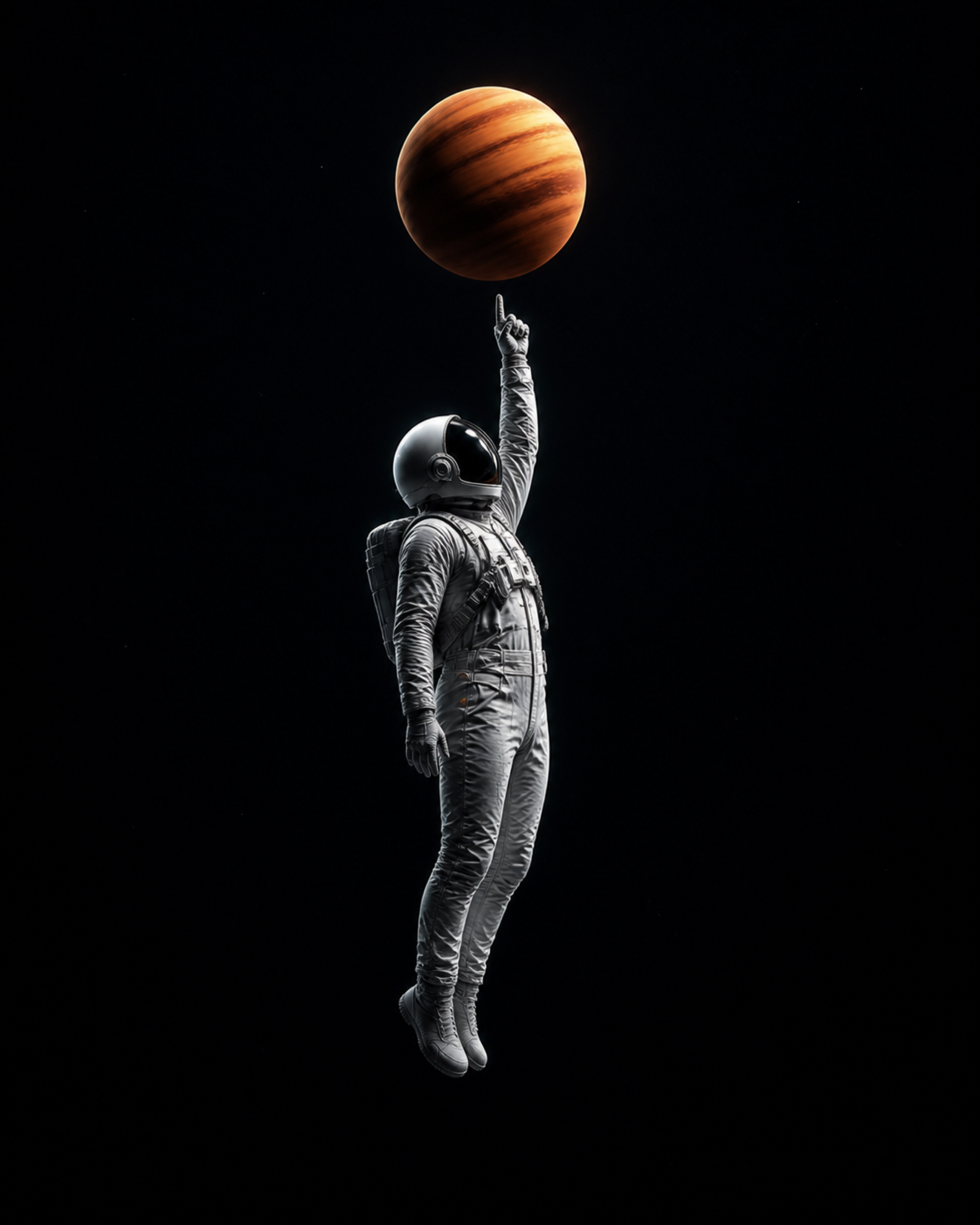
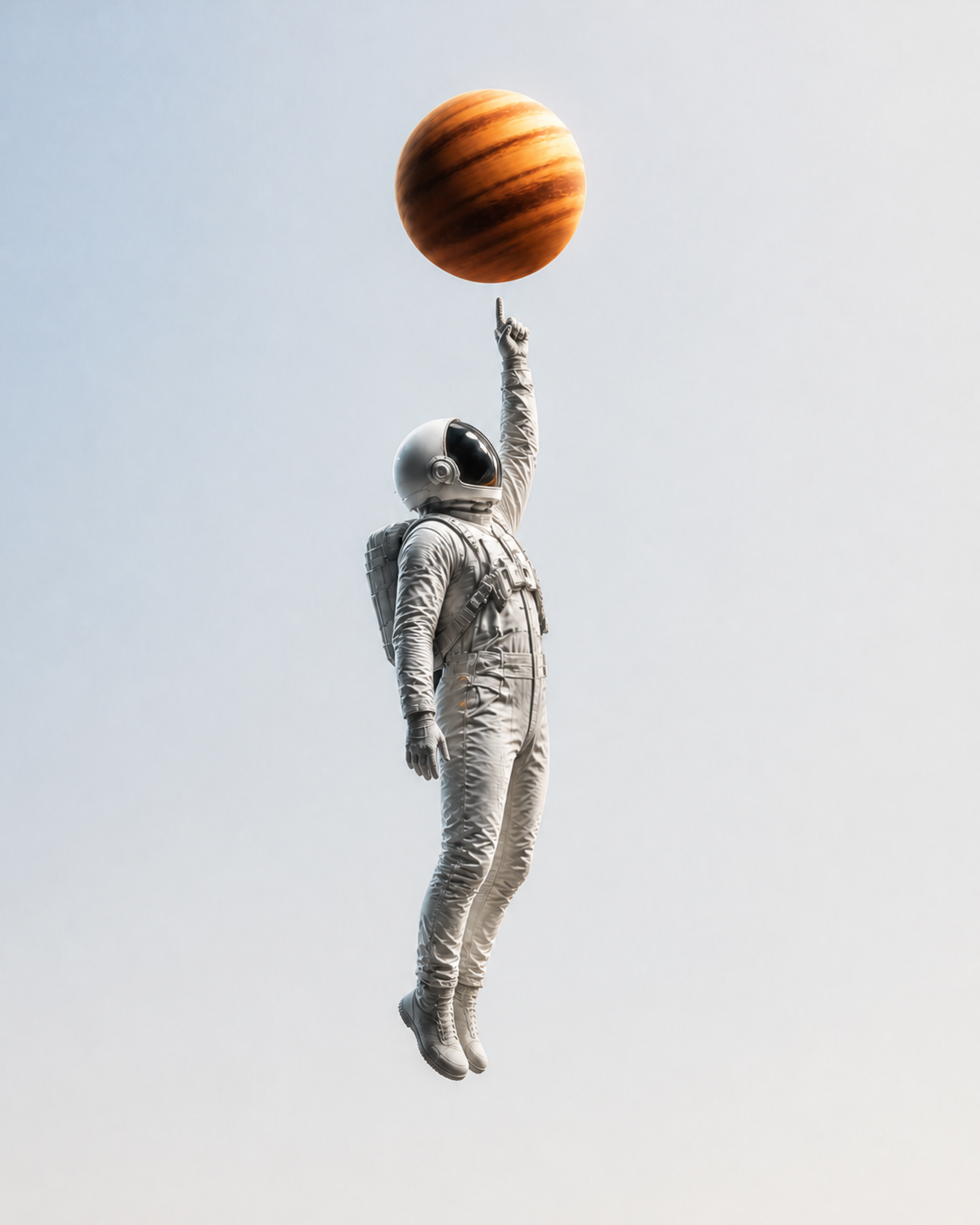
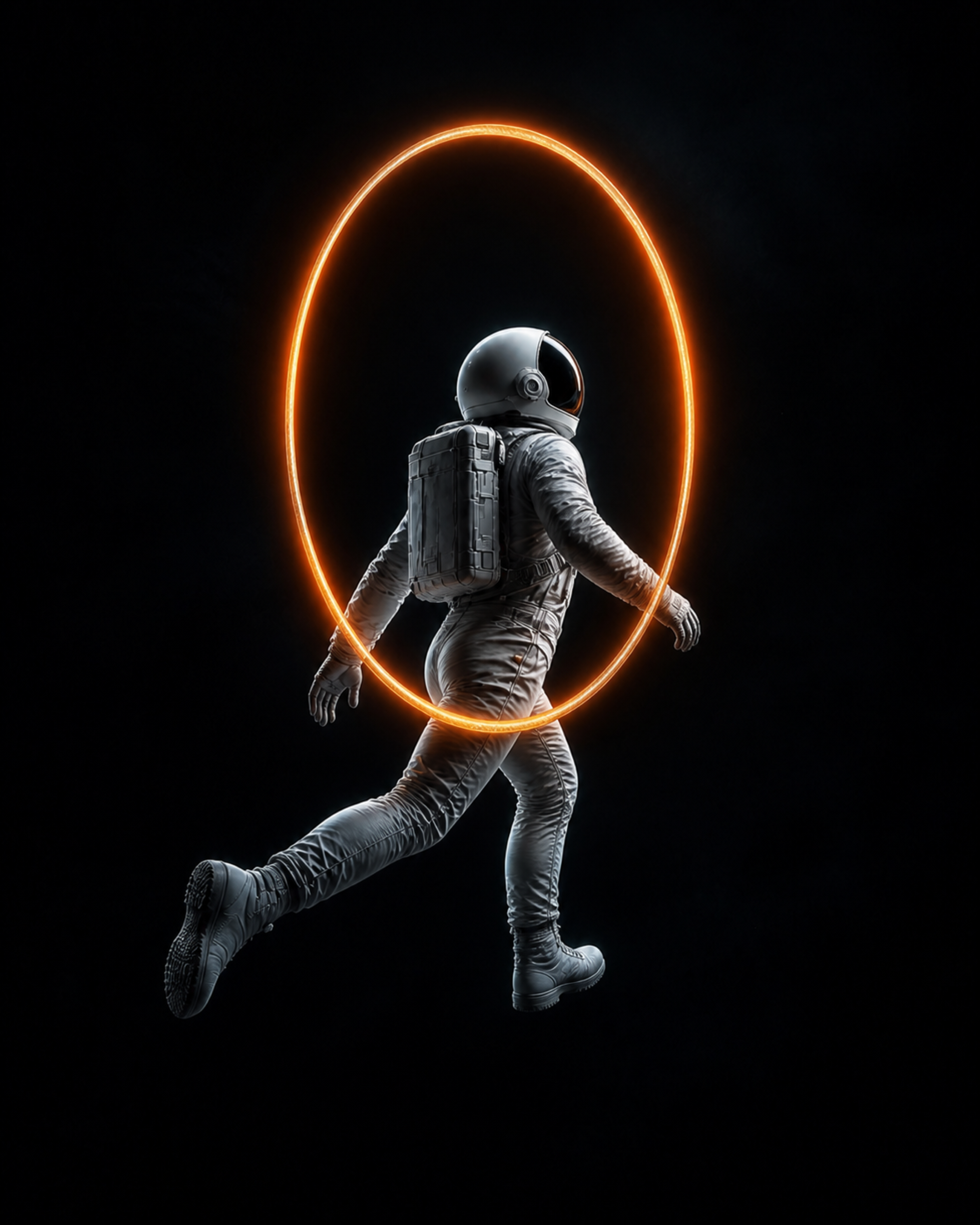
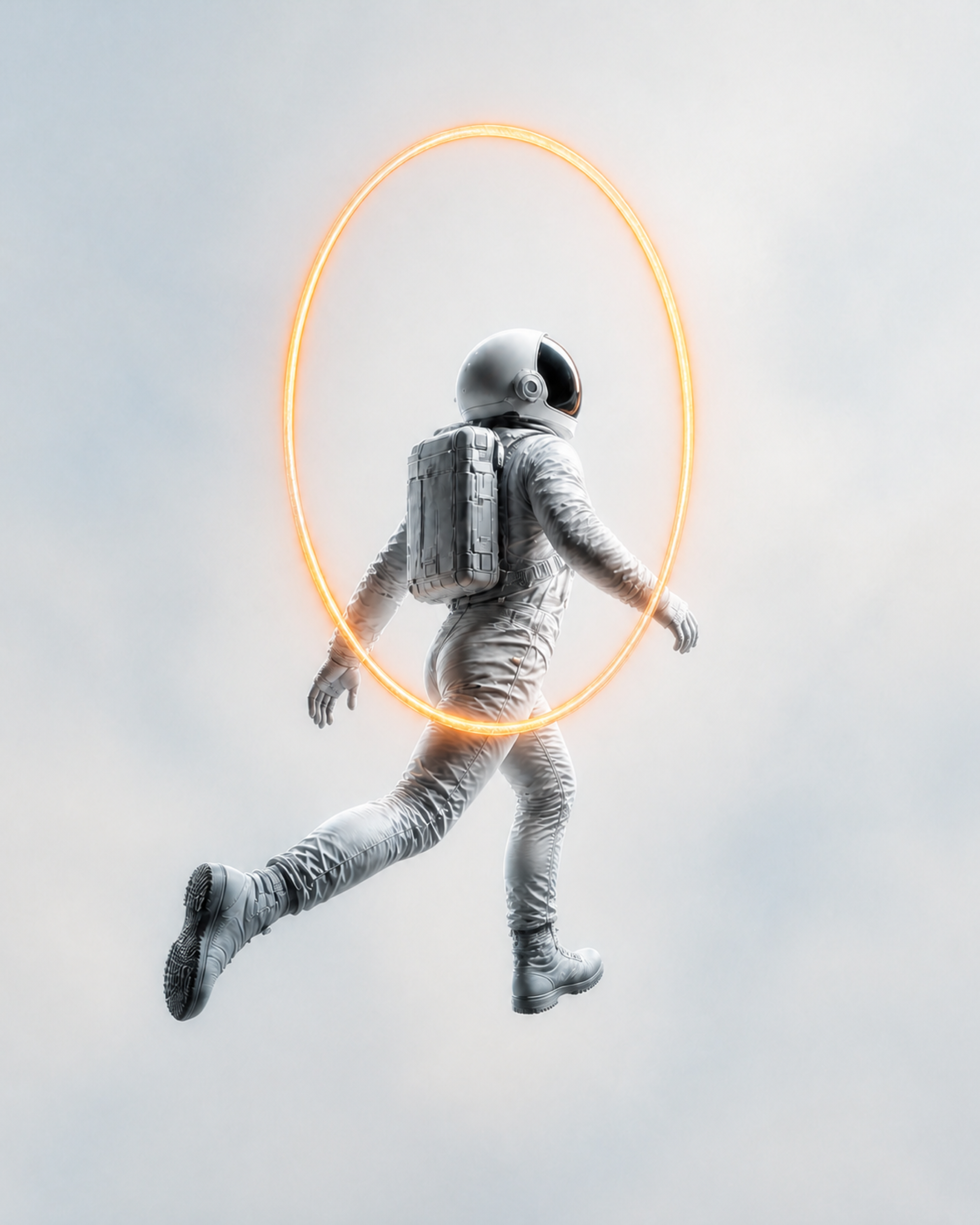
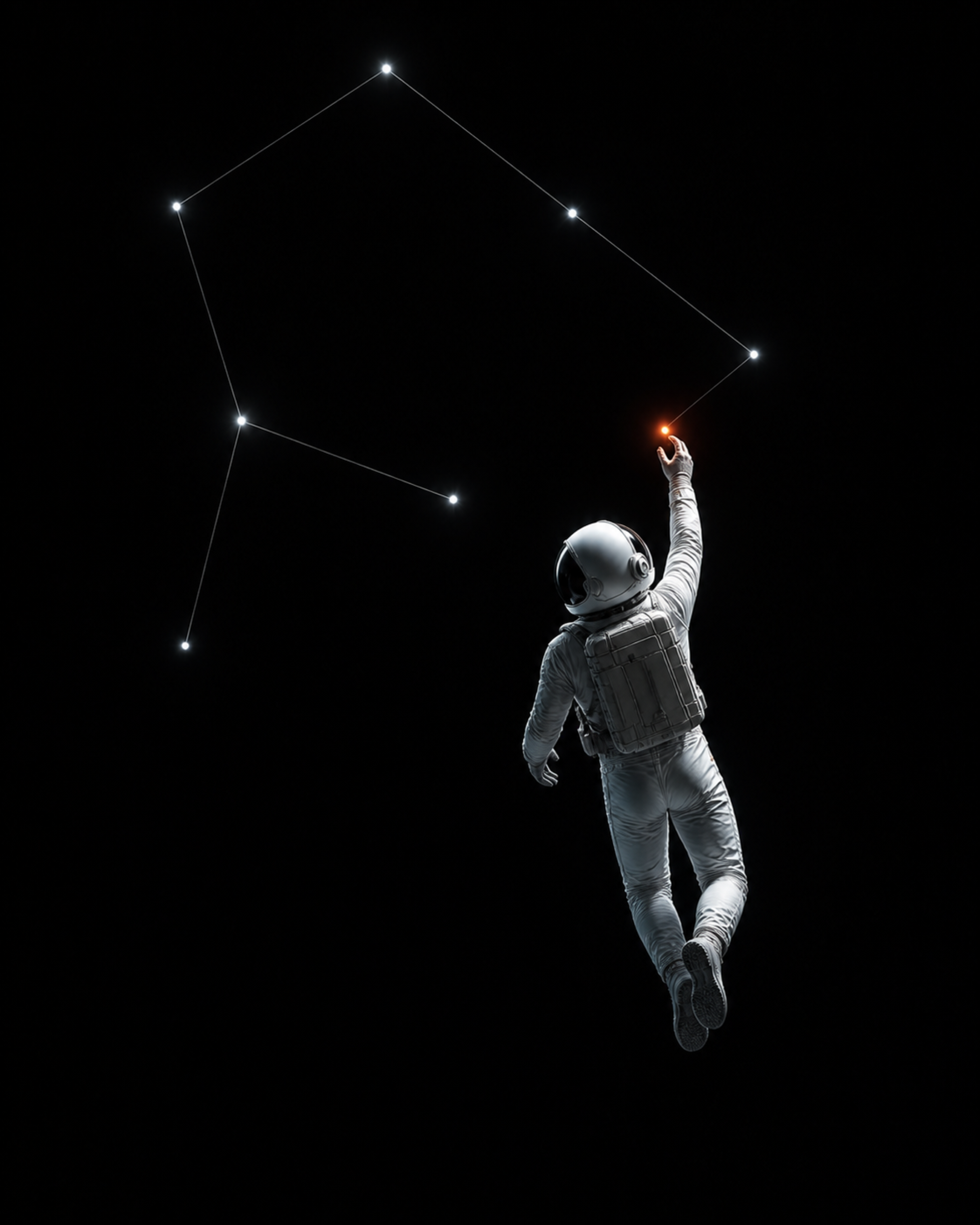
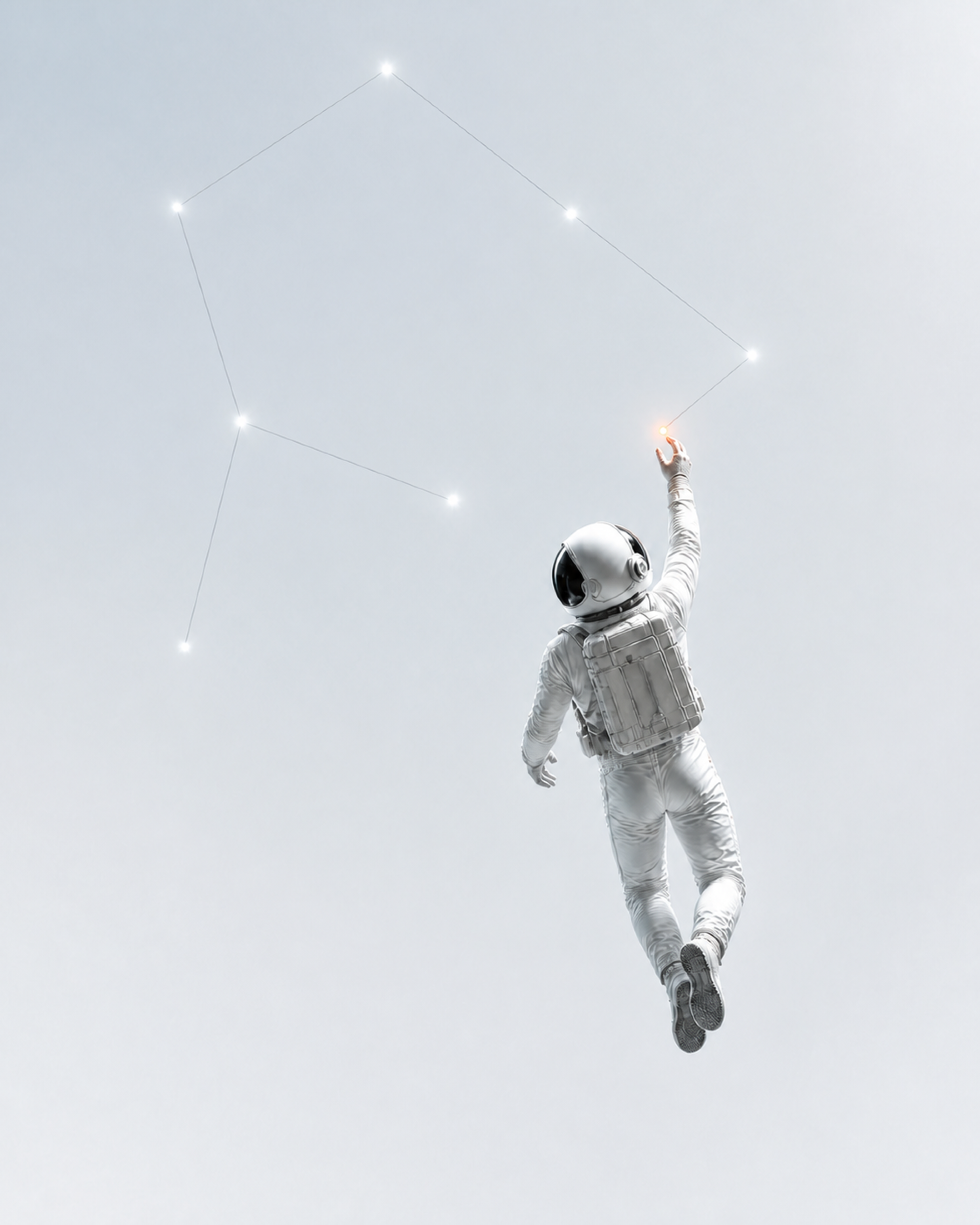
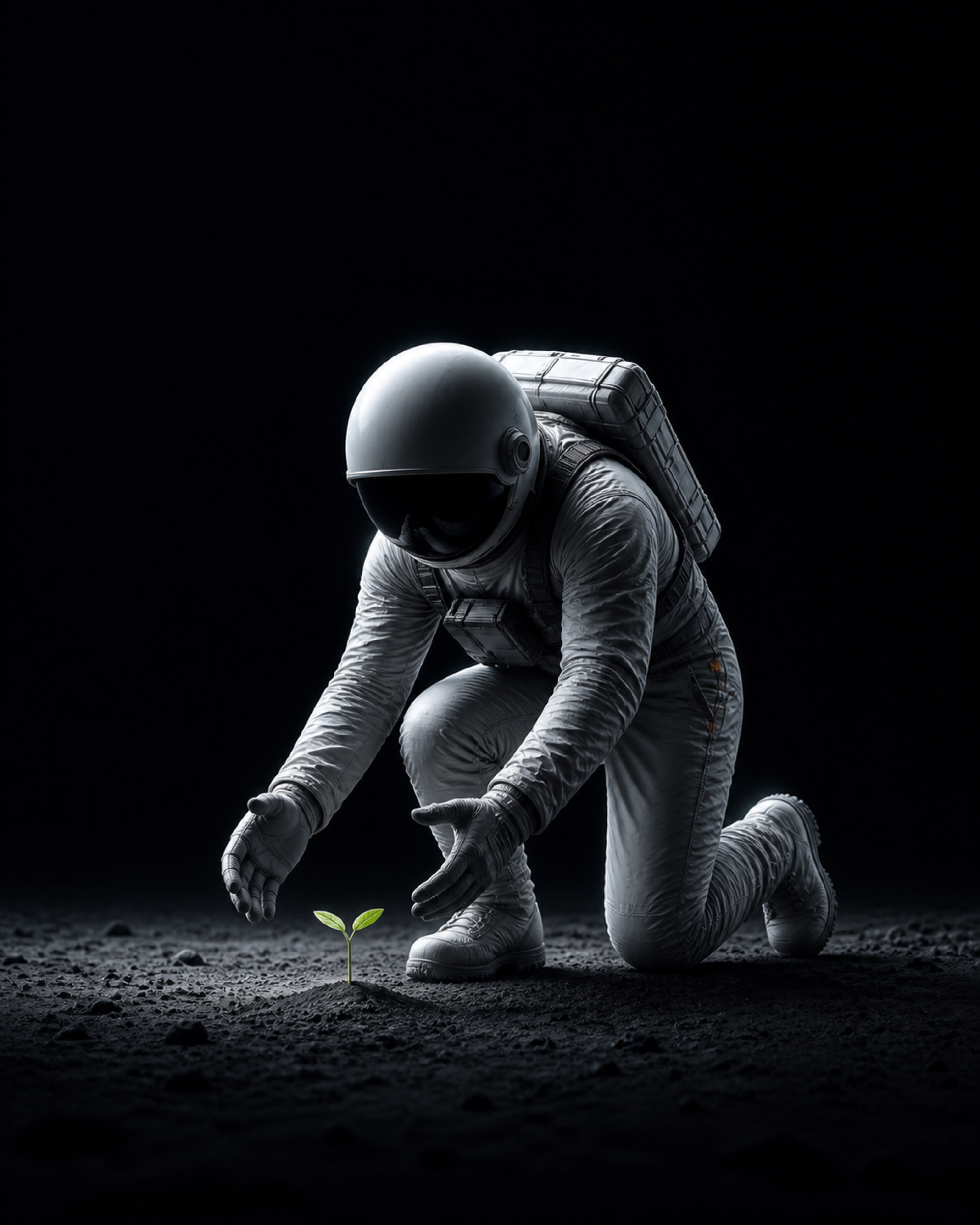
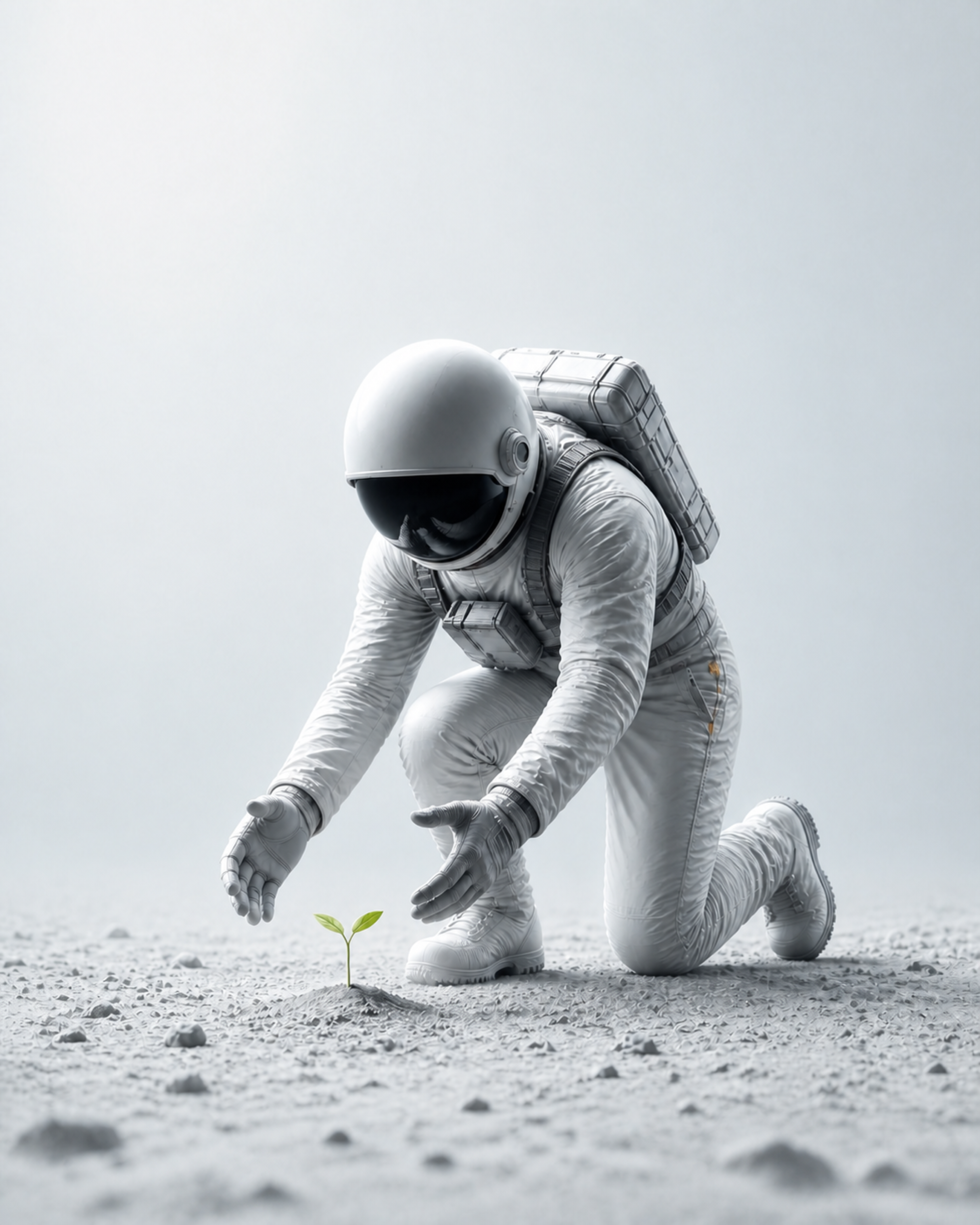
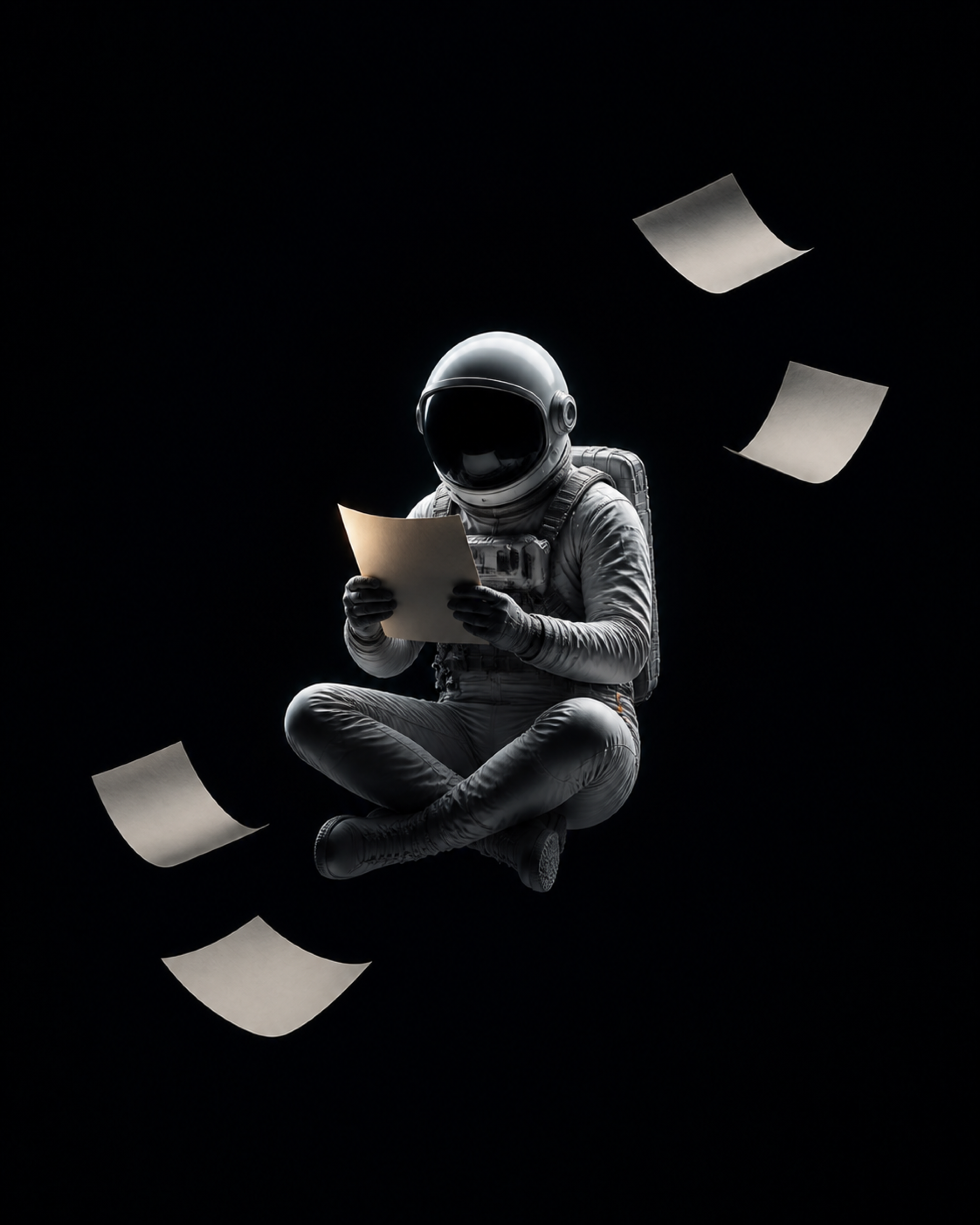
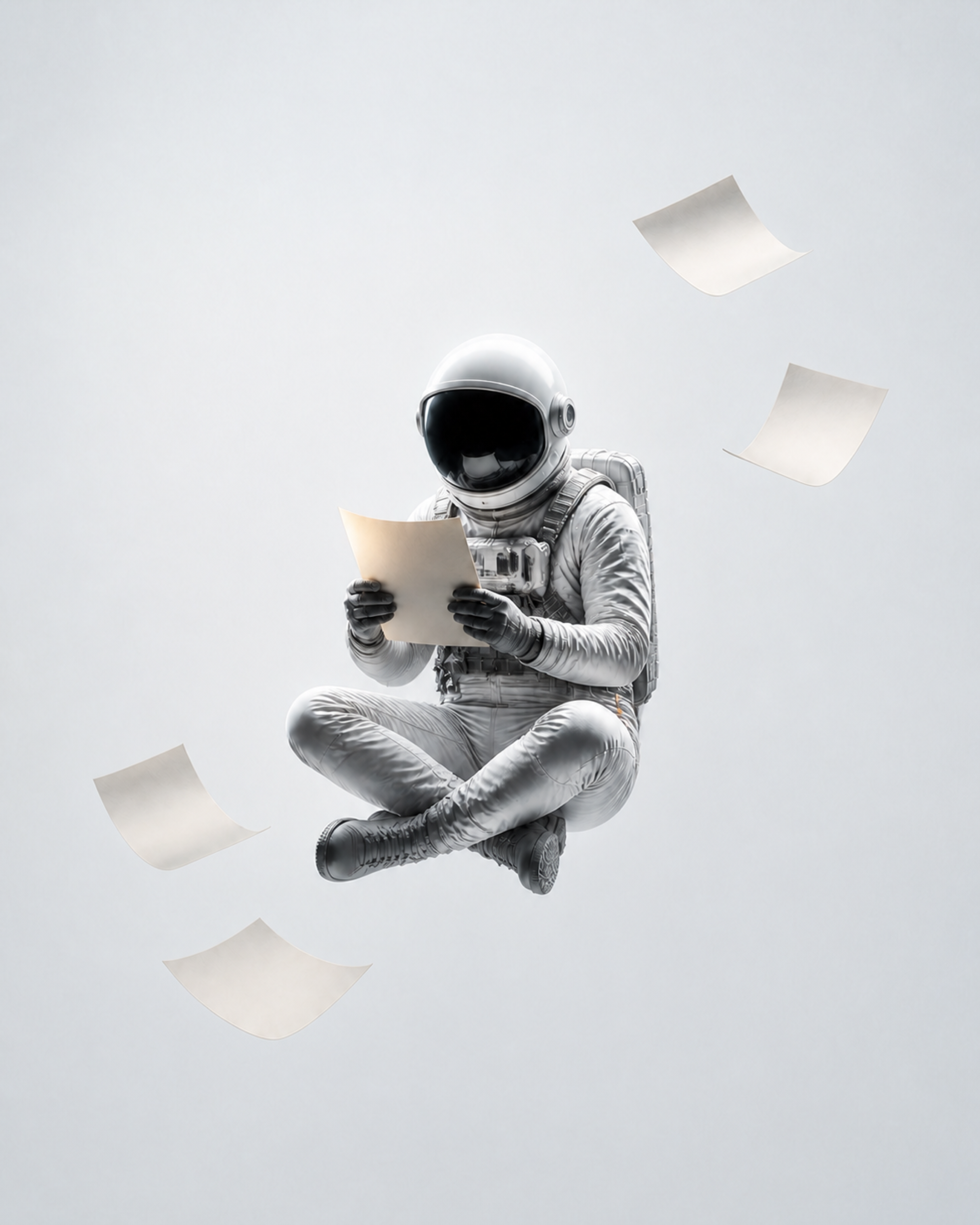
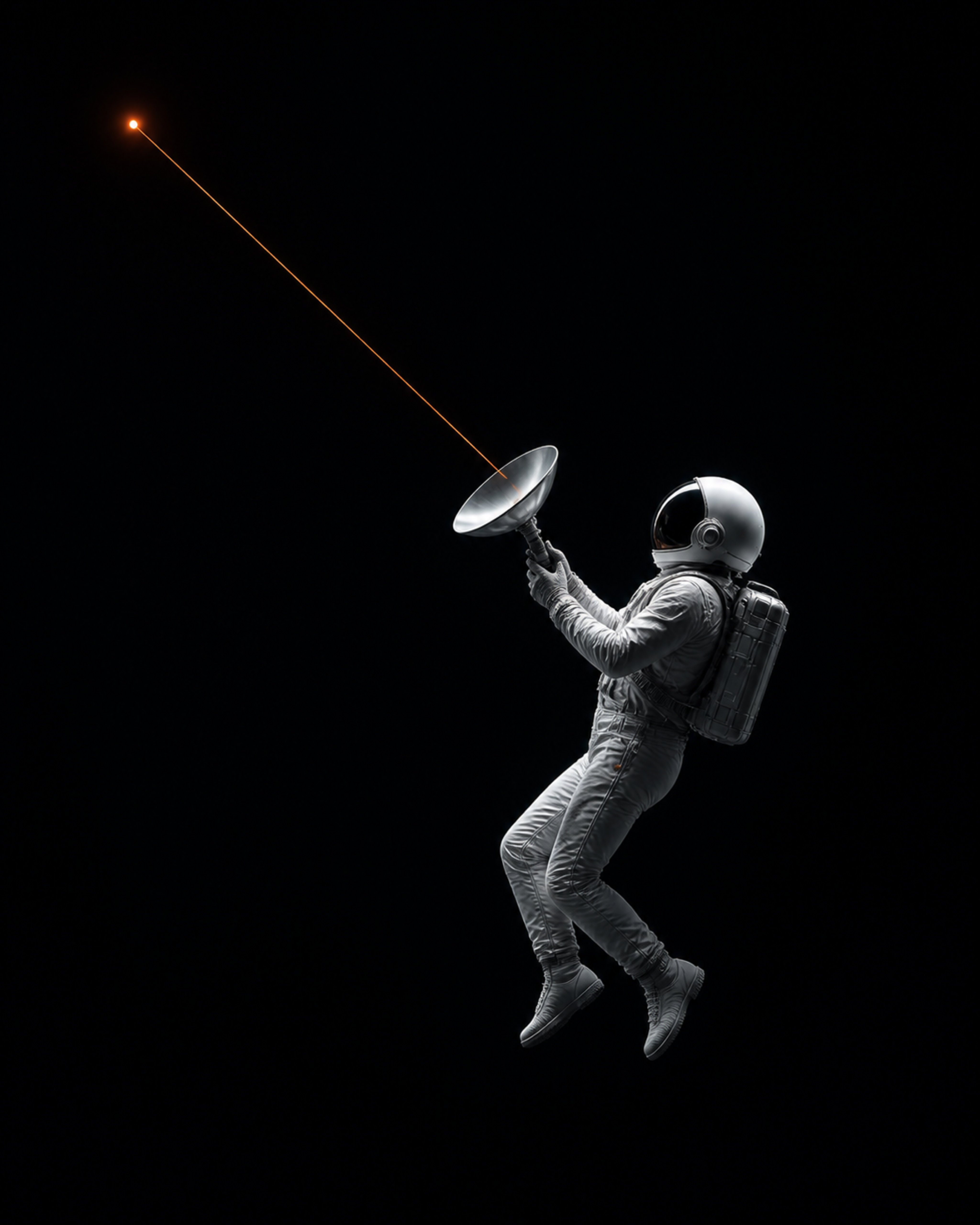
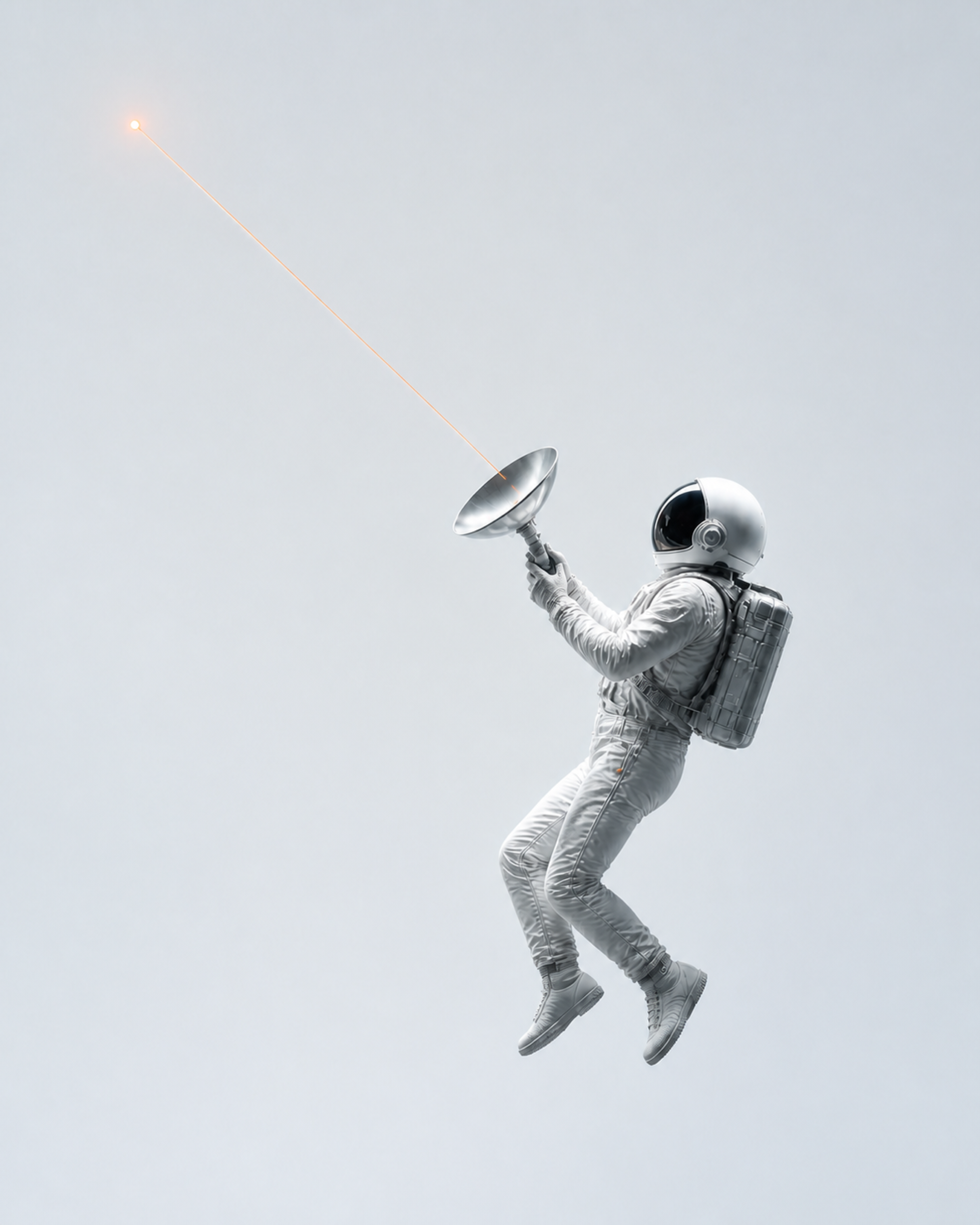
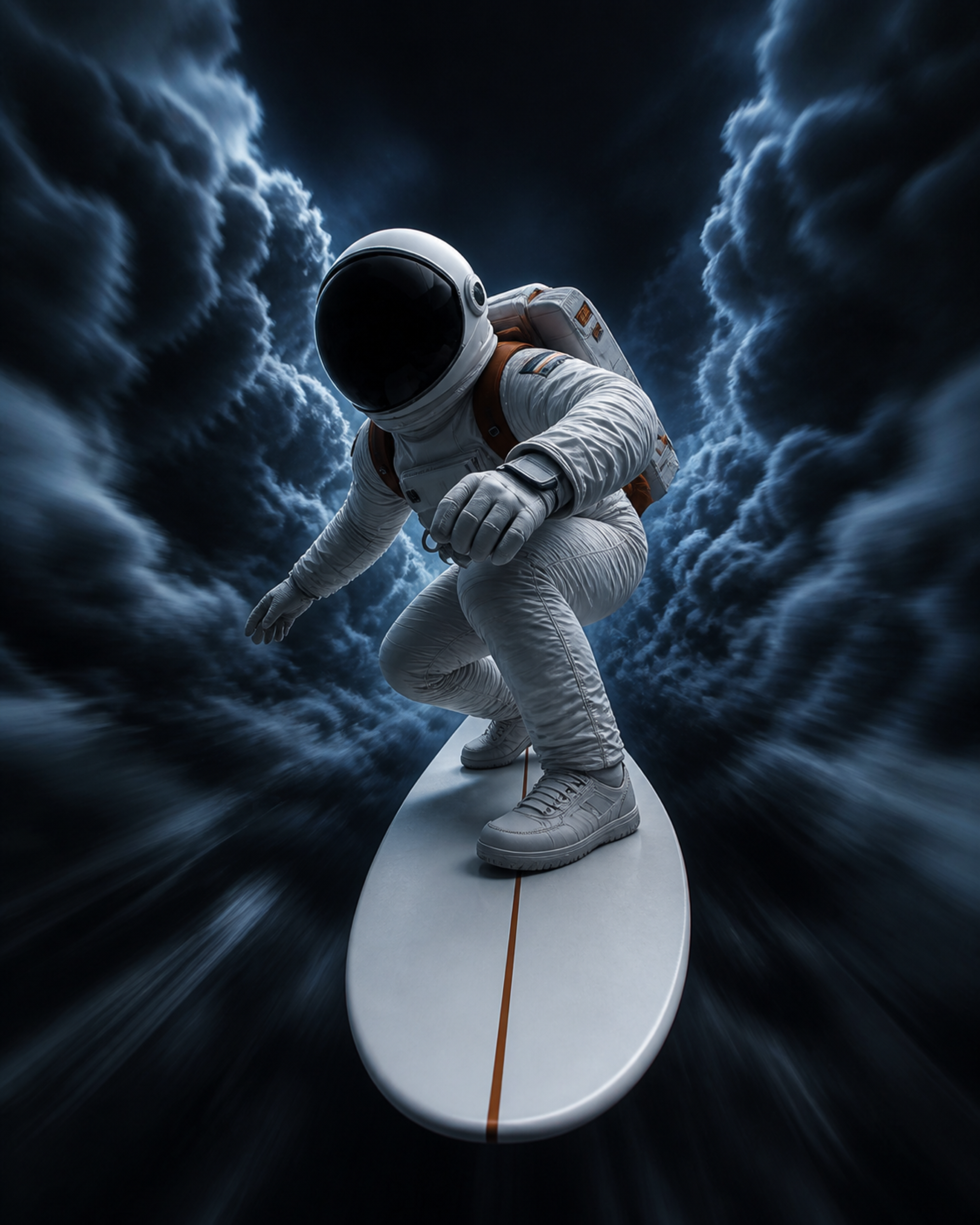
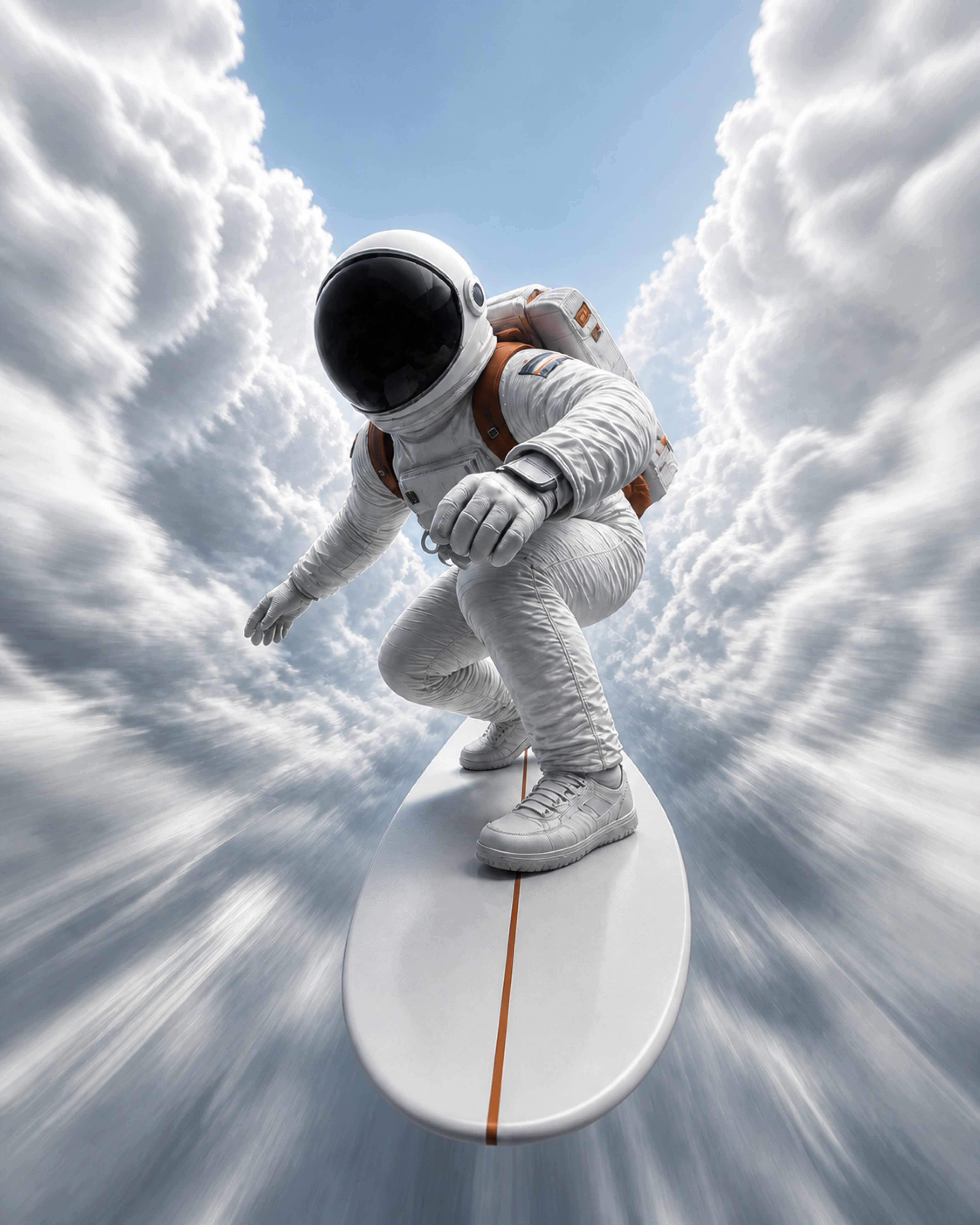
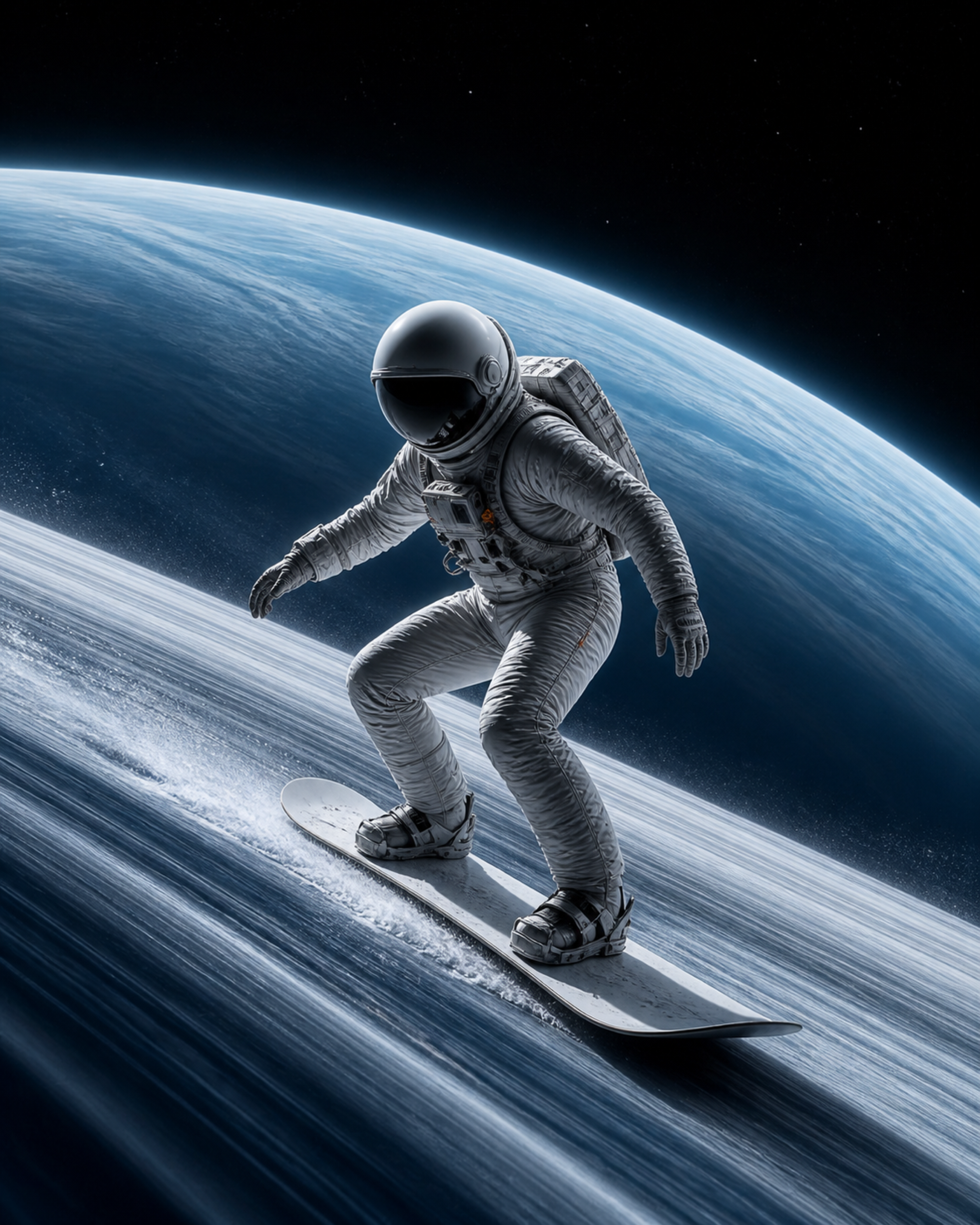
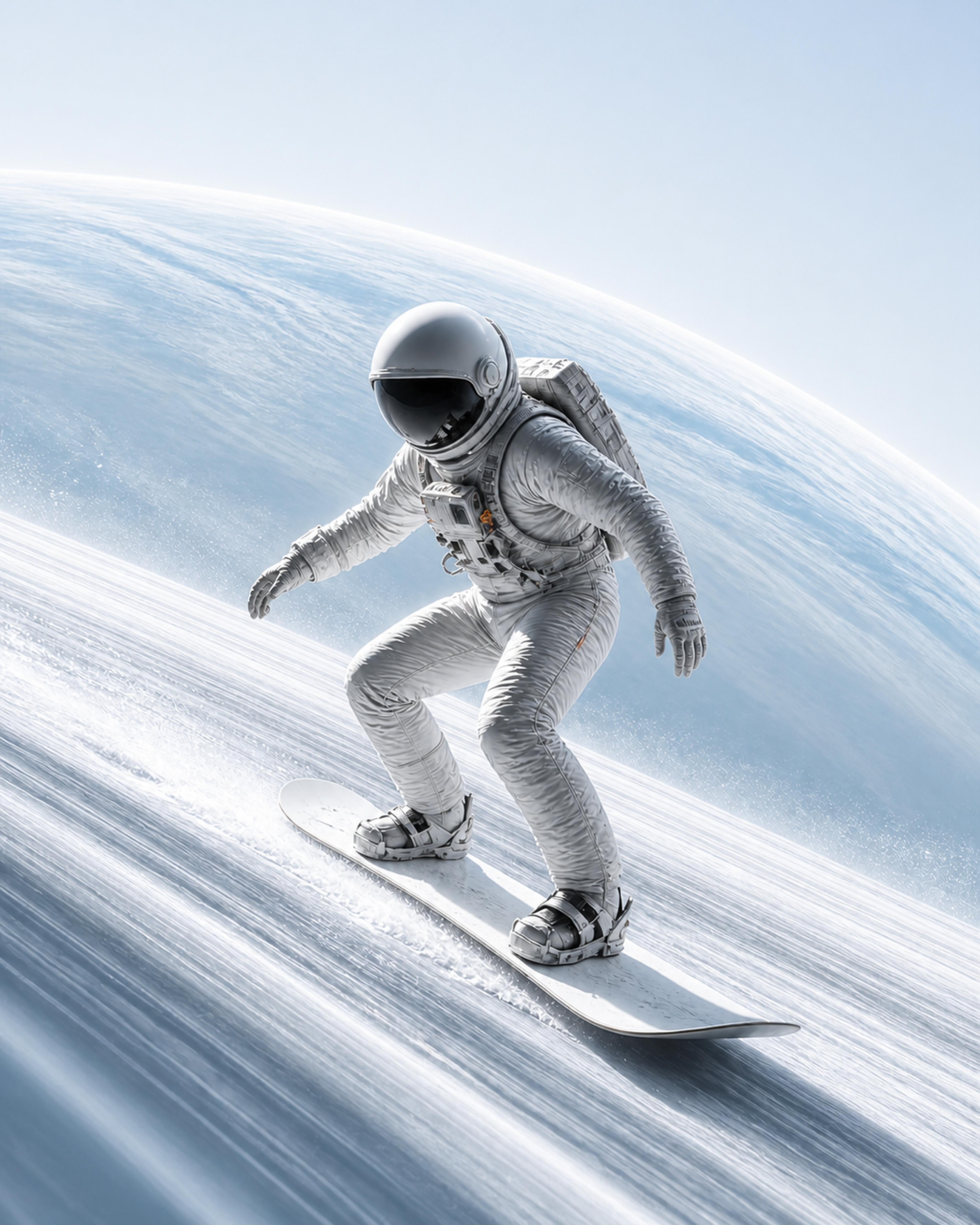
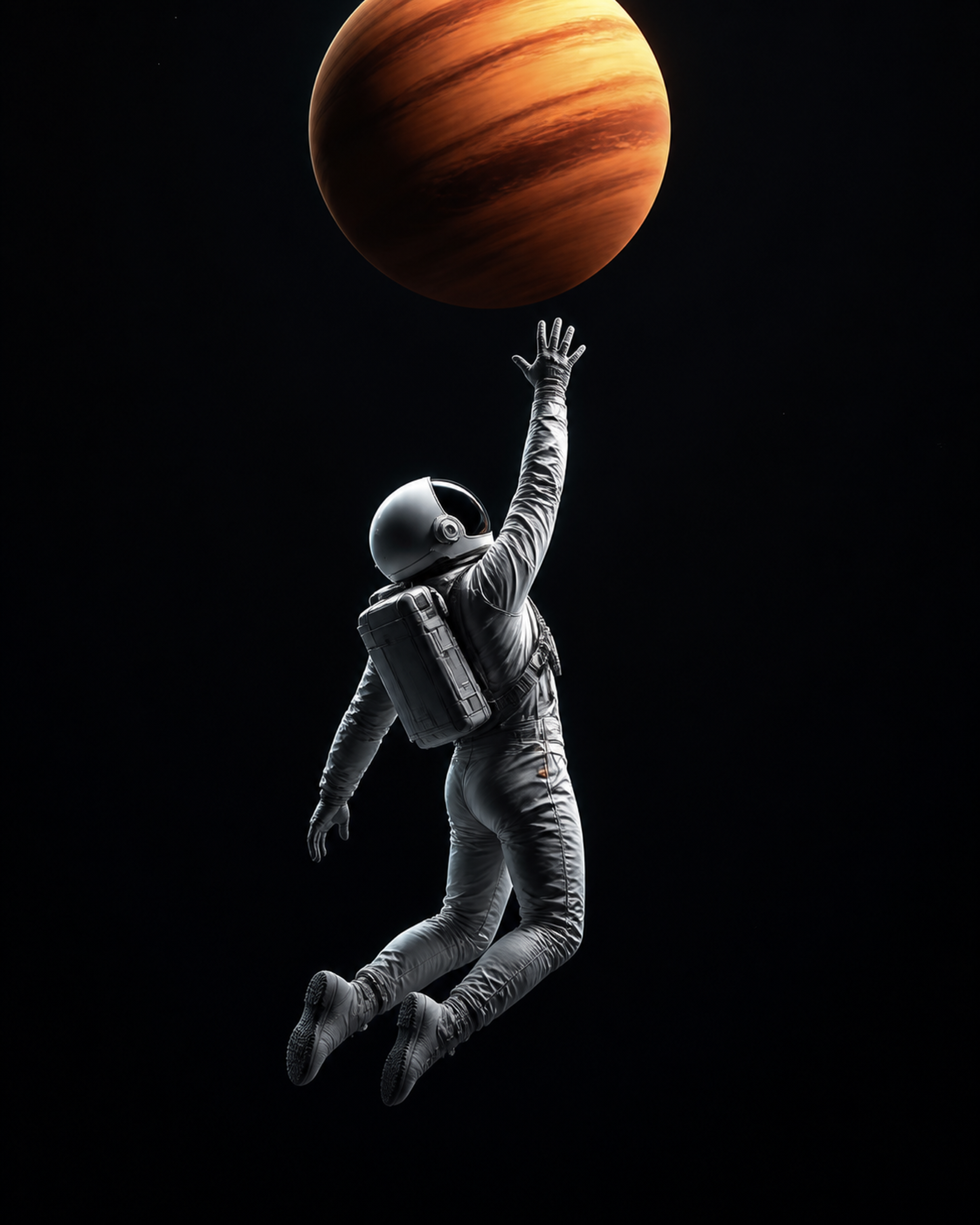
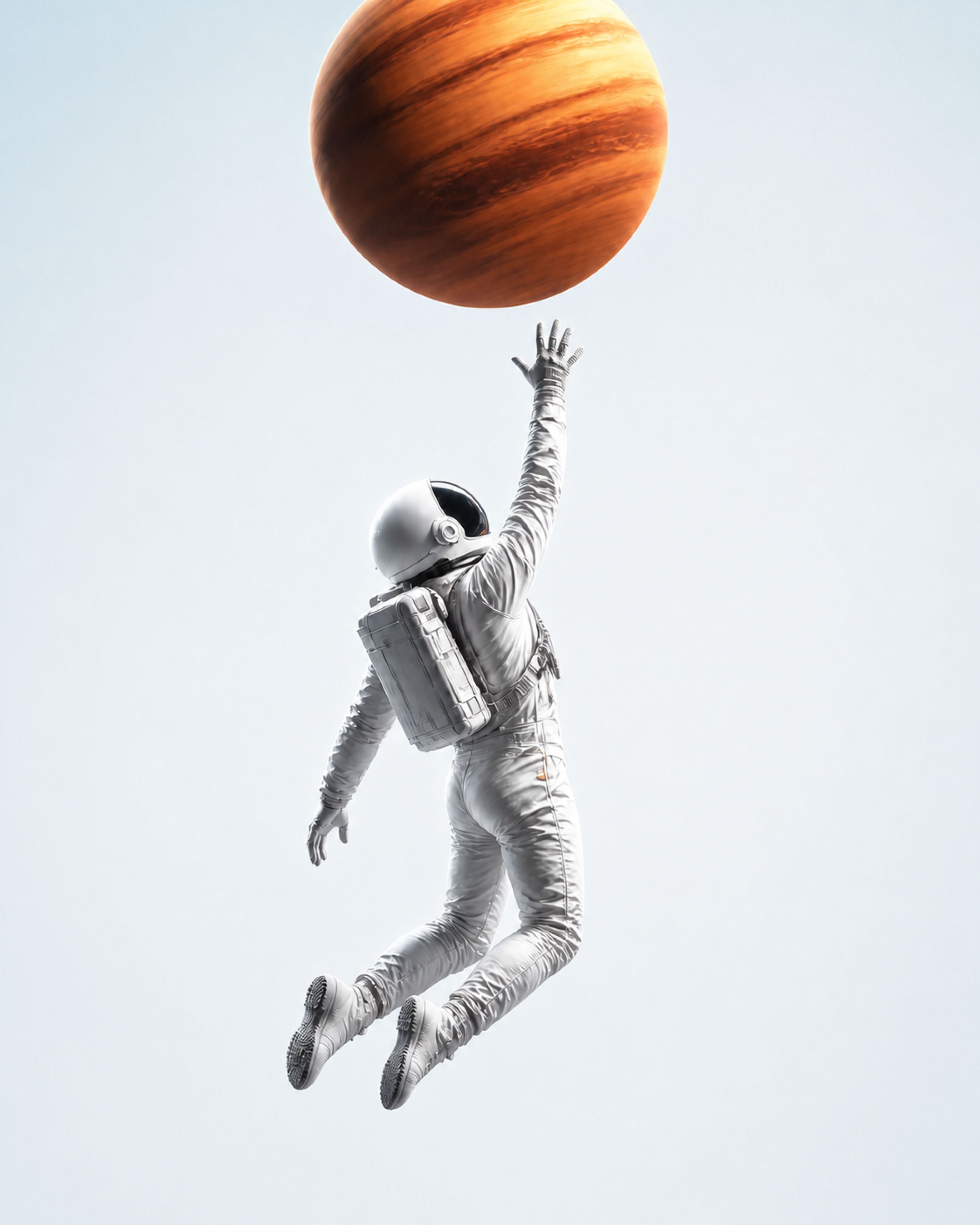
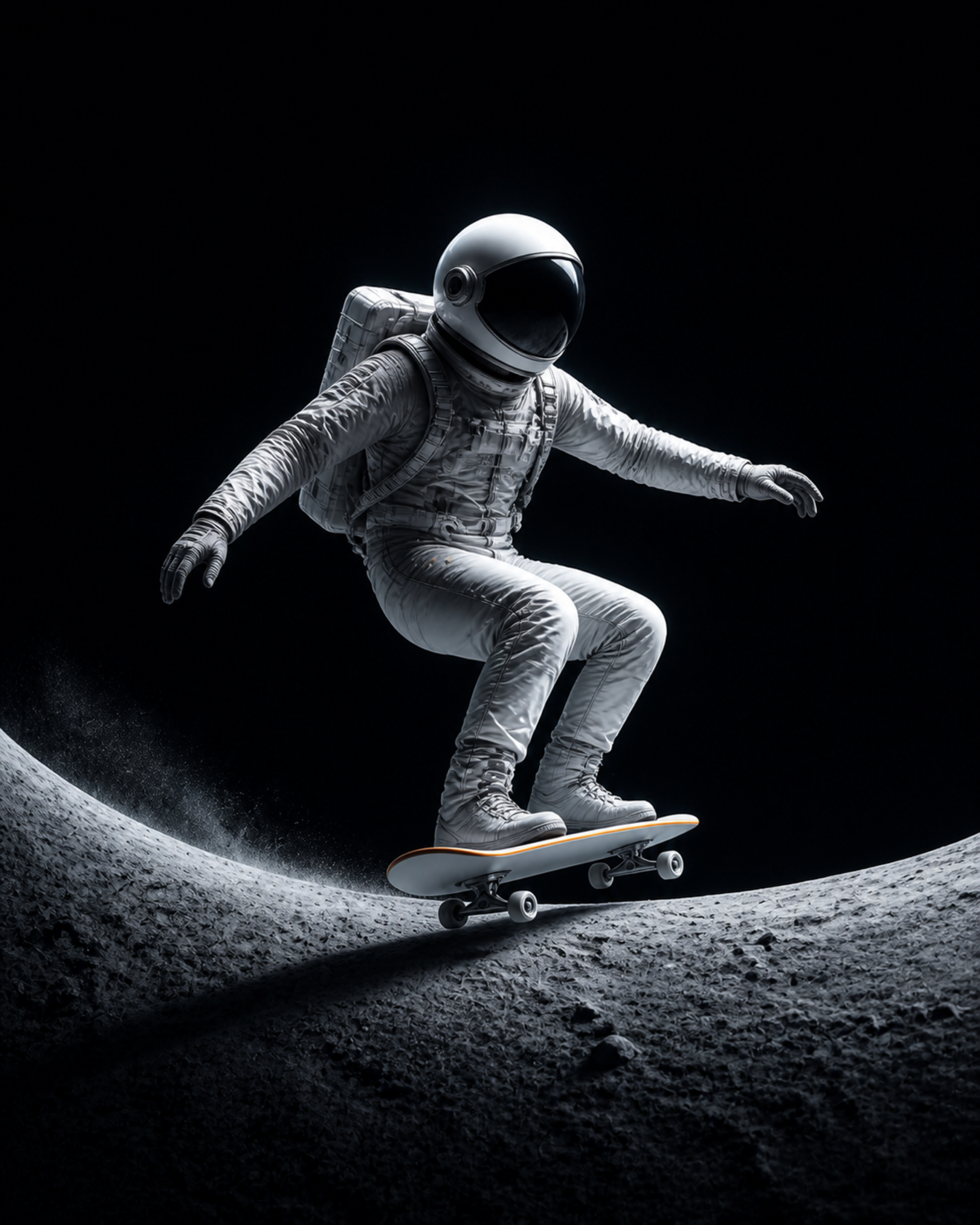
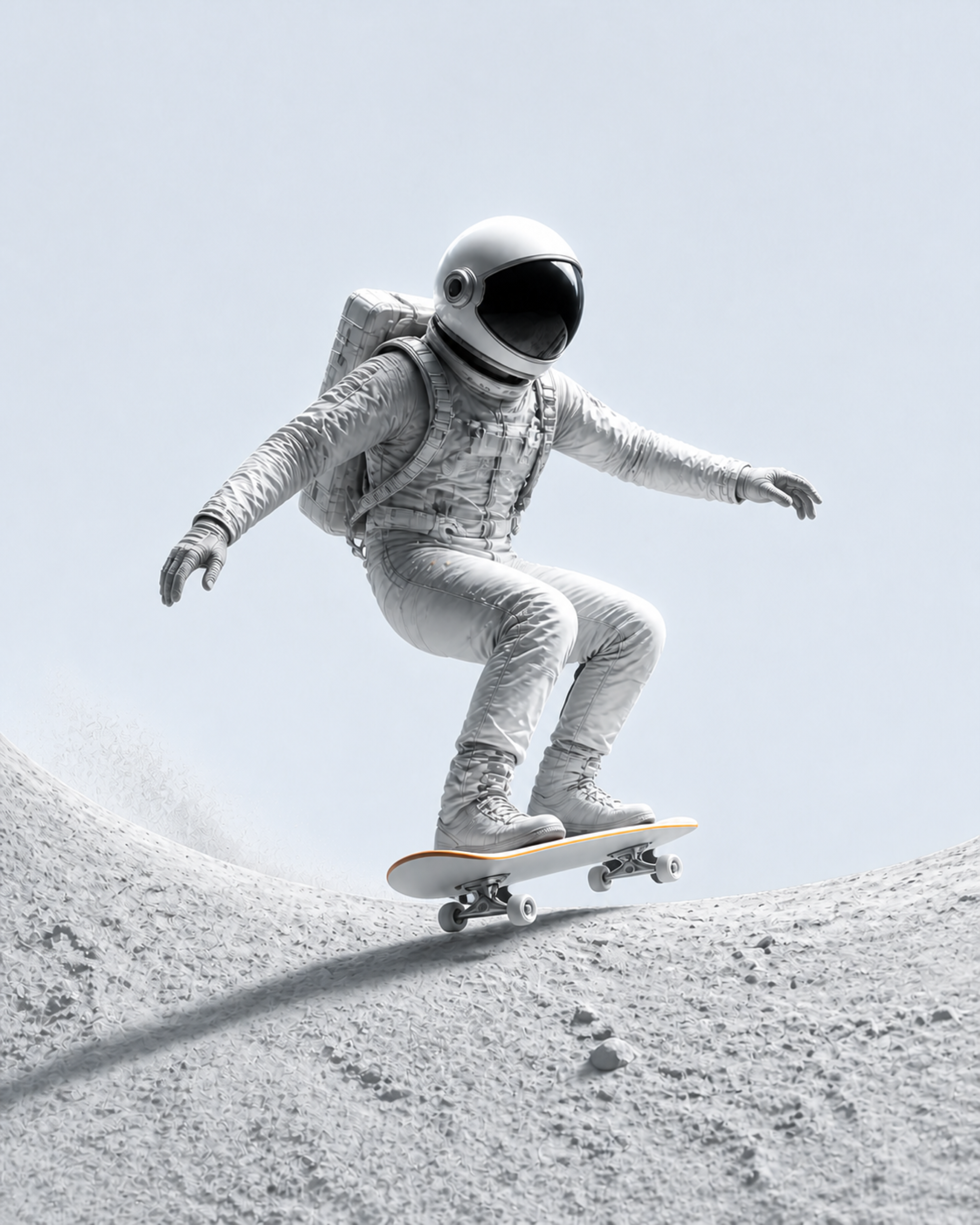
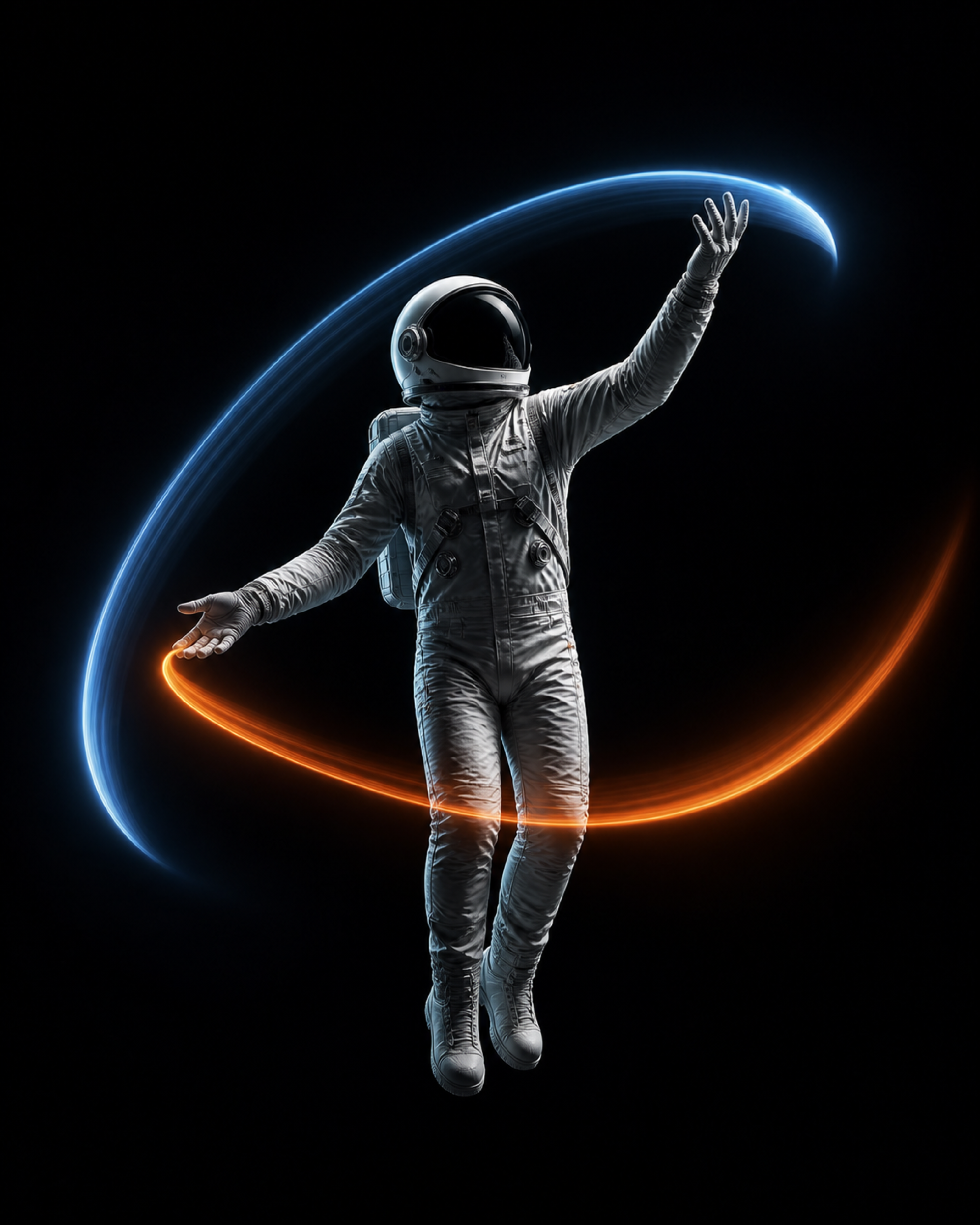
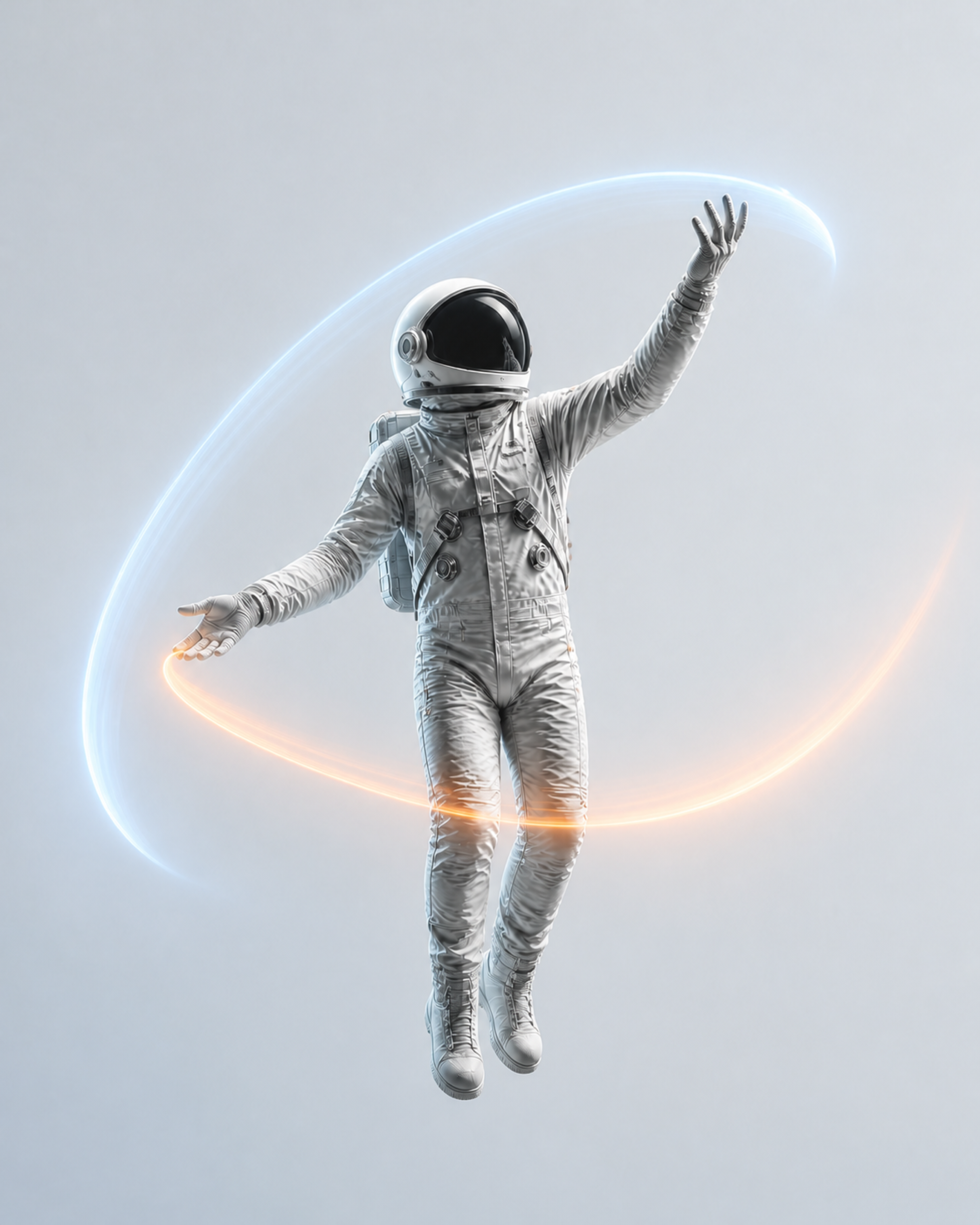
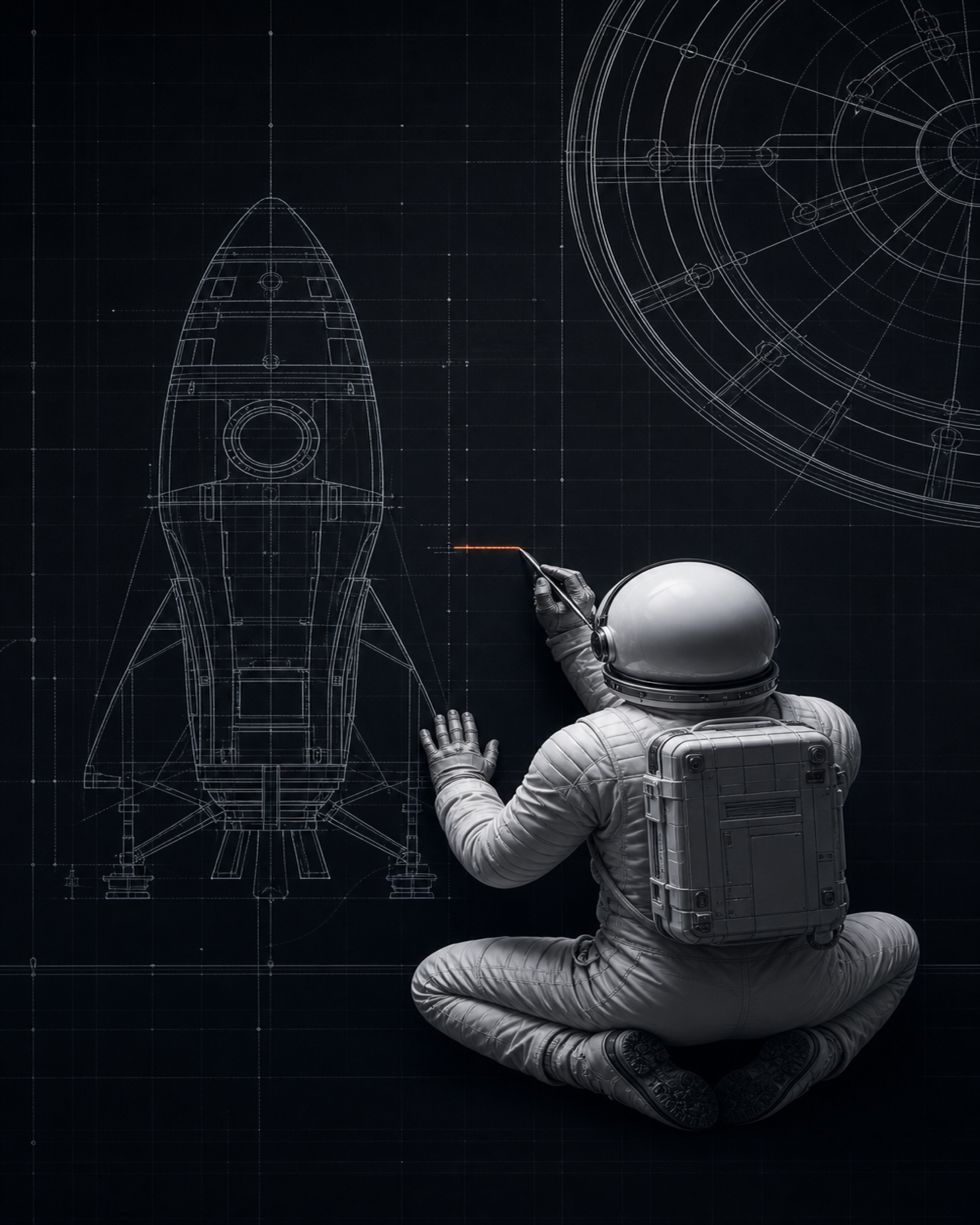
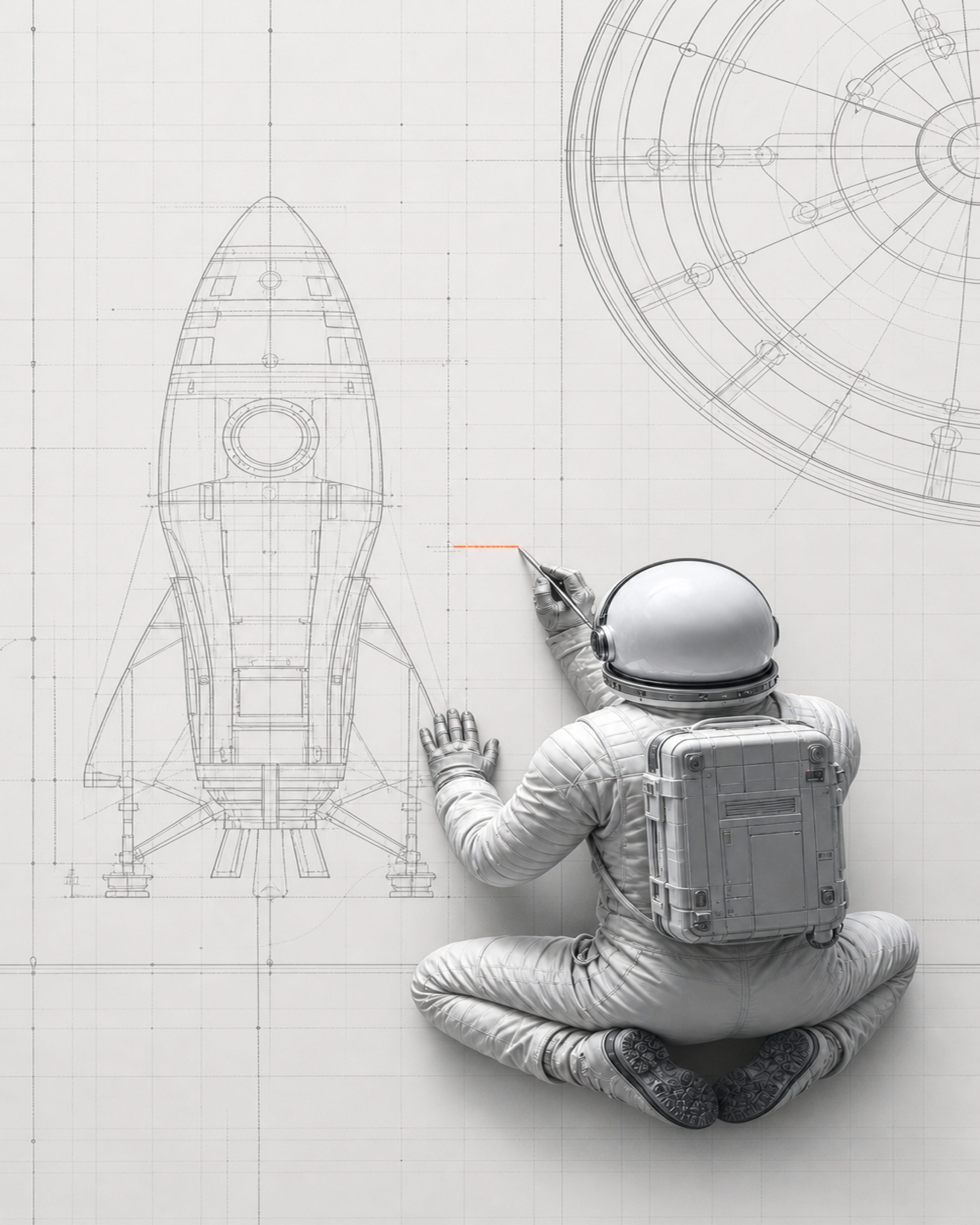
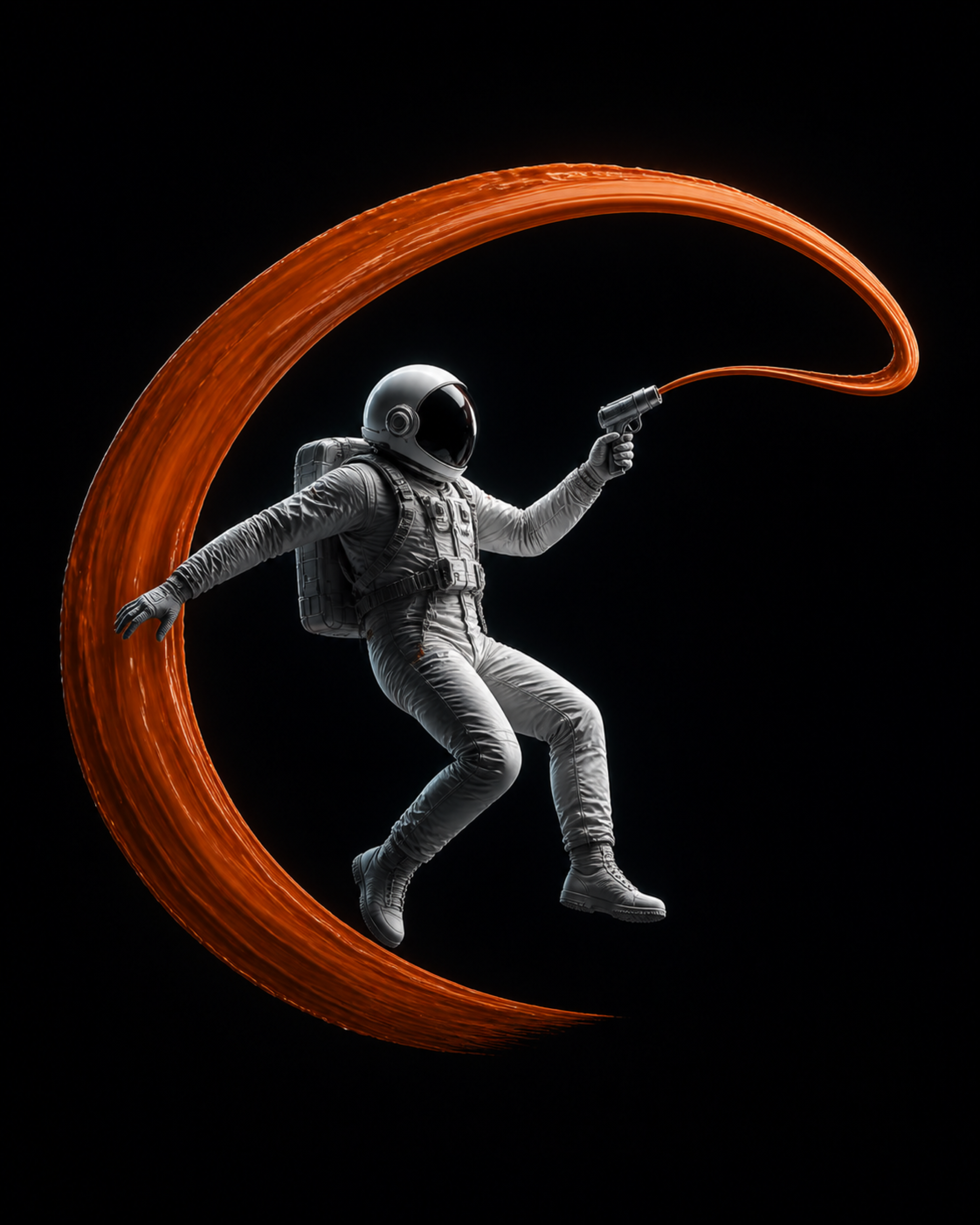
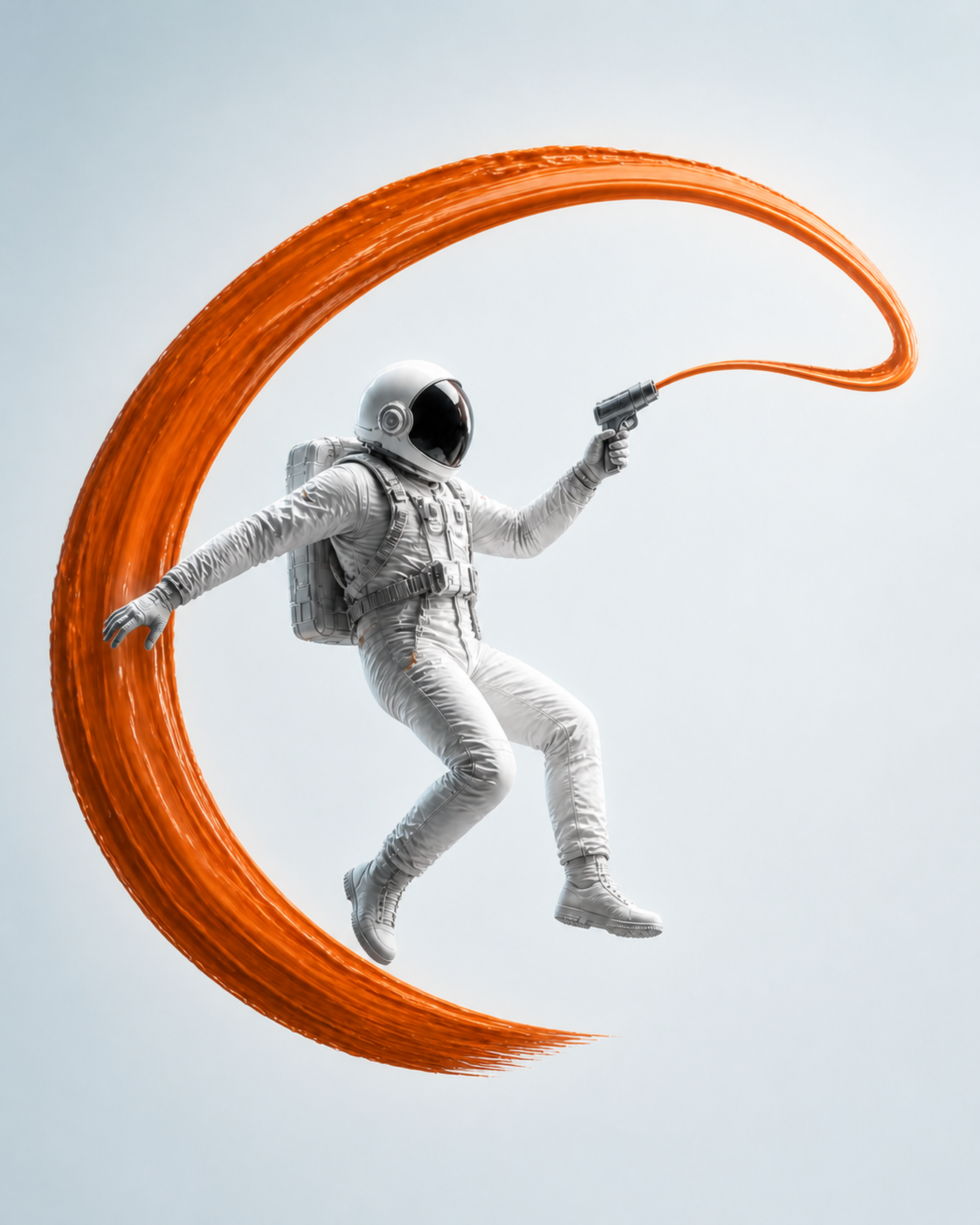
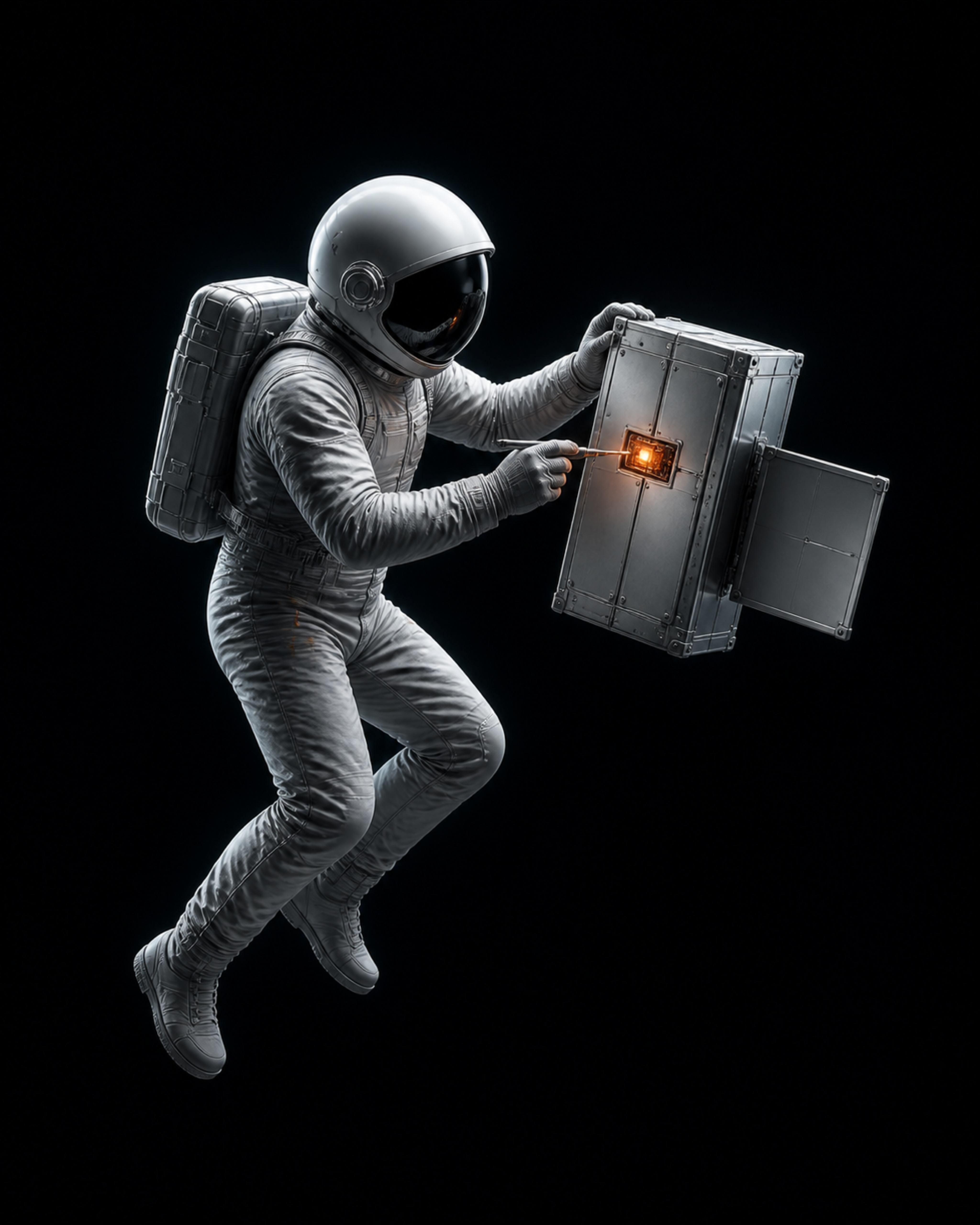
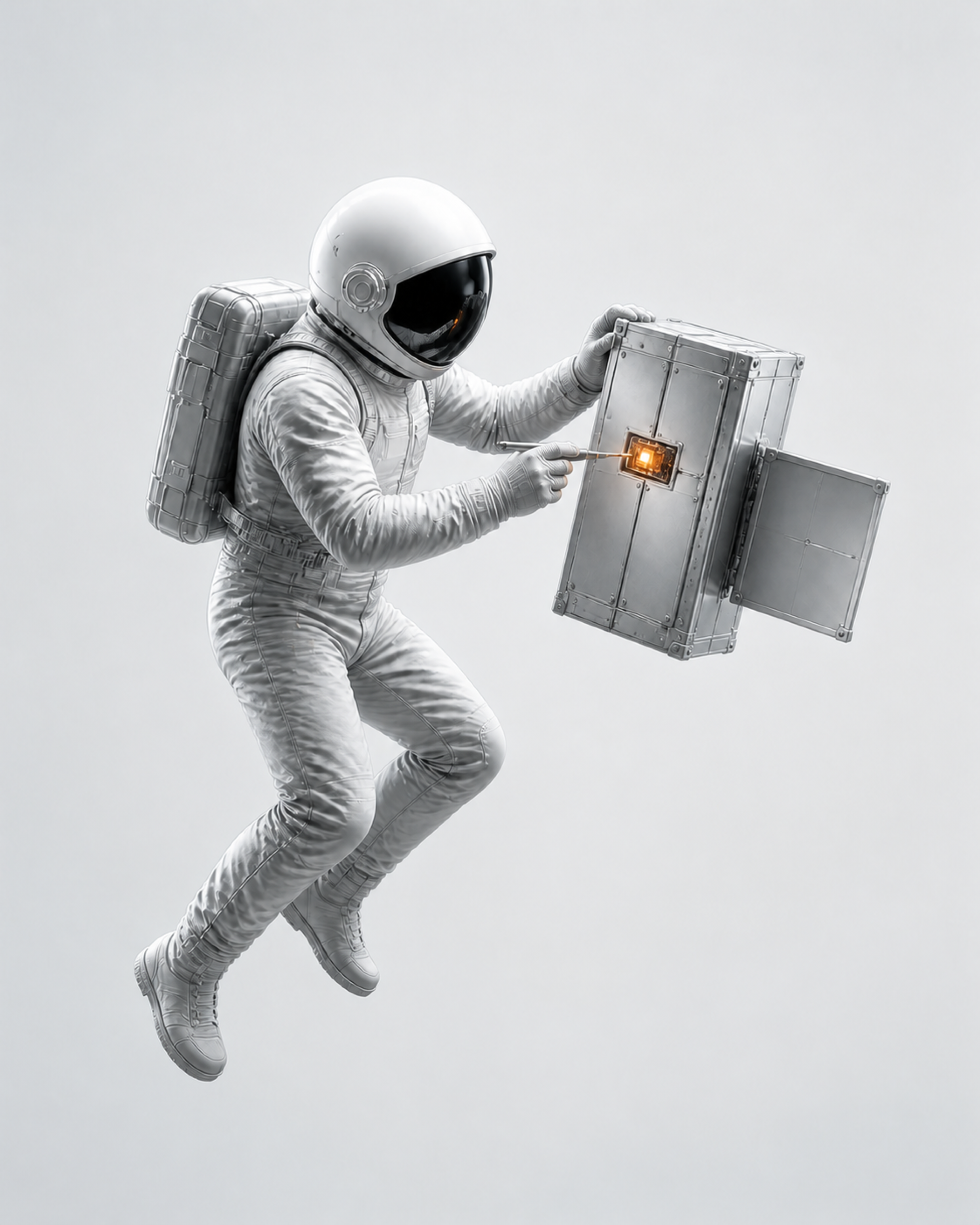
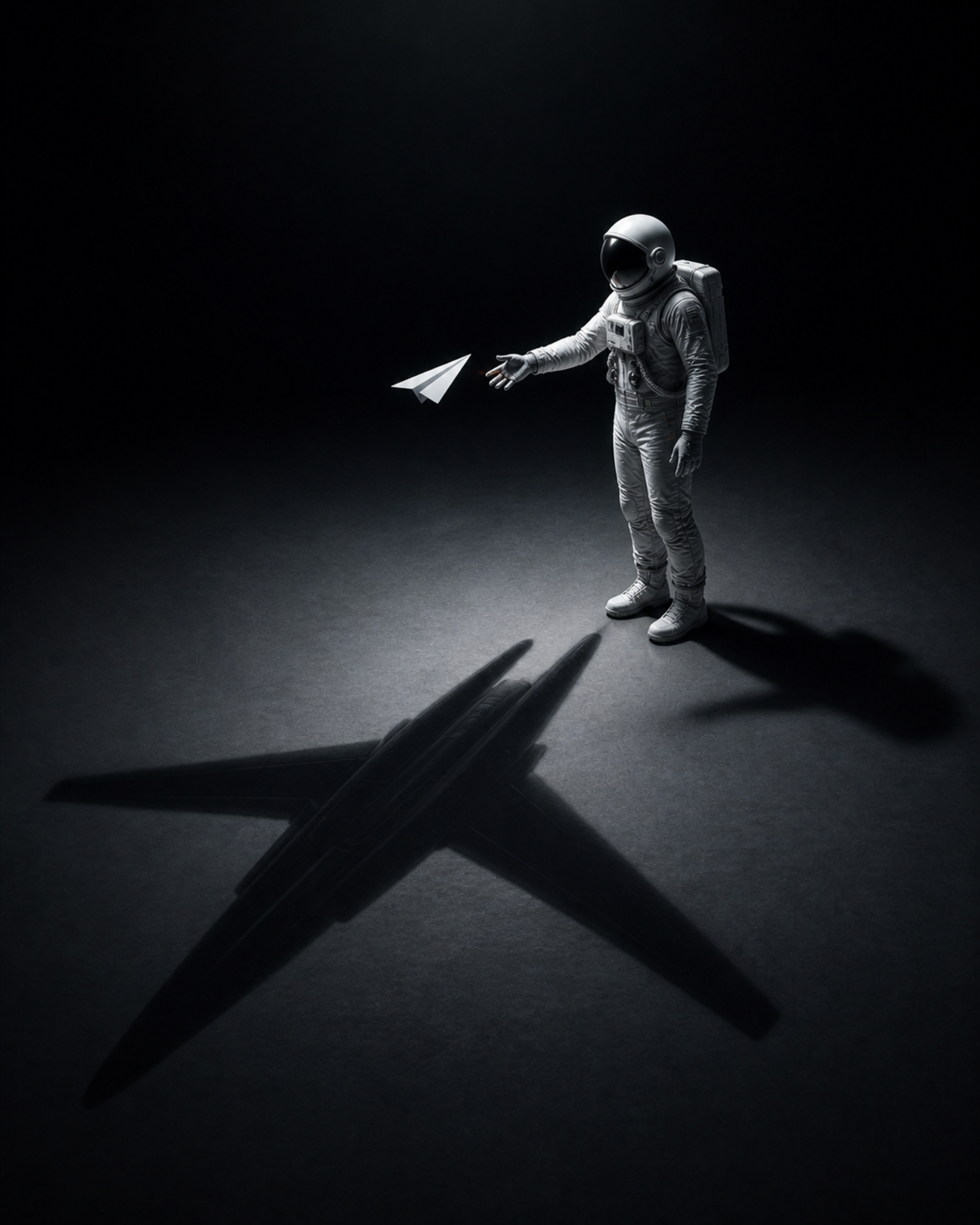
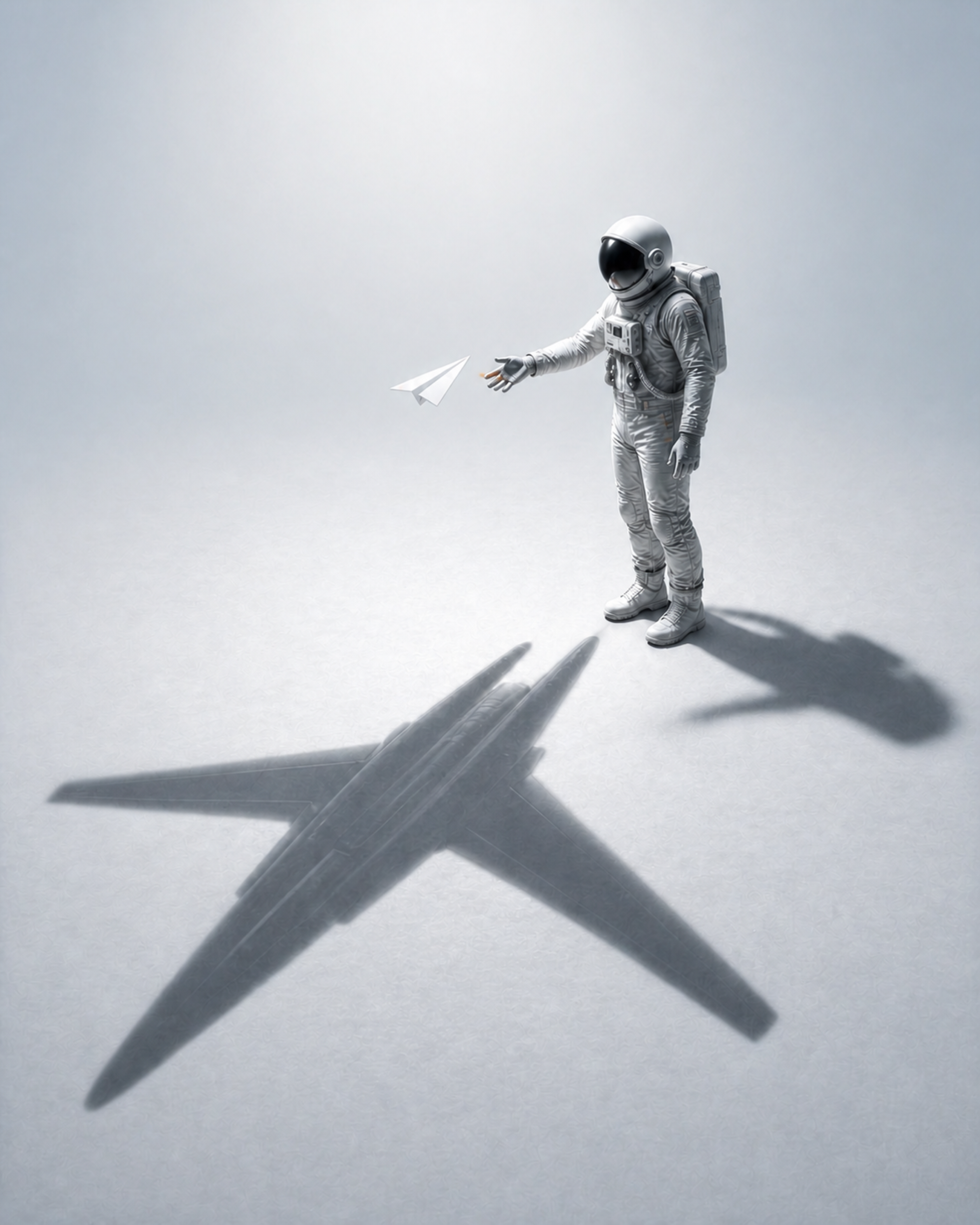
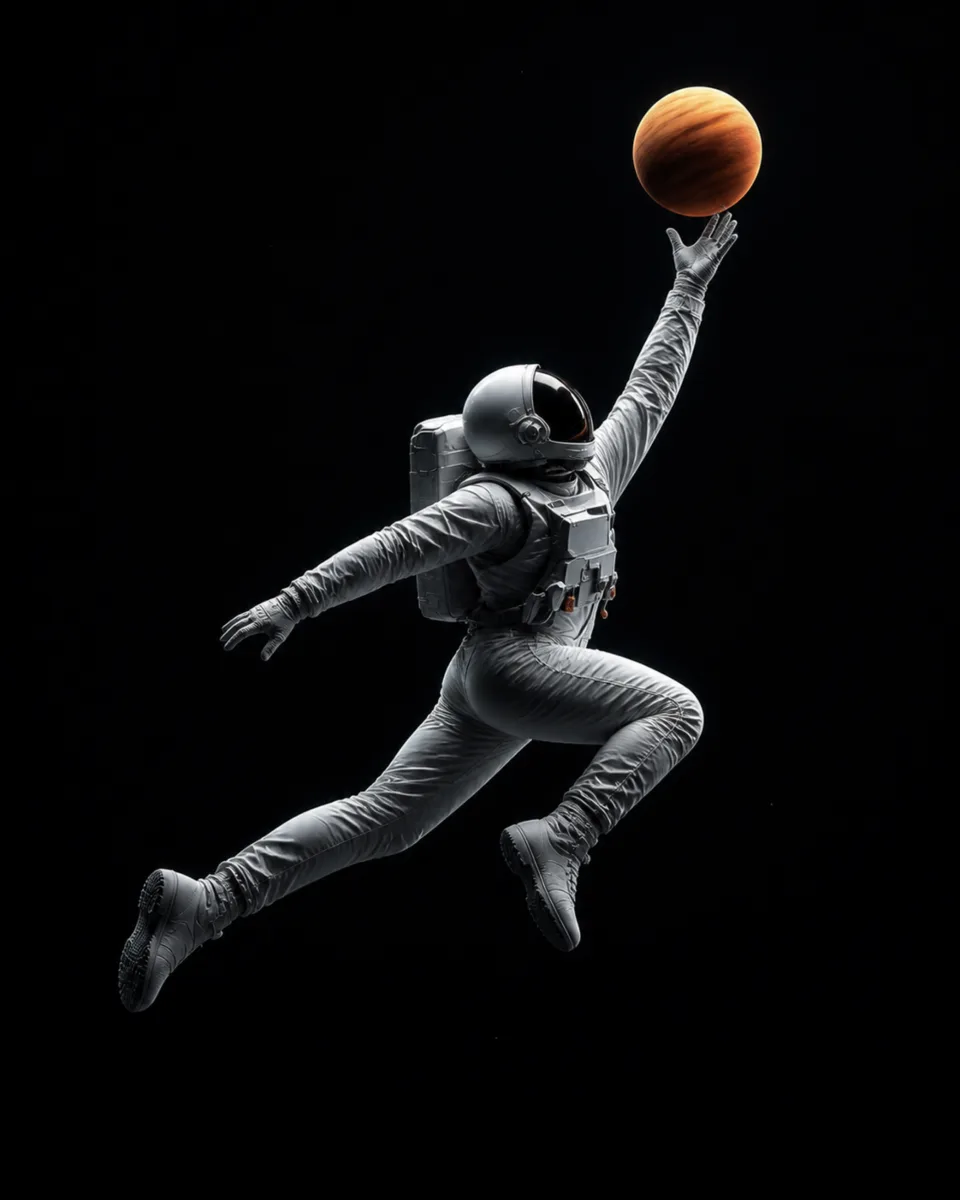
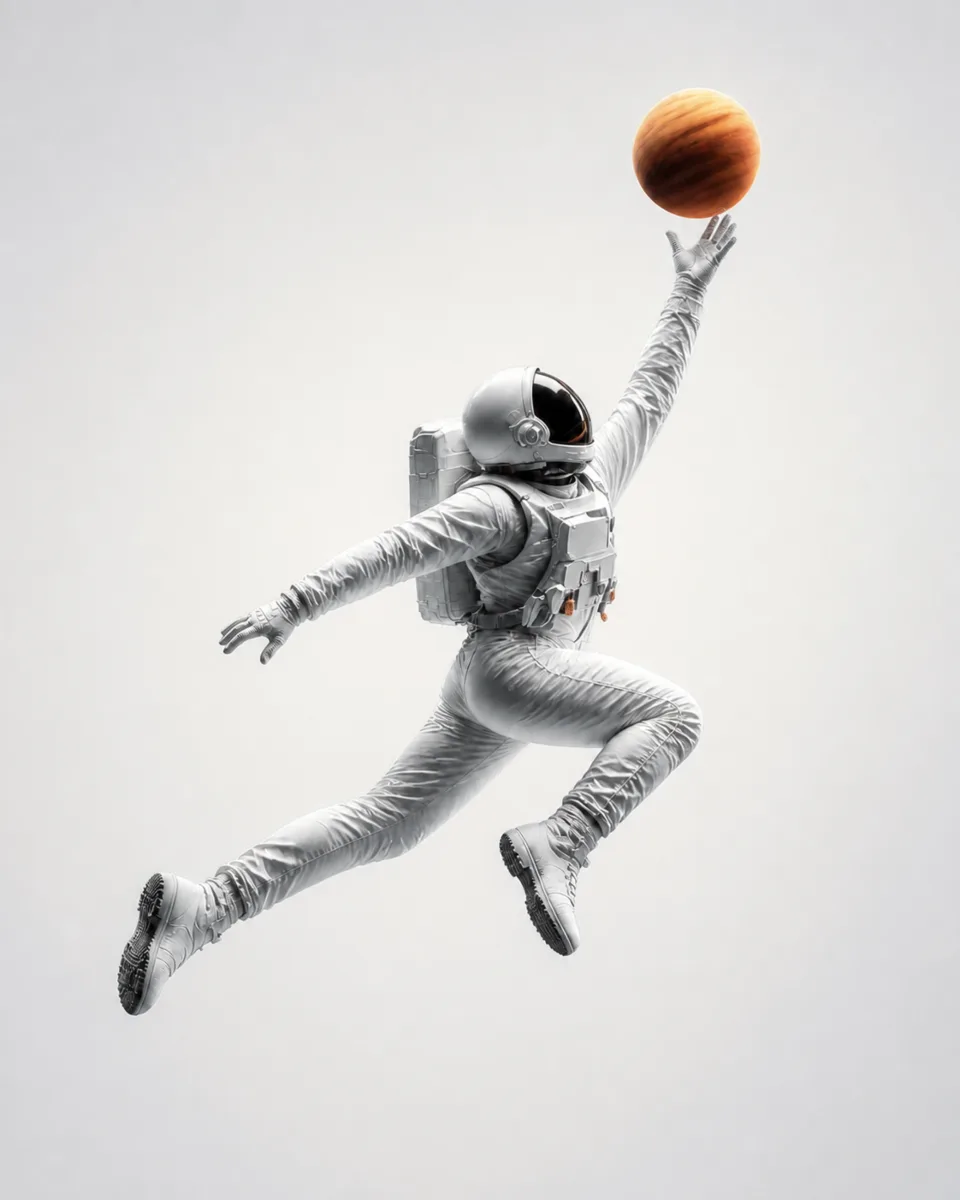
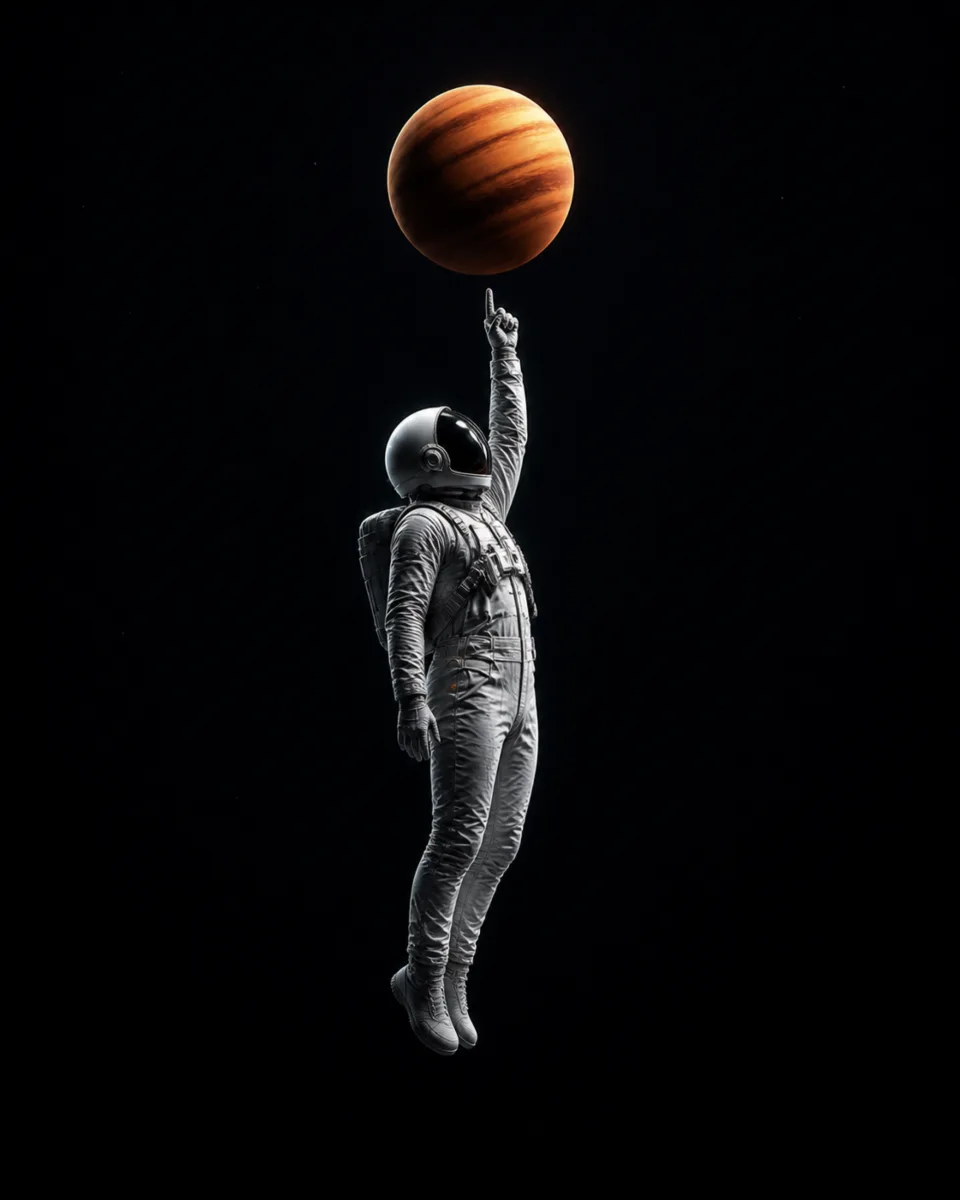
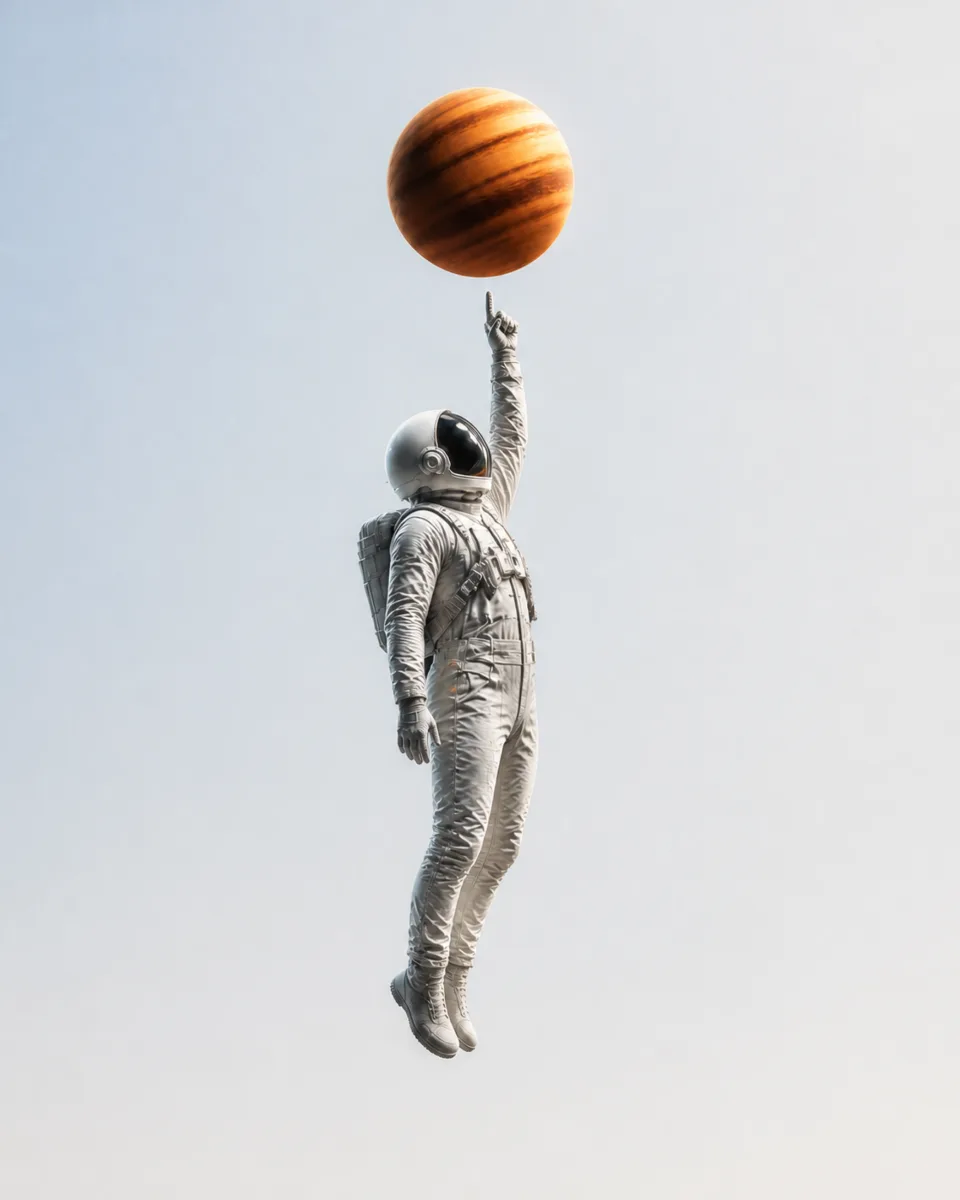
One character in 18 scenes, each drawn twice with the same pose, crop and prop, so an image follows your theme without moving. Free to download and use in any project.
18 concepts · 36 PNG images · 4096 × 5120 · every image passed 5 checks
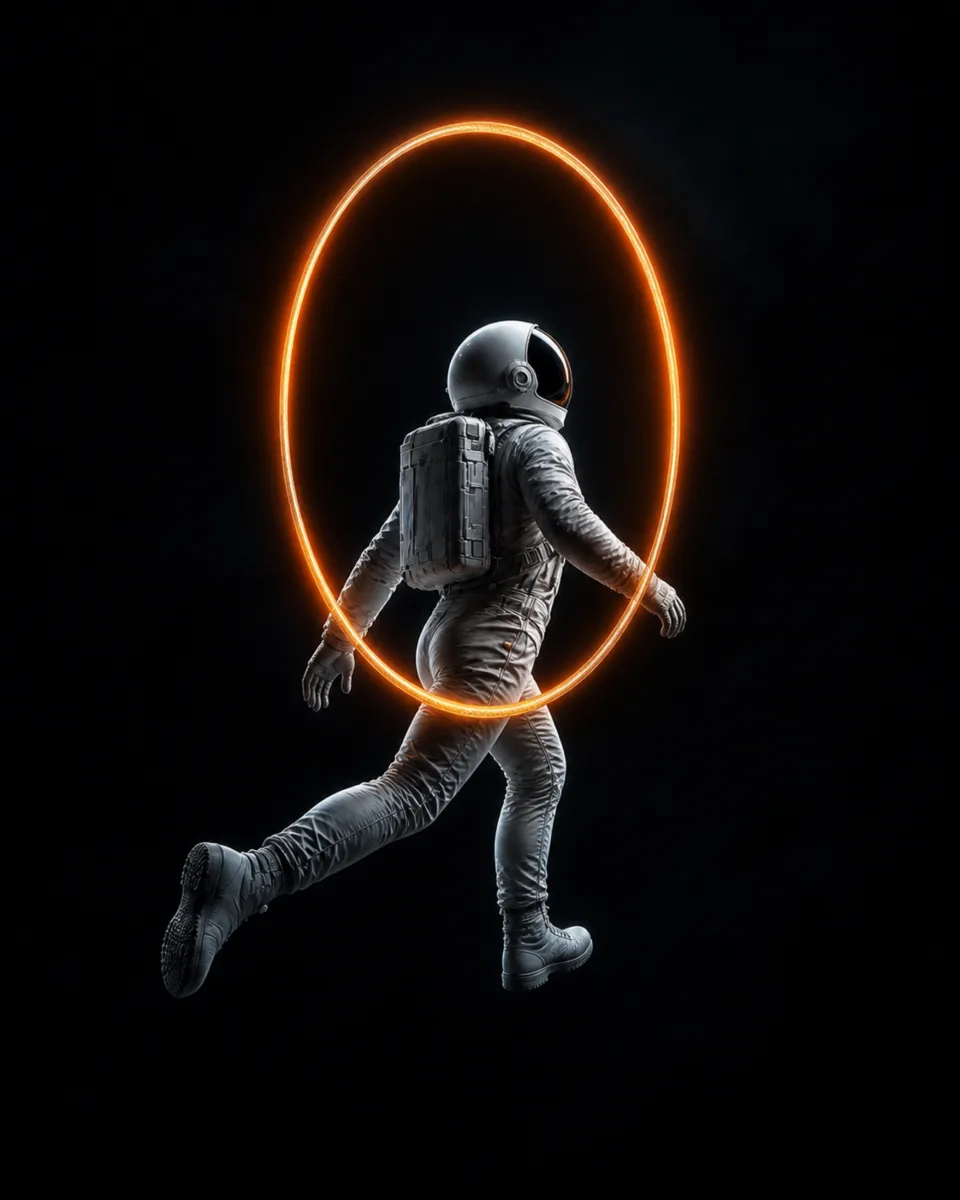
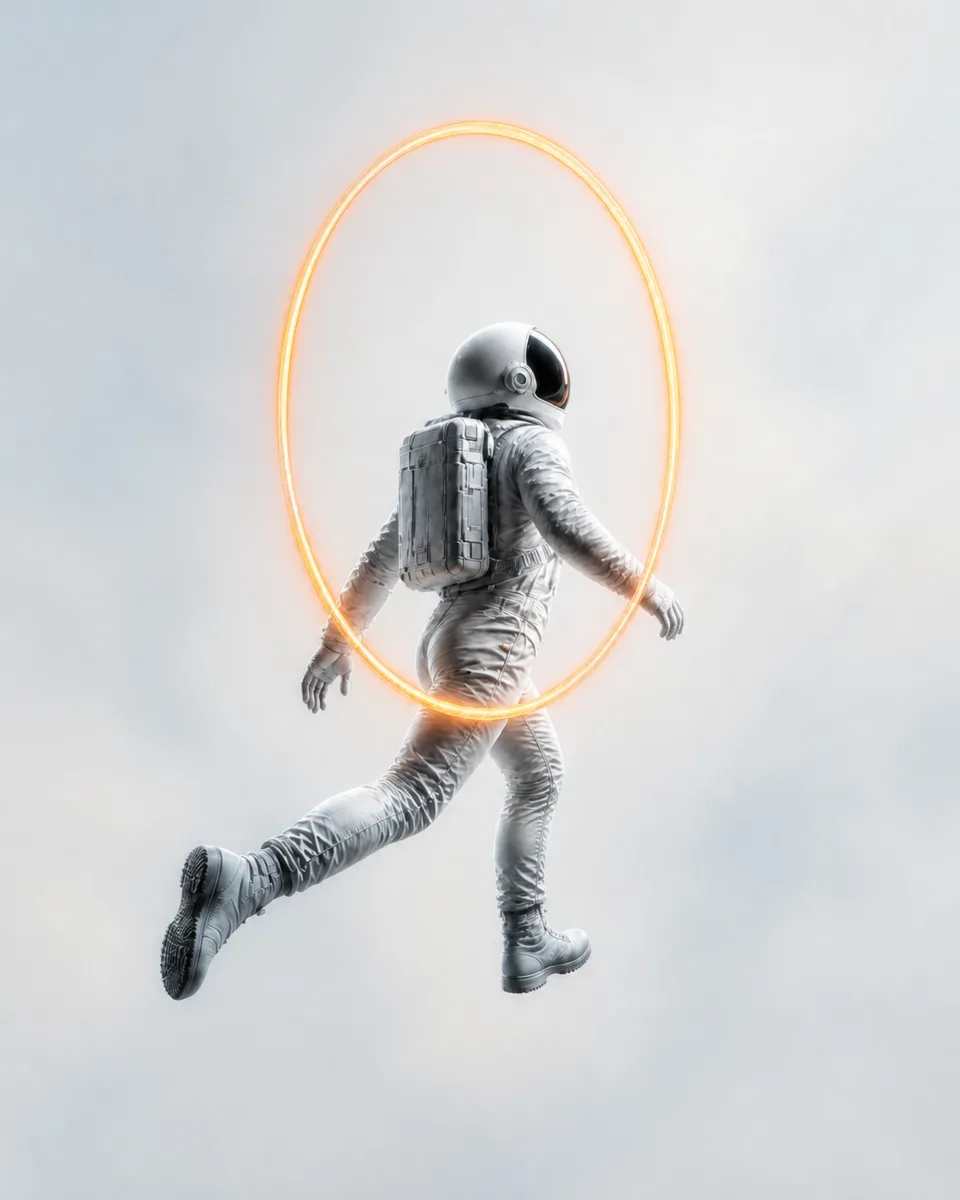
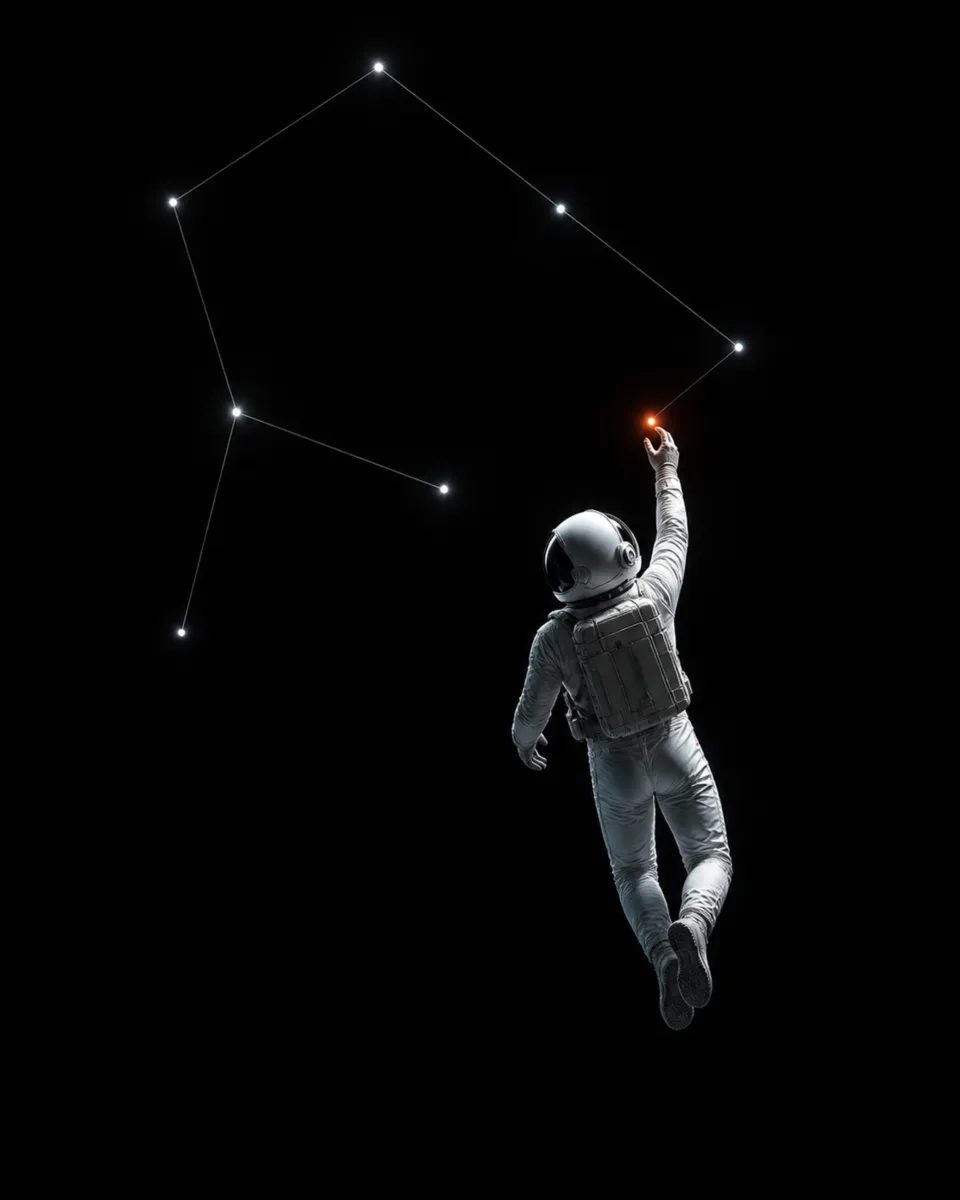
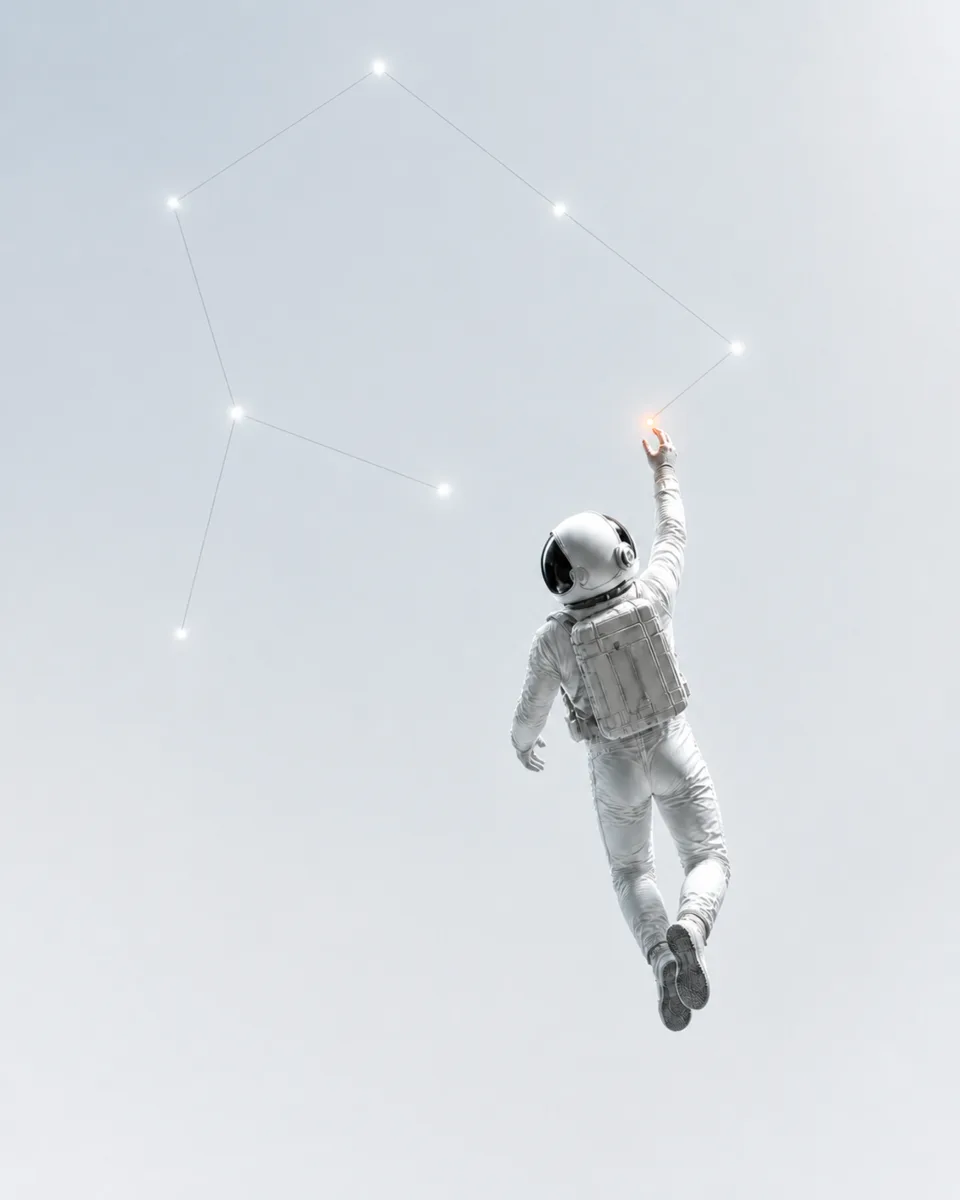
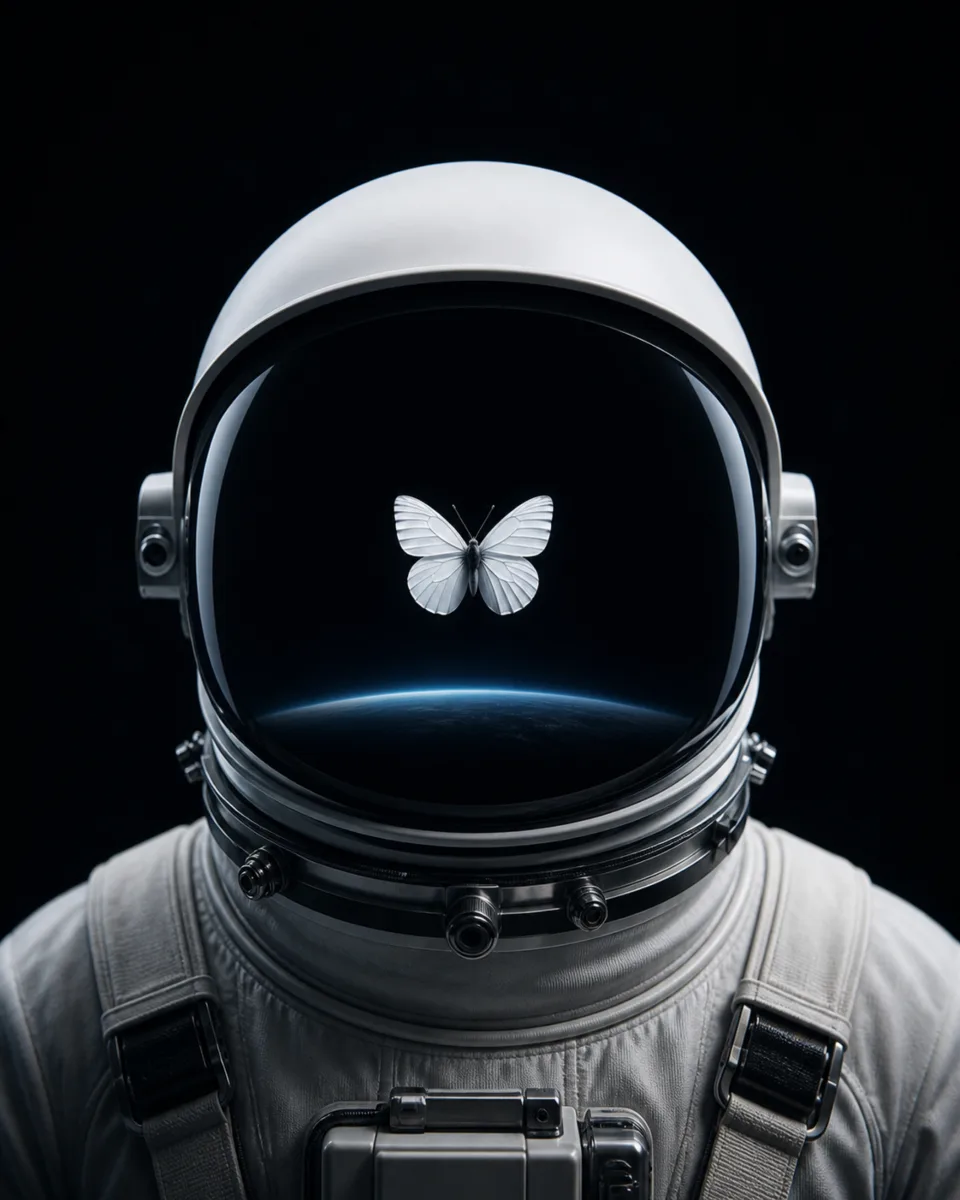
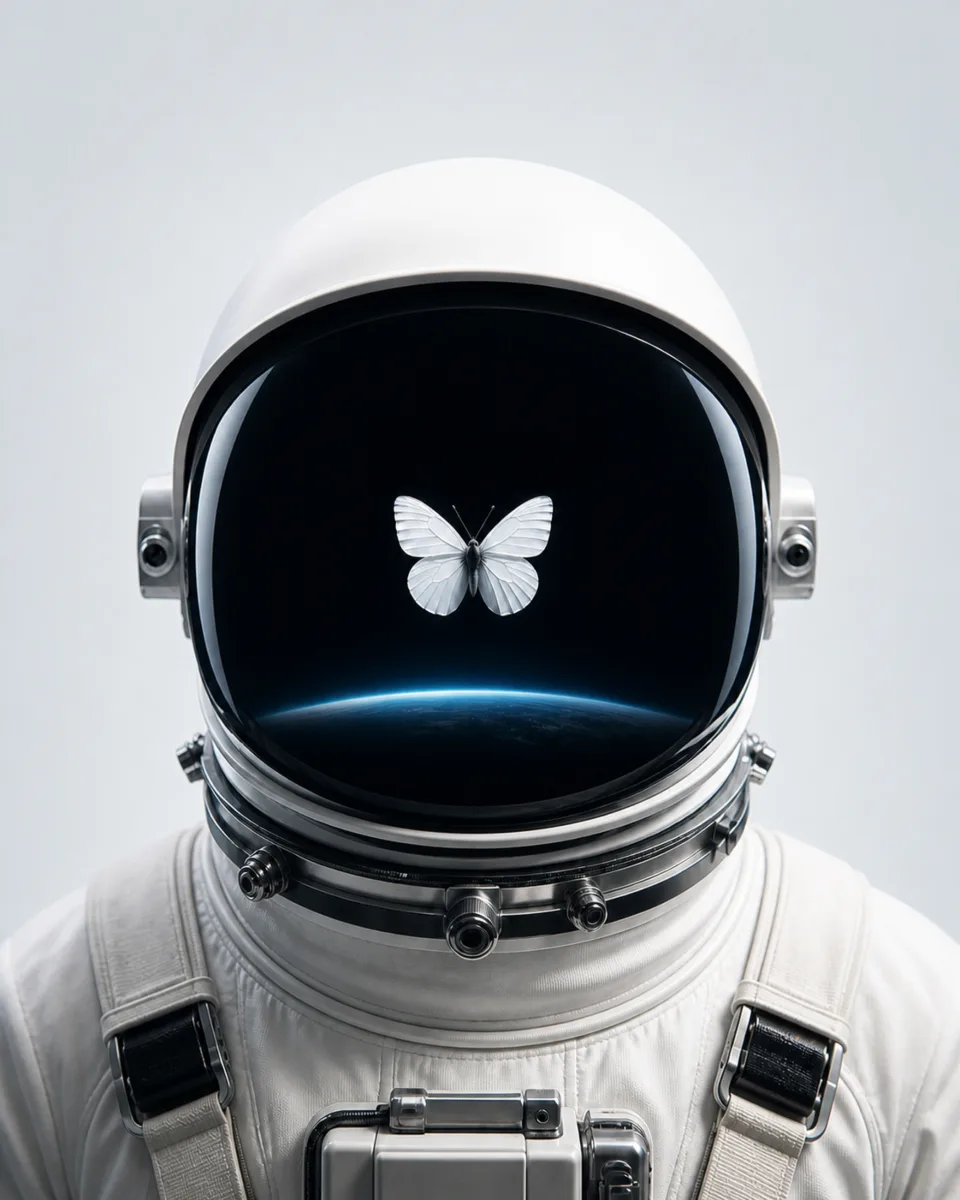
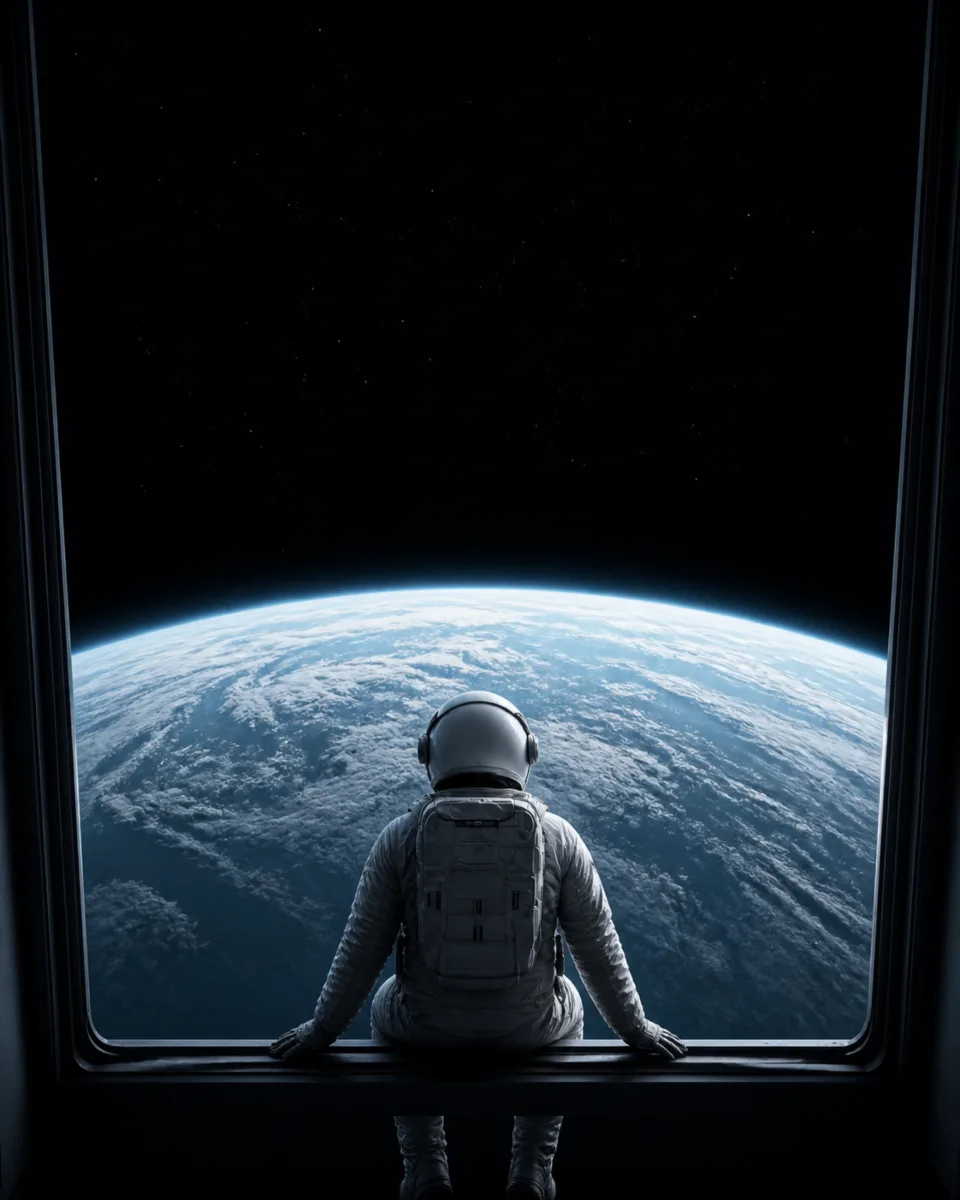
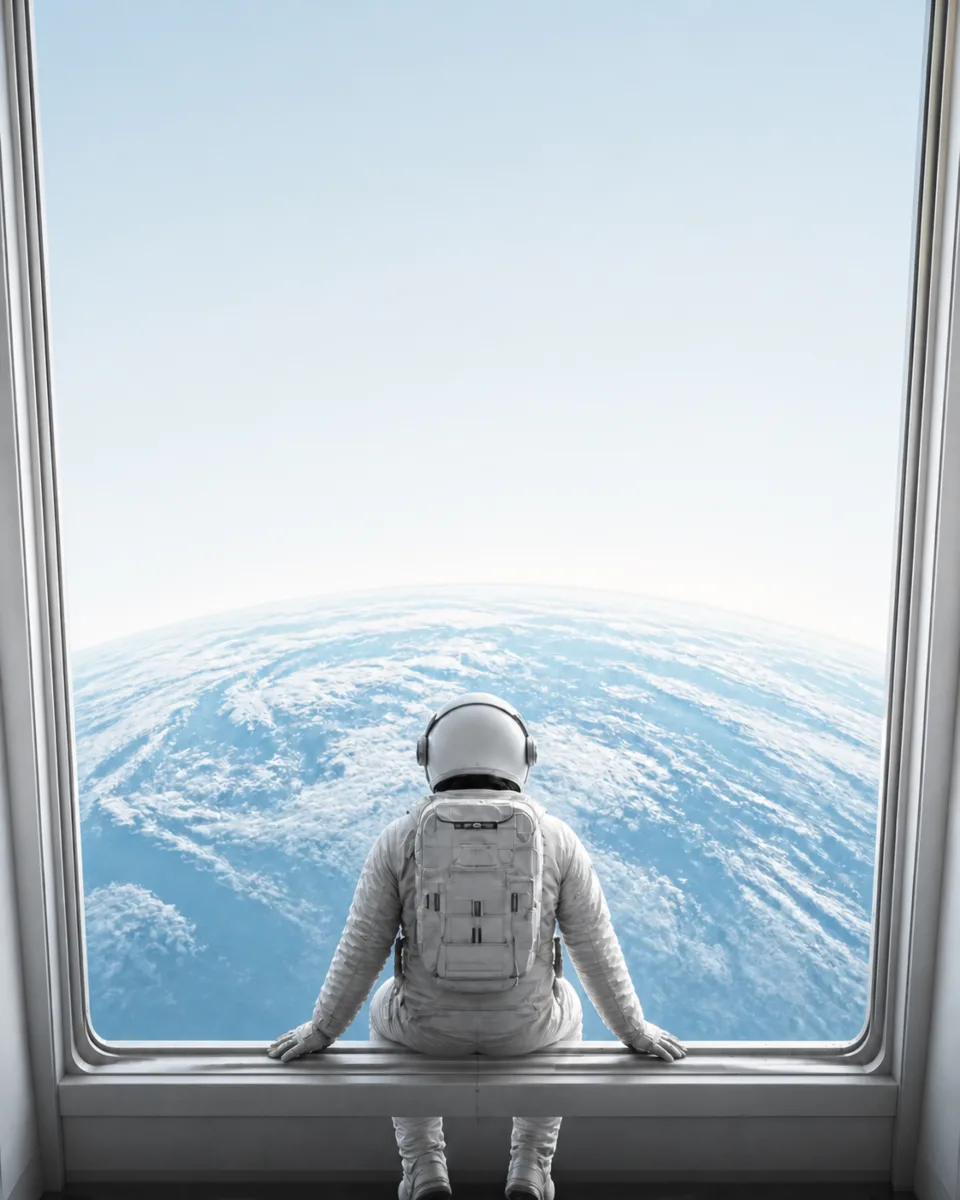
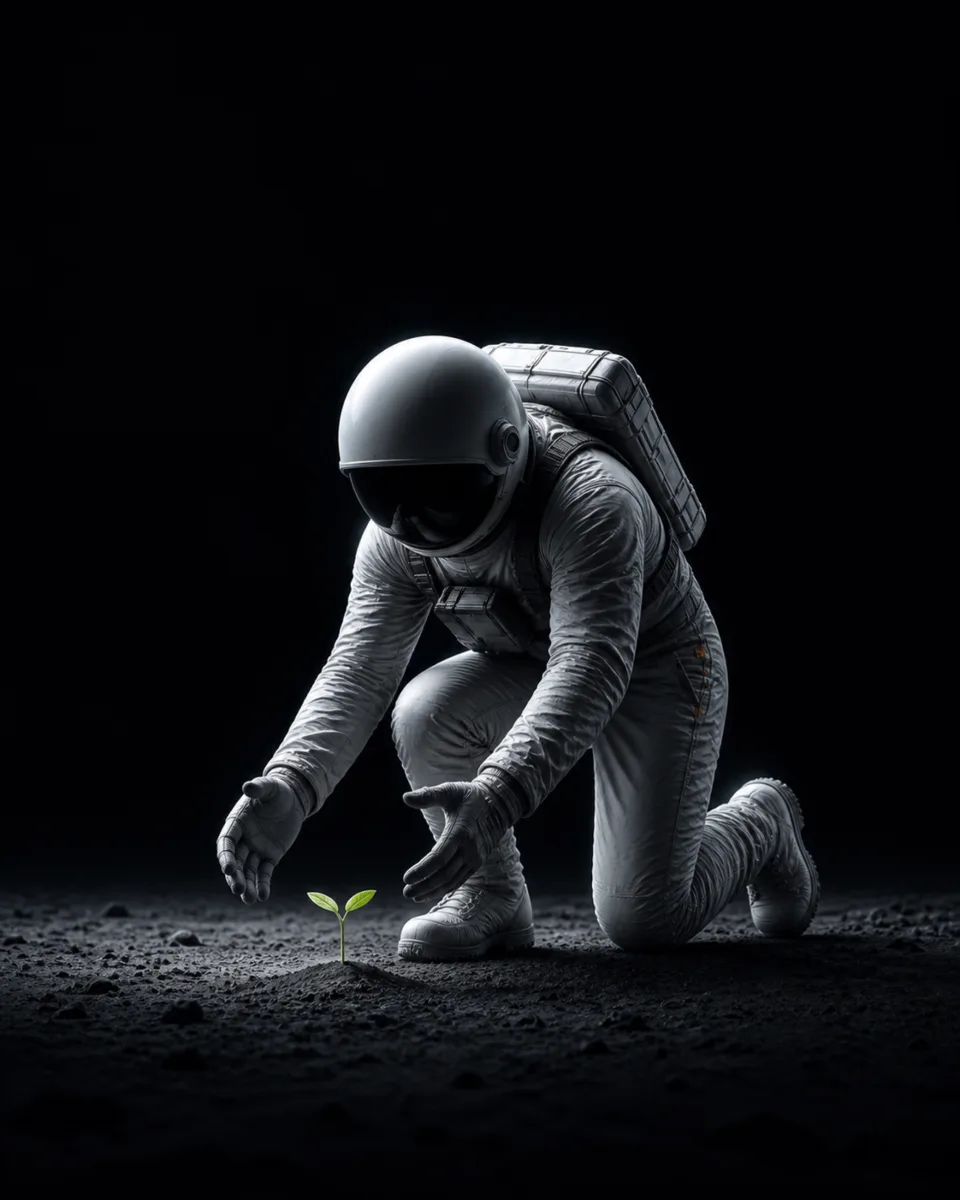
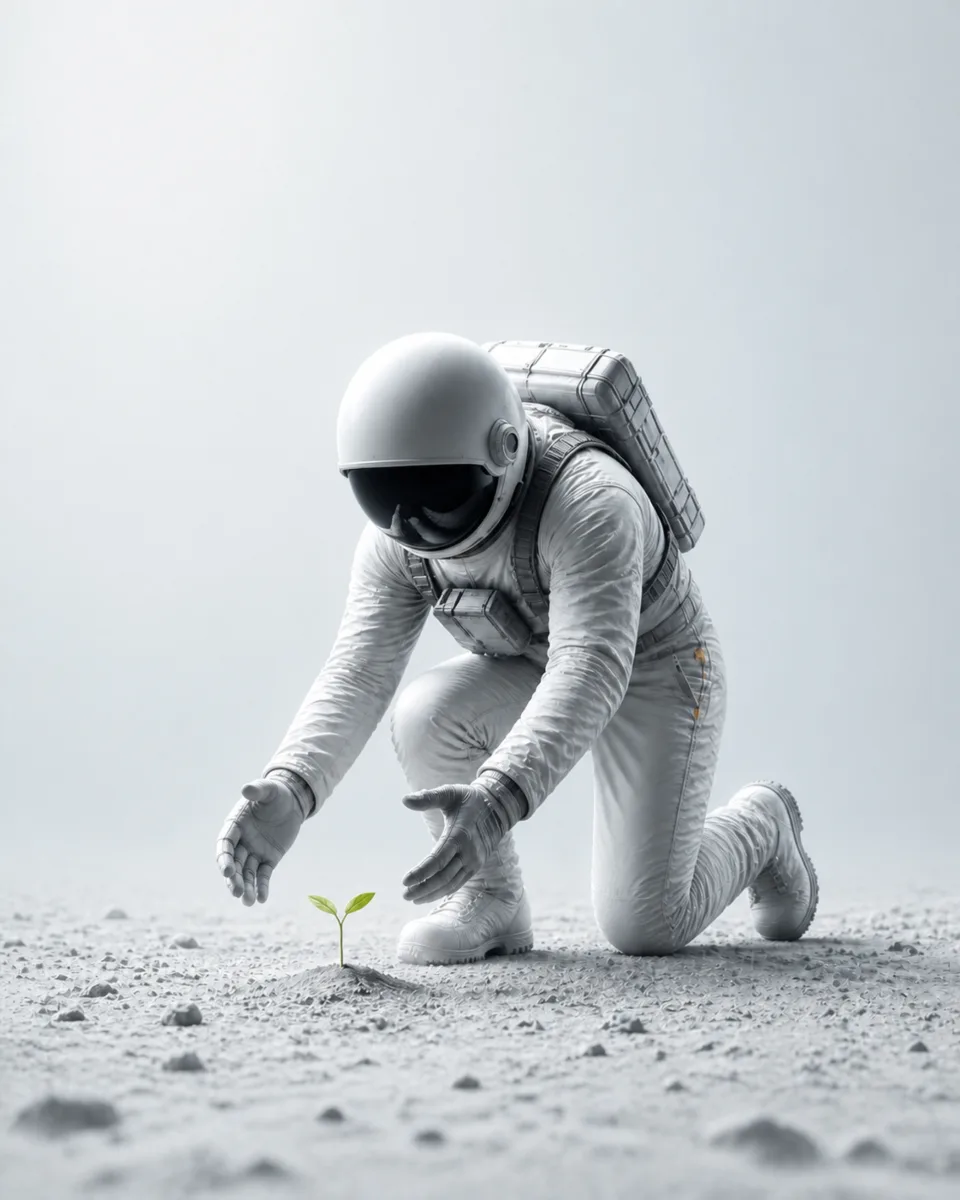
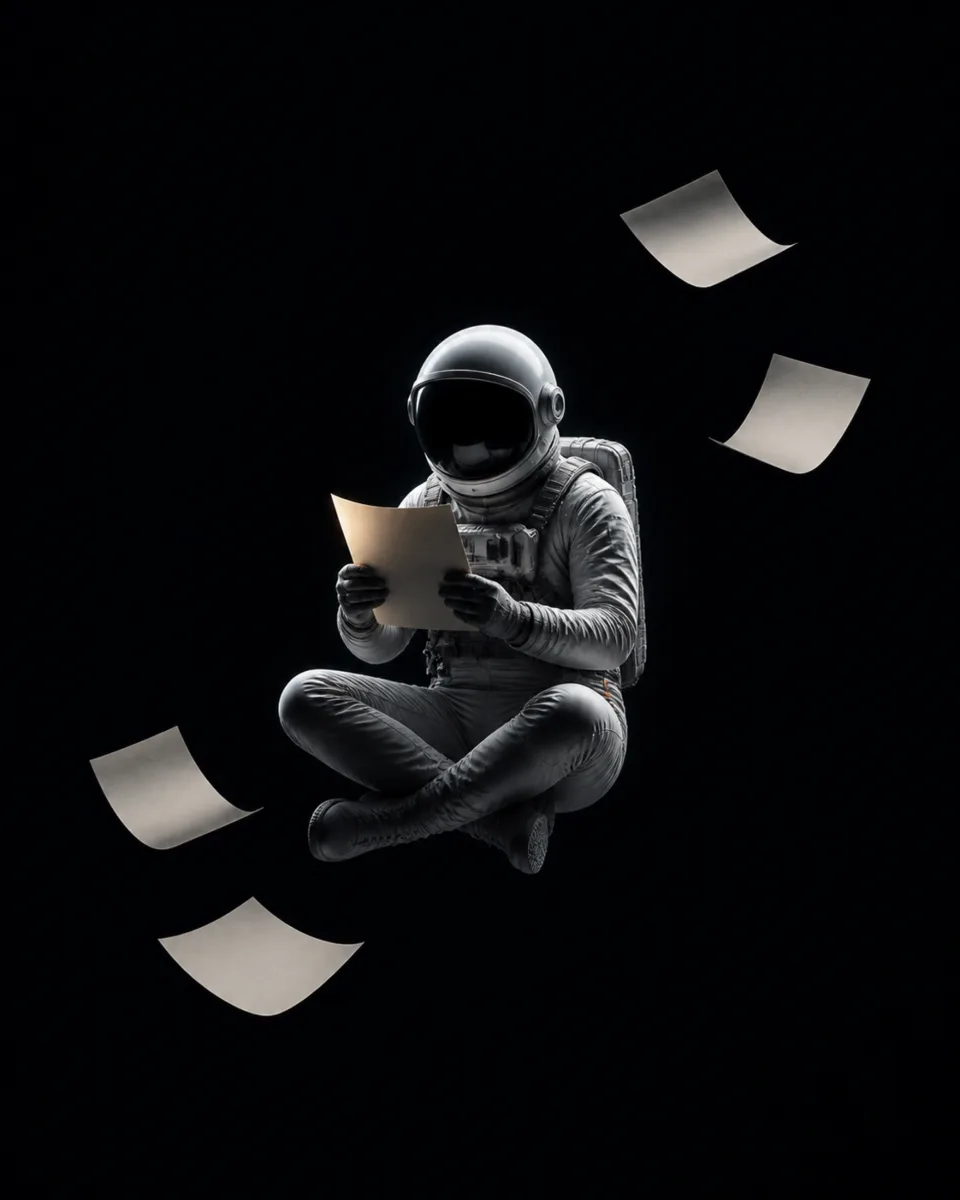
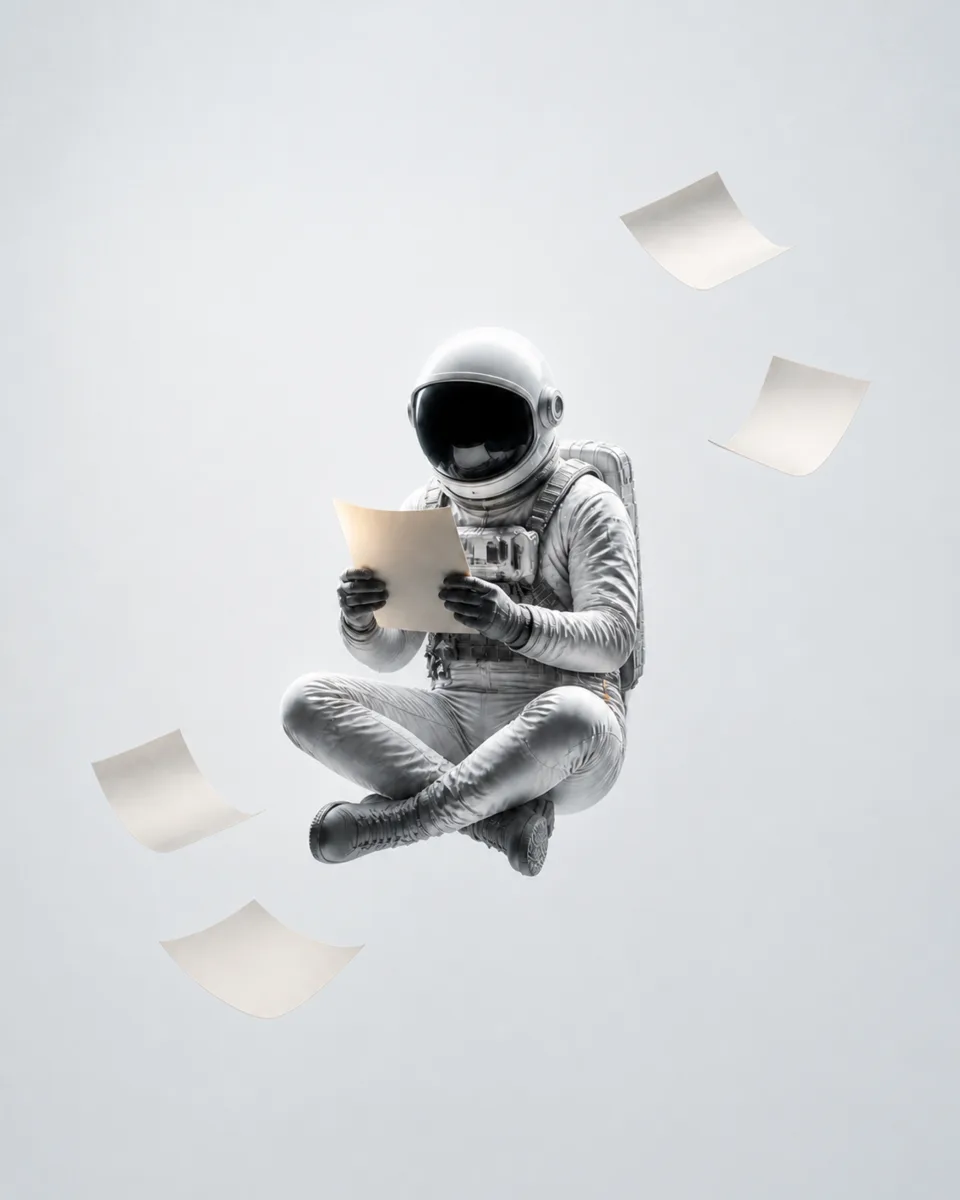
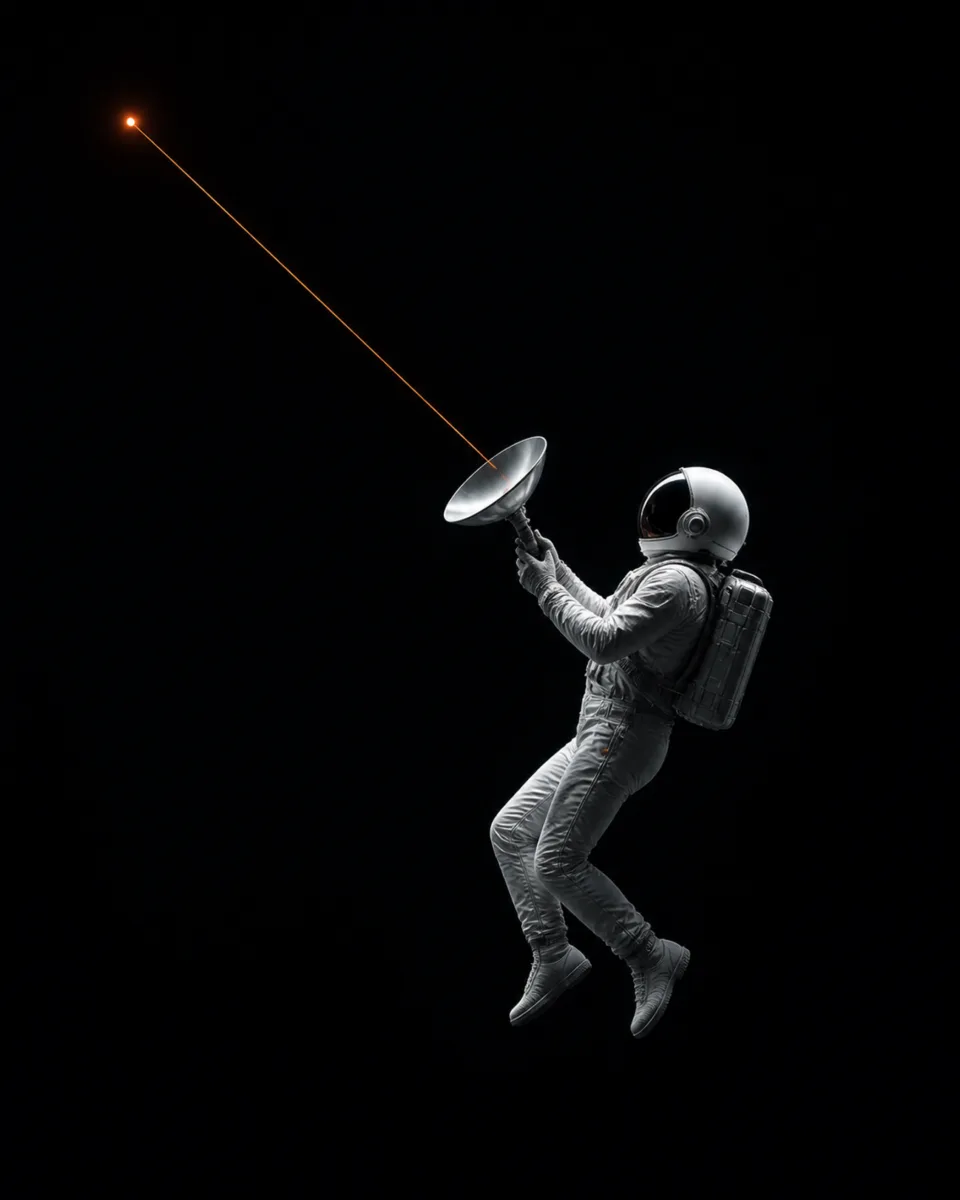
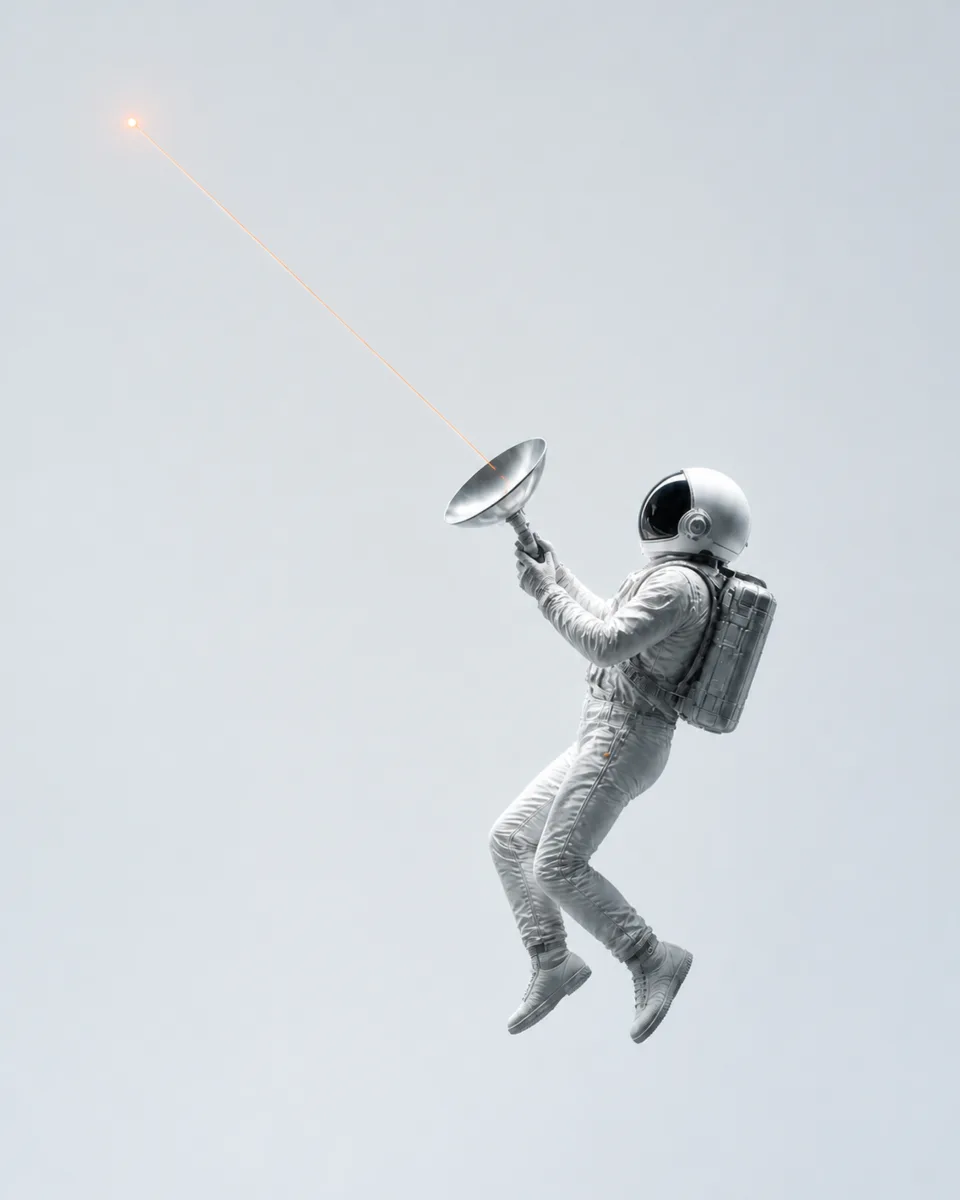
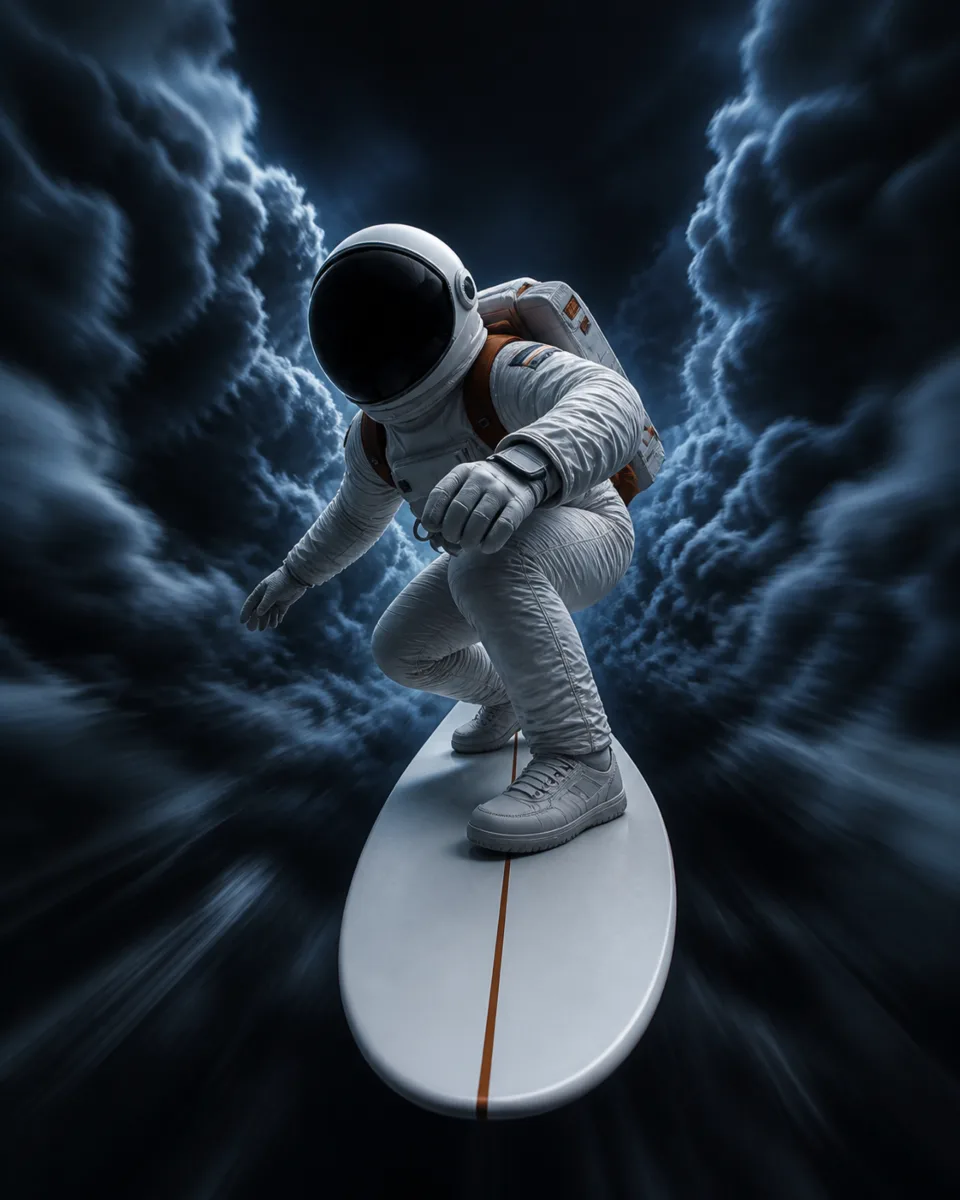
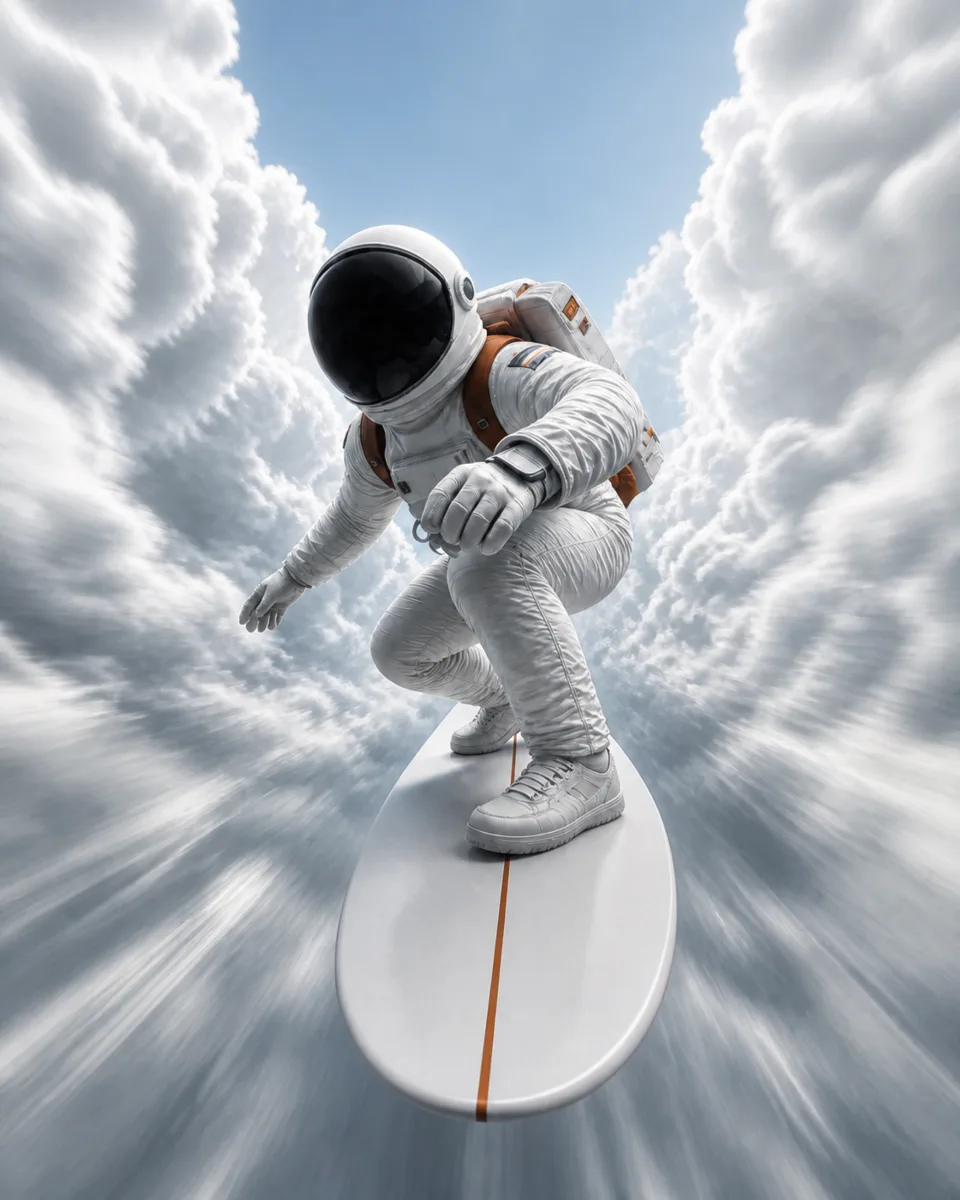
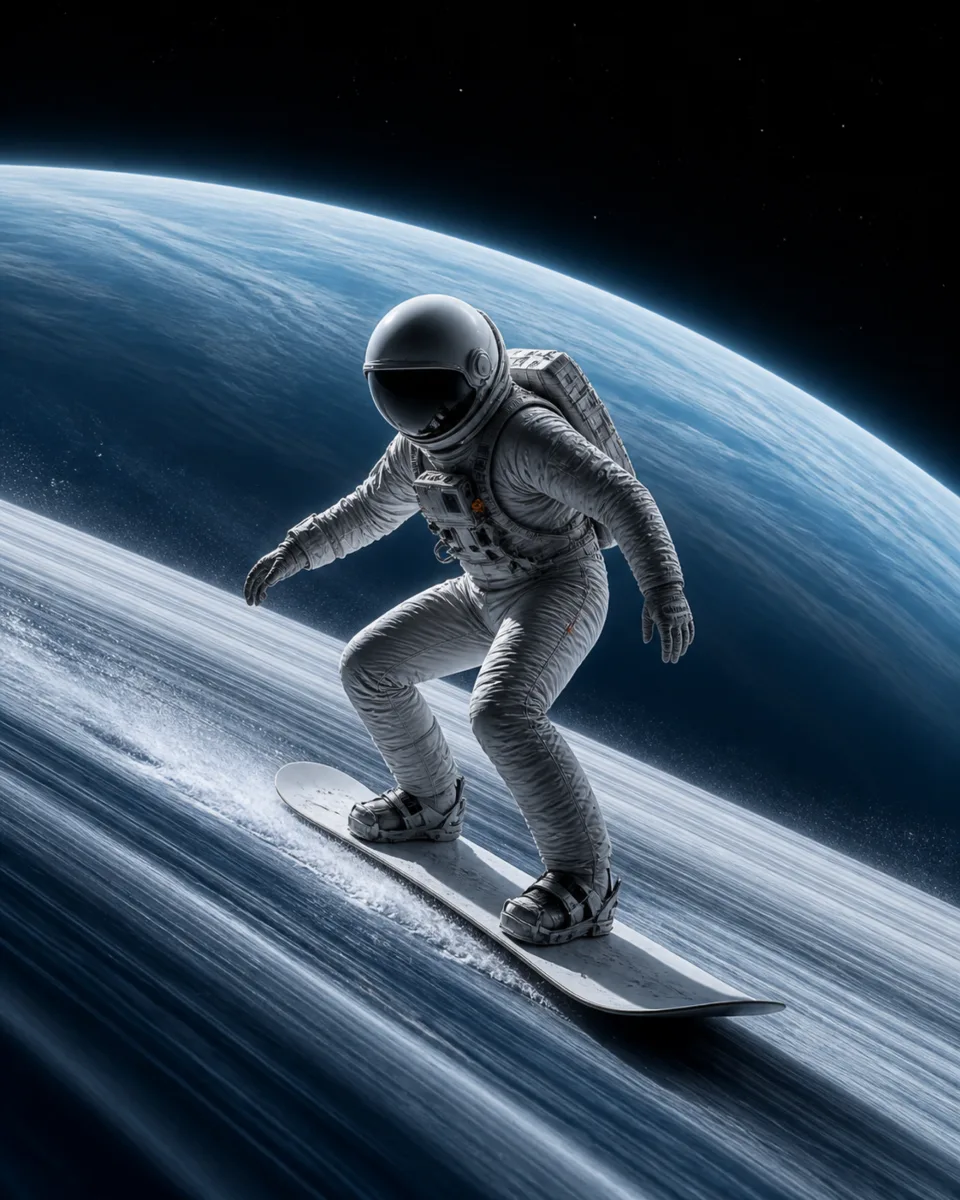
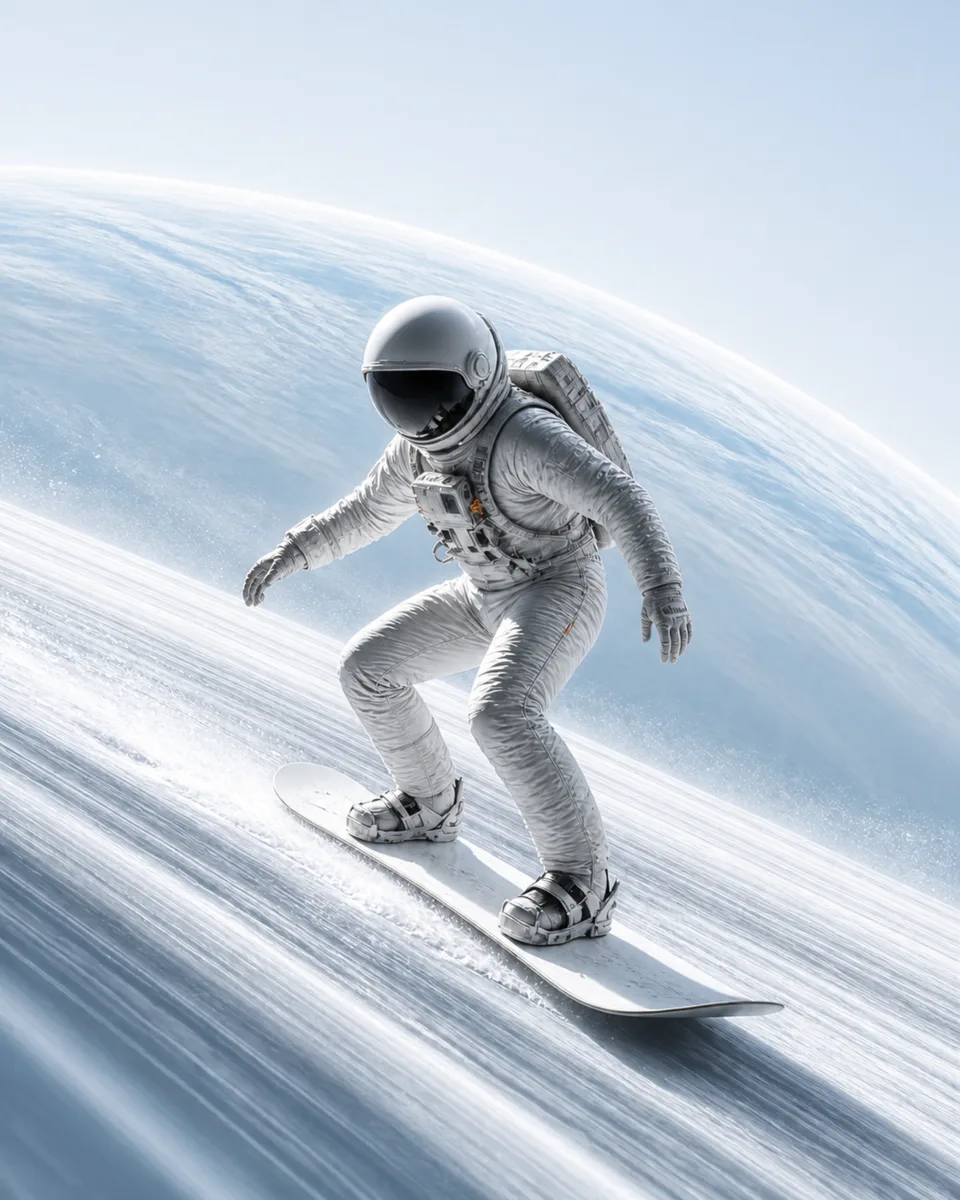
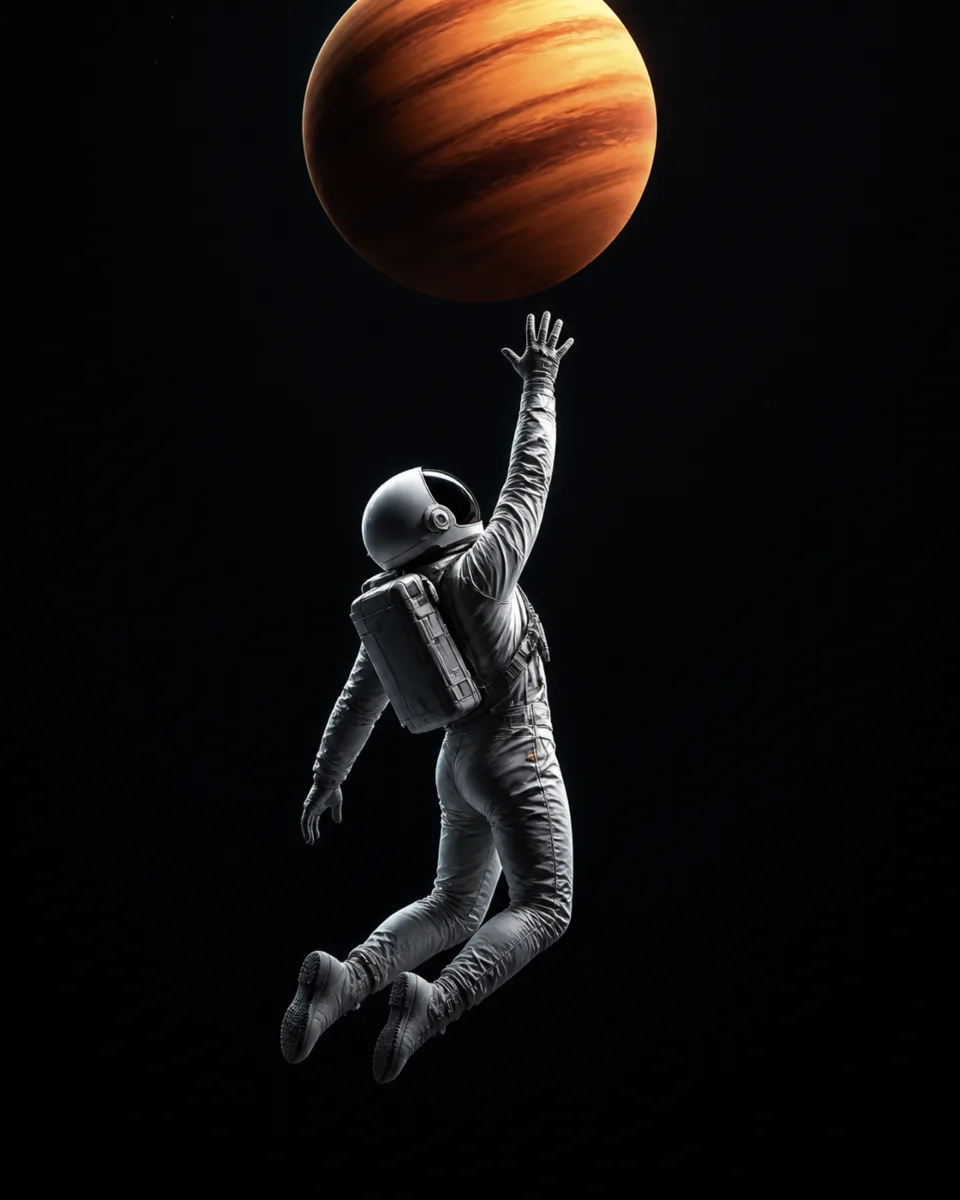
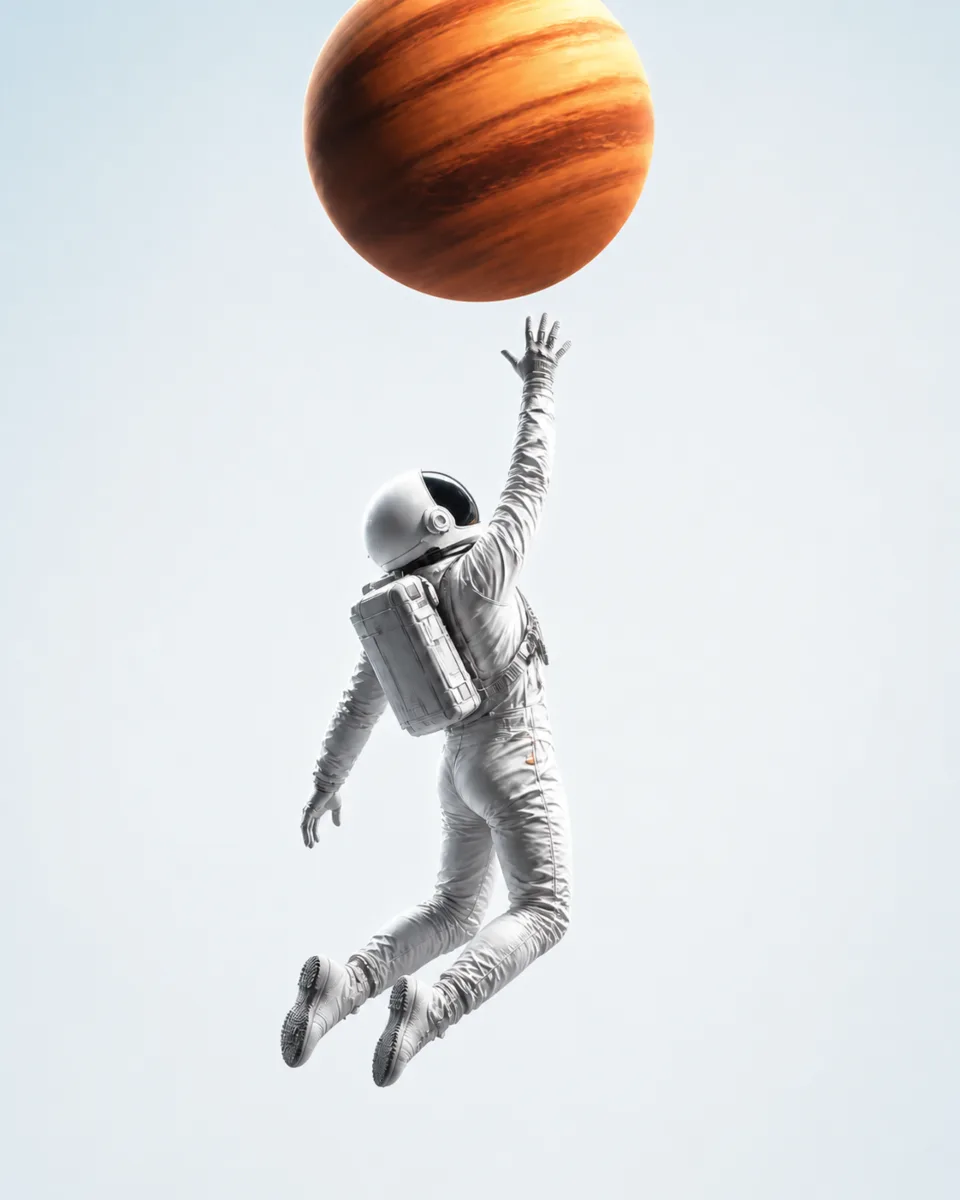
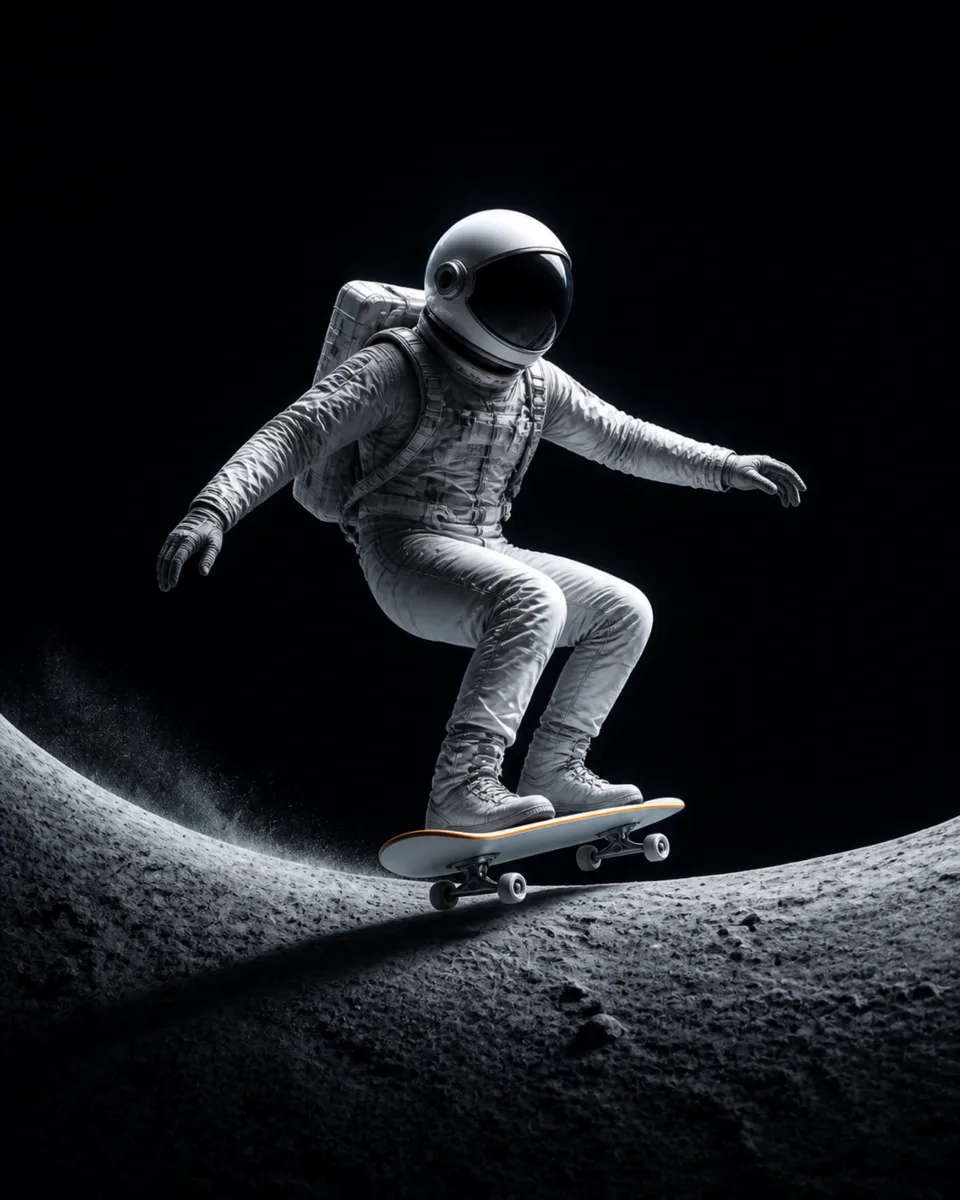
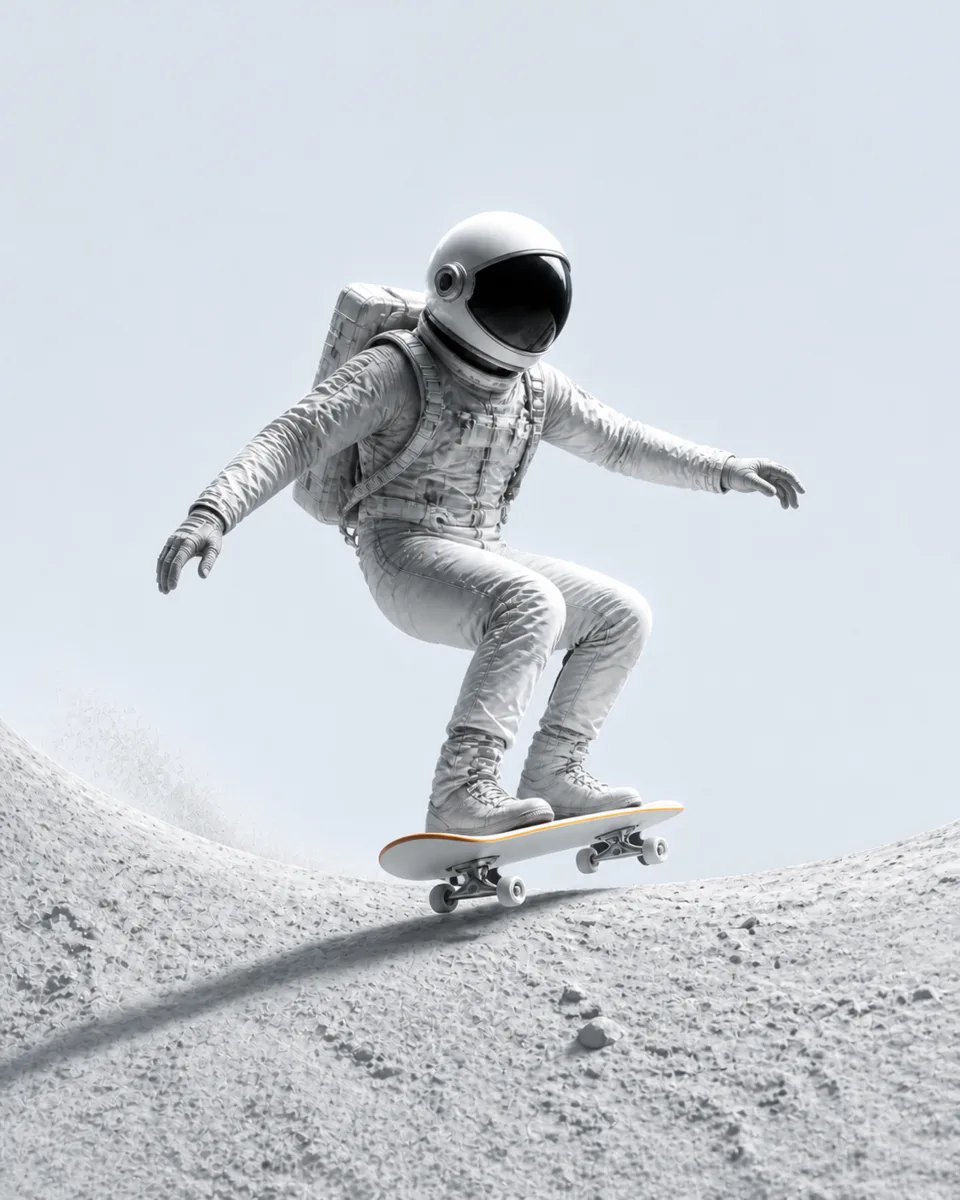
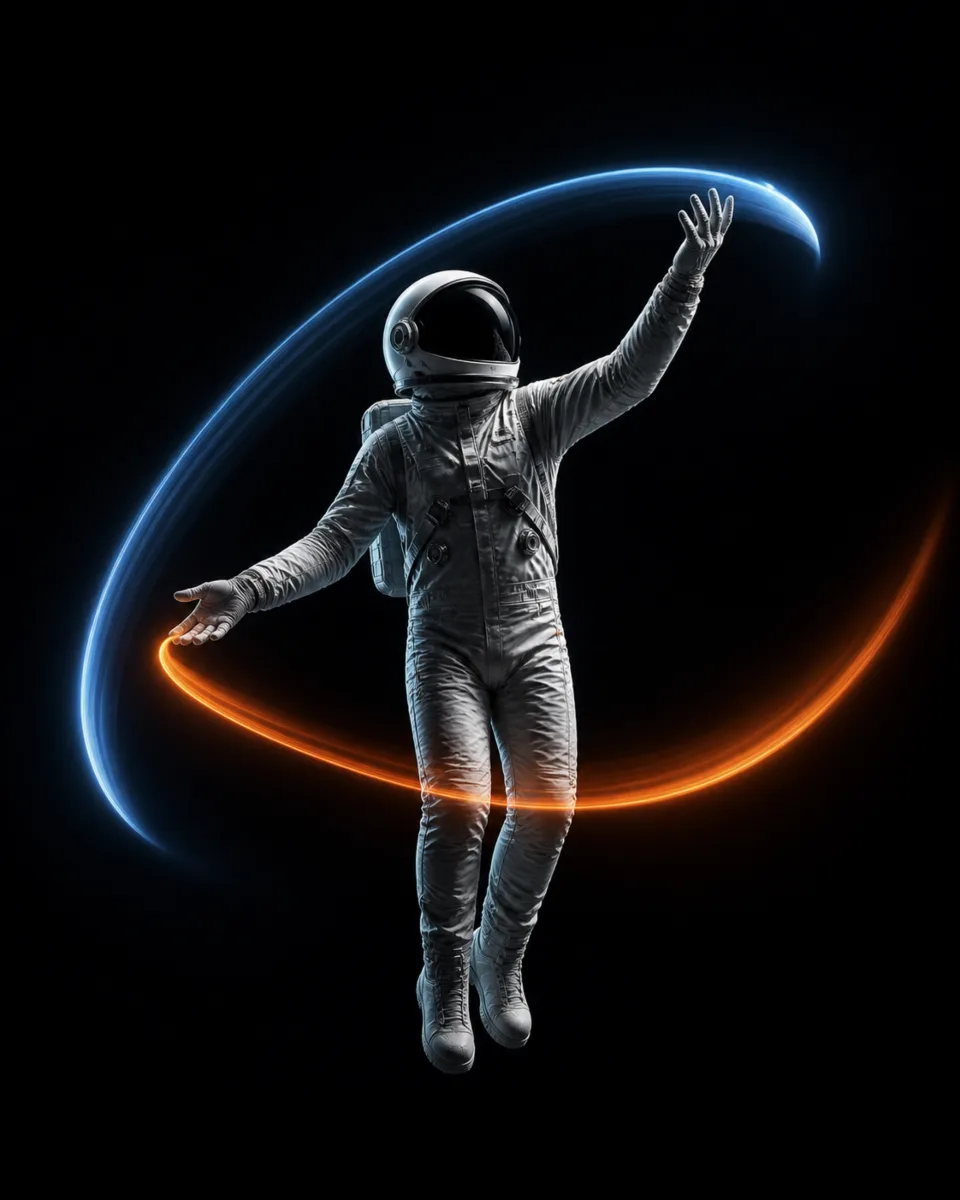
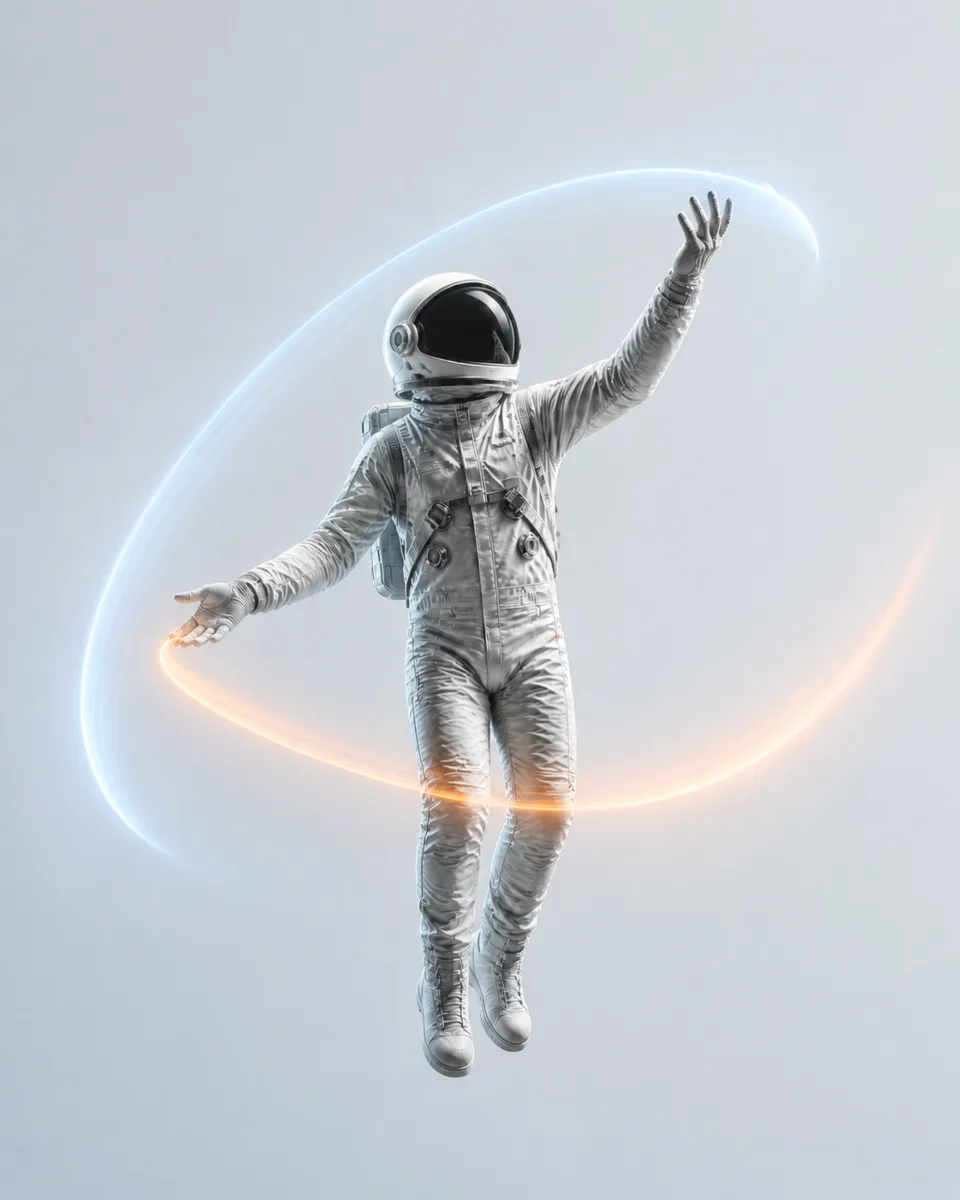
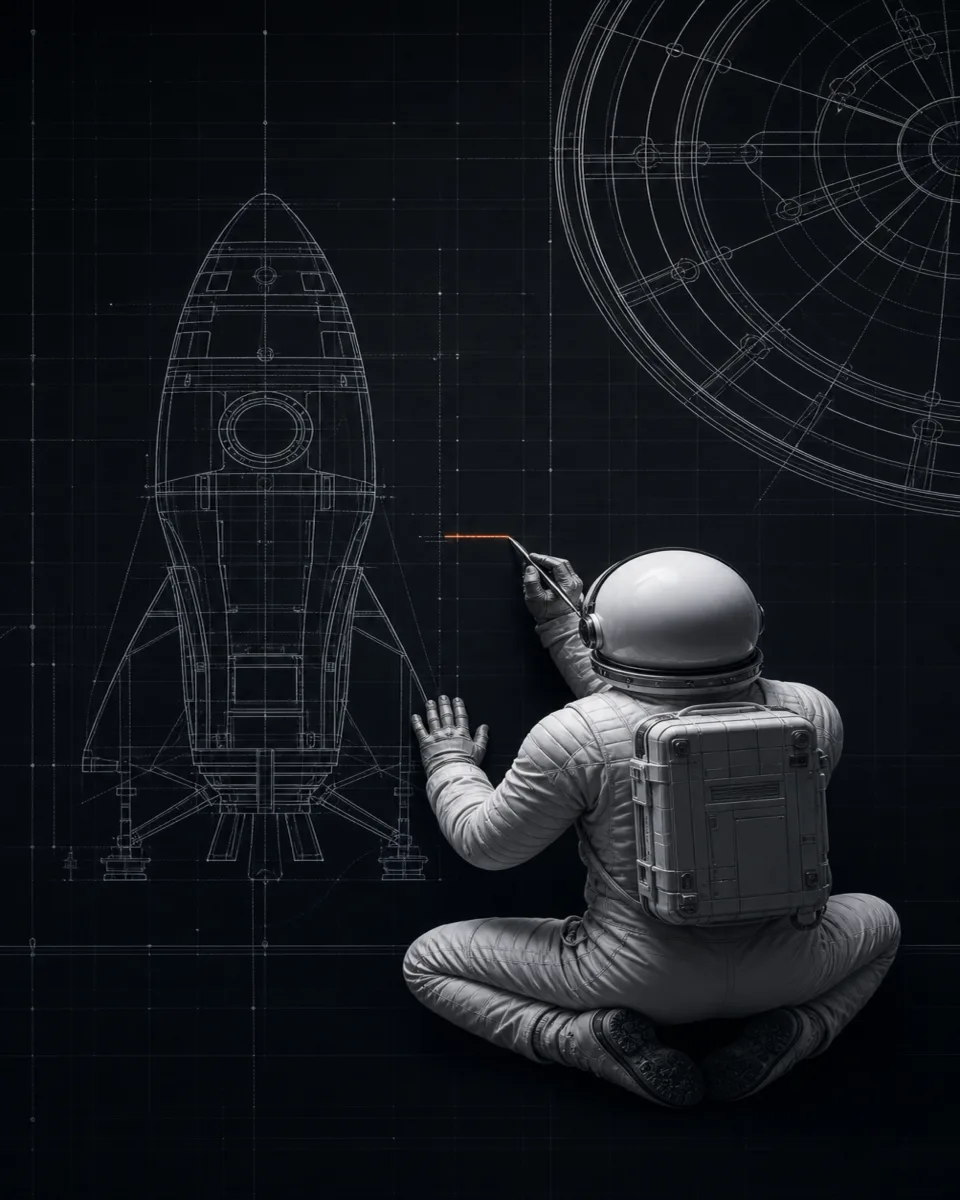
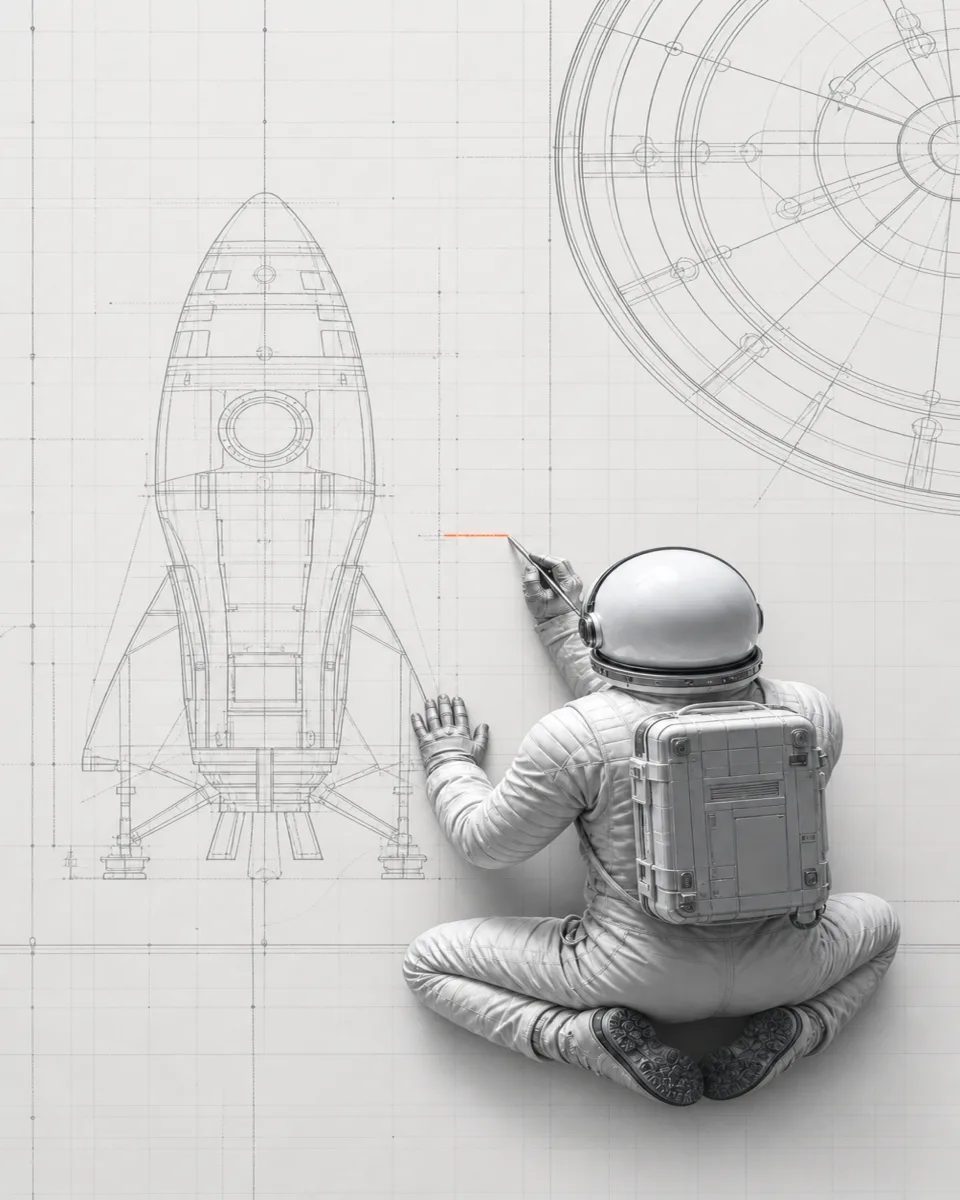
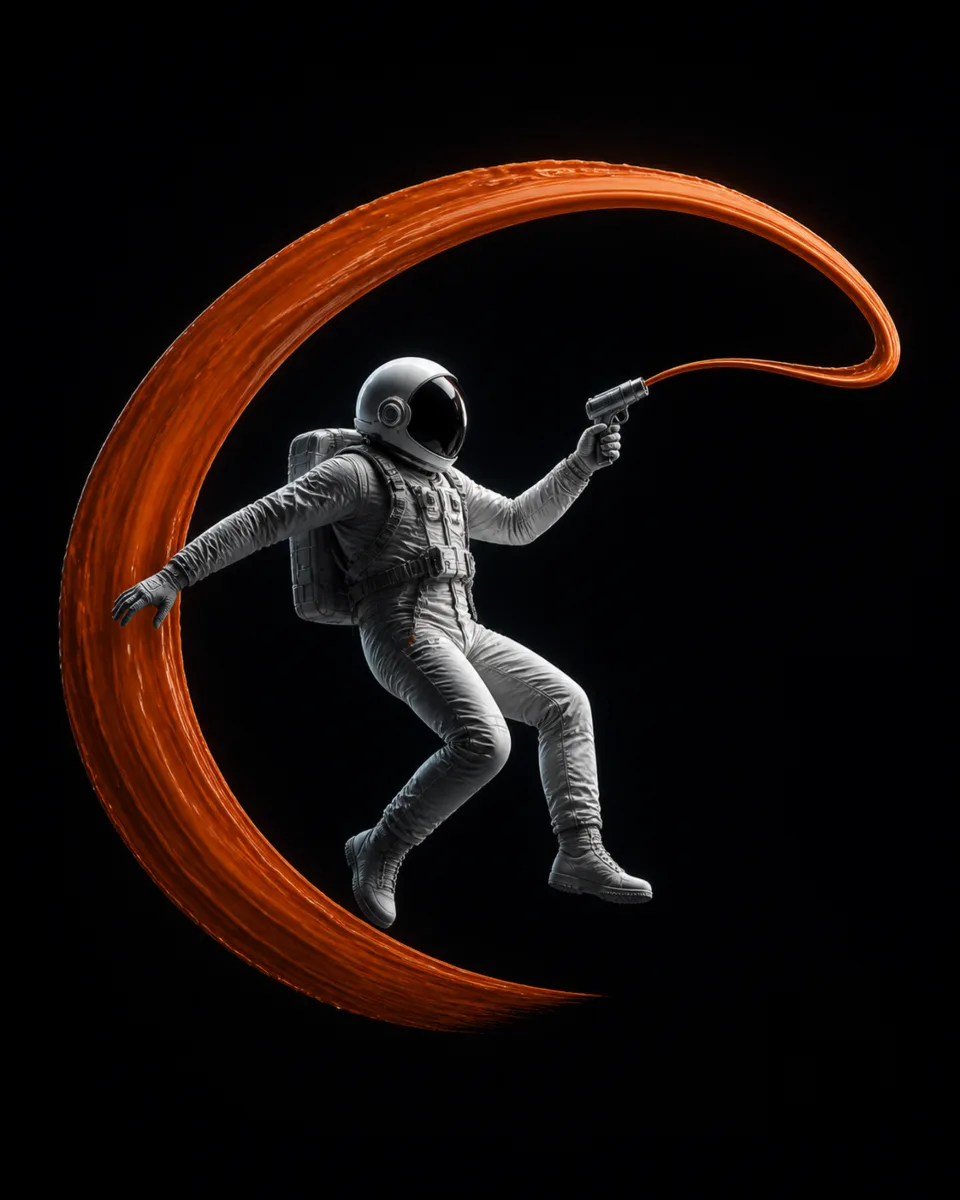
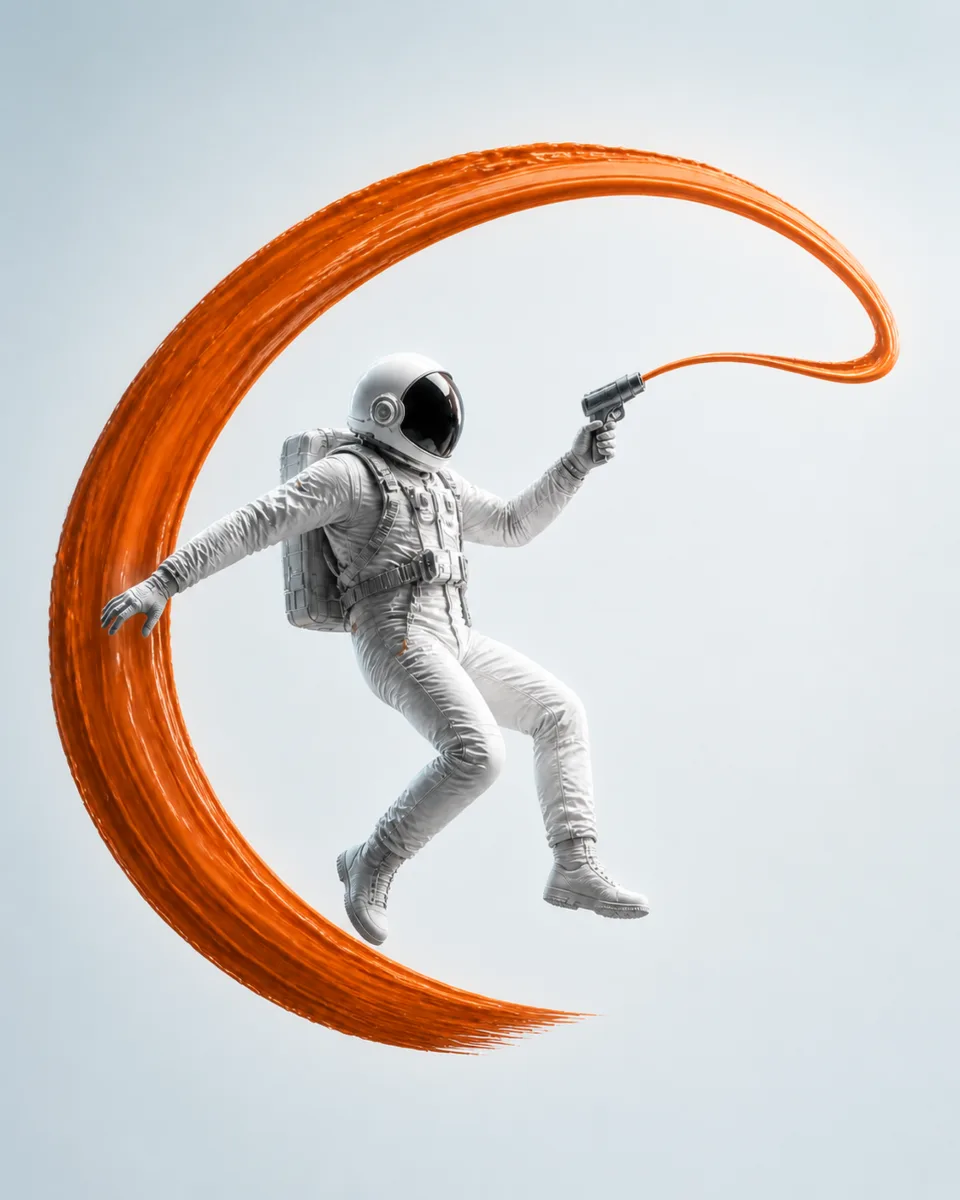
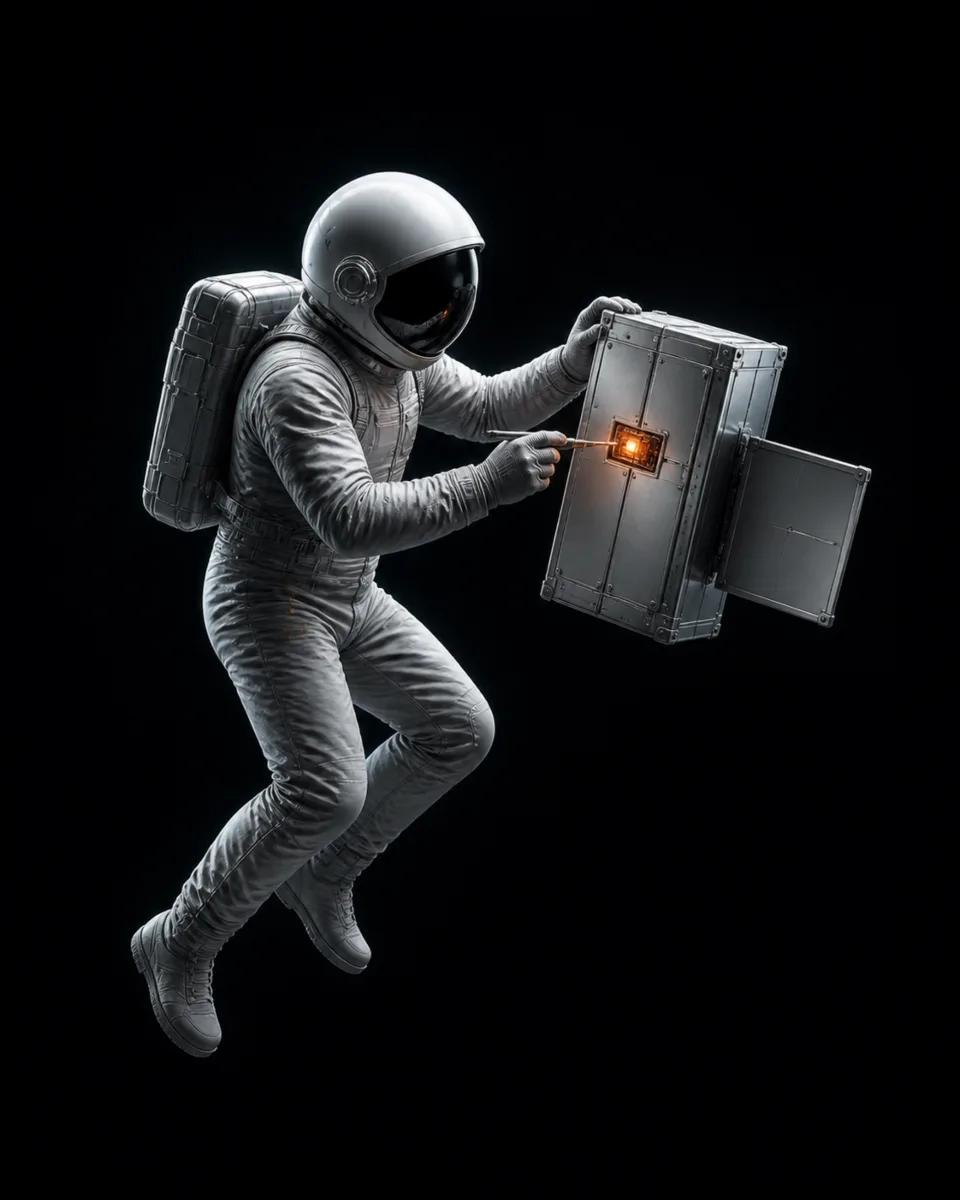
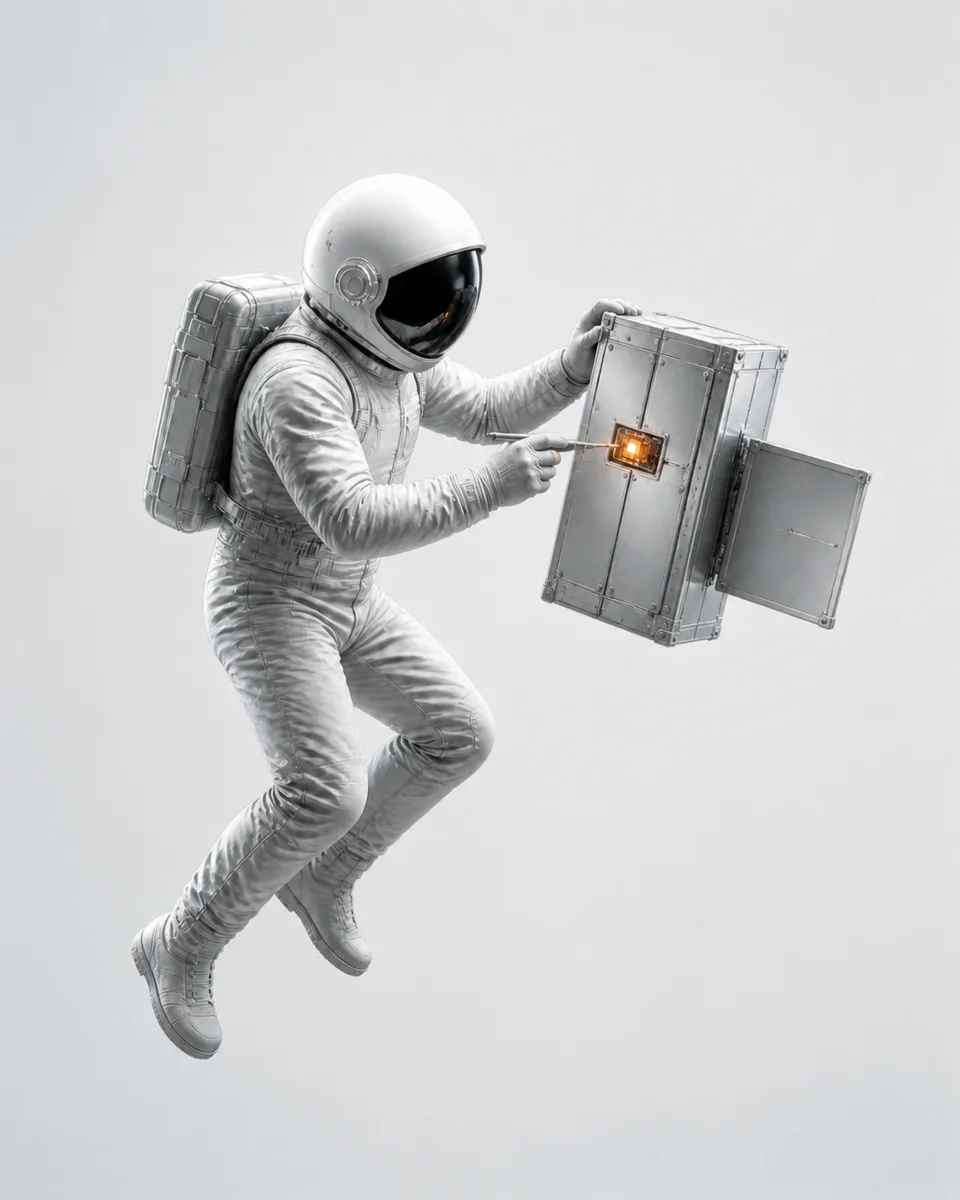
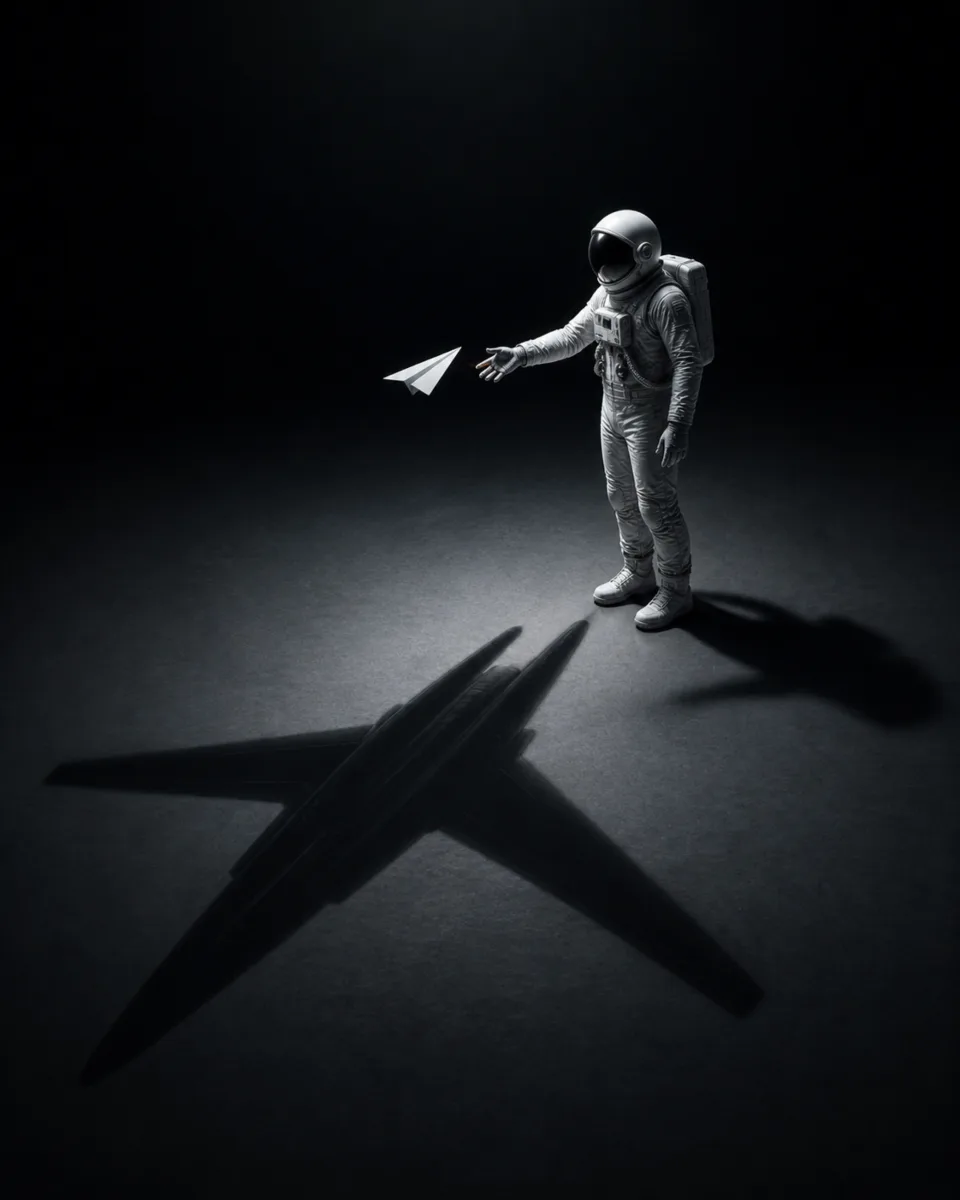
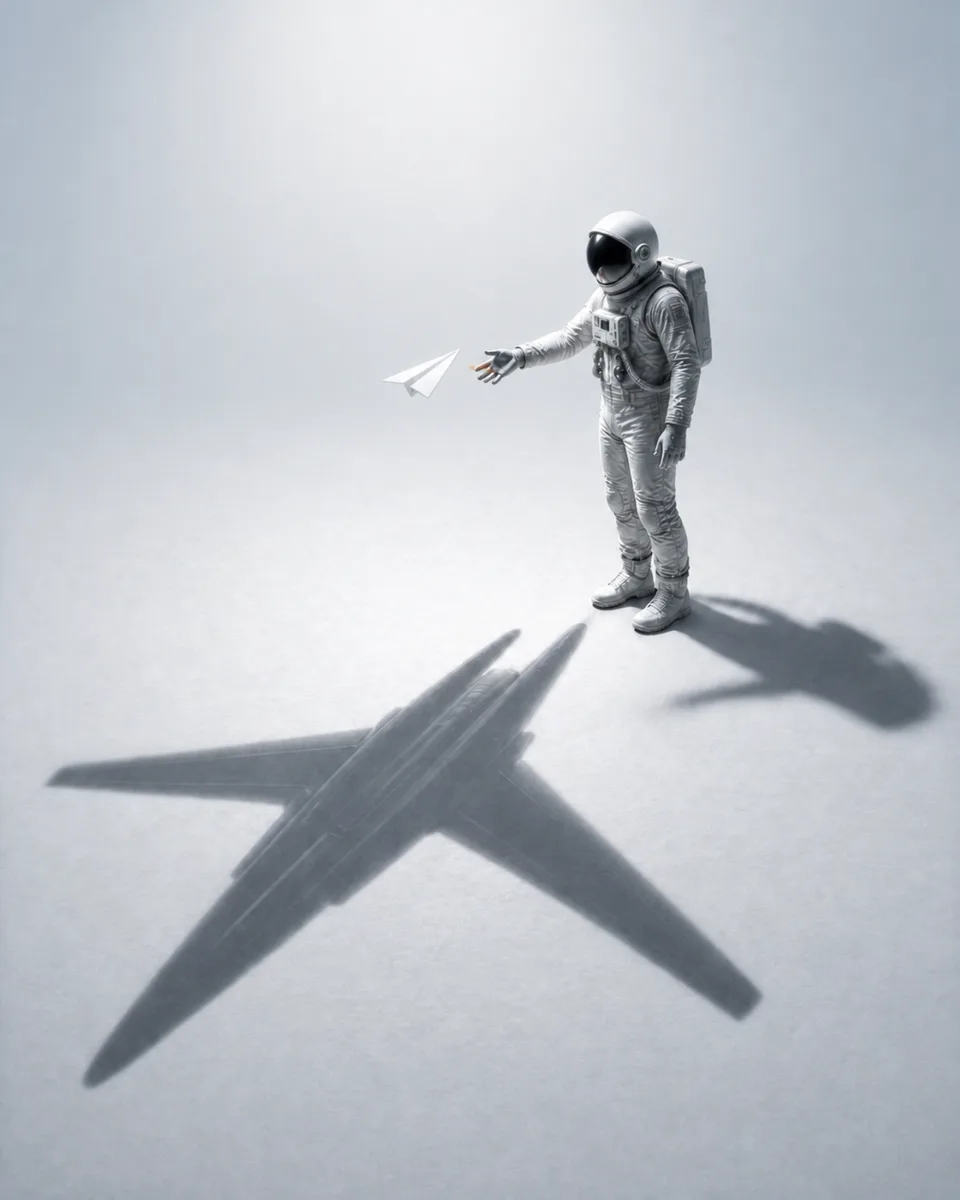
Every image was generated against one written style bible and checked against one manifest. Pro members can download both and use them to make a set of their own.
The rules every image follows: the character, rendering, palette, composition, both themes, what never appears, and how a dark image becomes its light pair. It ends with the steps to make your own set.
One row per image with five checks: size, anatomy, pair alignment, artifacts and branding. An image ships only when all five pass.
No prompt writing. The two files hold every rule, so one sentence to your agent is enough.
Get STYLE-BIBLE.md and qa-manifest.json from the section above.
Ask your agent to read both files and follow them. Any agent works, as long as it can use an image model. We recommend GPT Image or Nano Banana.
Name your character and how many scenes you want. The files carry every rule.
Read STYLE-BIBLE.md and qa-manifest.json and follow them. Keep every rule, but replace the astronaut with a red fox in a knitted scarf. Make 6 scenes, each in dark and light, and fill in the manifest as you go.
 AI Canvas