Before building, verify your project has the following setup:
- React / Next.js
- TypeScript
- Tailwind CSS v4

If any are missing, set up via the shadcn CLI:
  npx shadcn@latest init

---

Create `components-workspace/voice-chat-pill/index.tsx`. Export a default function `VoiceChatPill`.

**Container:** `flex min-h-screen w-full items-center justify-center bg-[#E8E8DF] dark:bg-[#1A1A19]`.

---

## Collapsed pill

A `motion.button` ref'd as `pillRef`, pill-shaped (rounded-full), no bottom inset border.

**Colors (inverted per theme, same pattern as new-project-modal):**
- Light theme: bg `#1a1a18`, hover `#2d2d2b`
- Dark theme: `dark:bg-[#e0dfd8]`, `dark:hover:bg-[#d4d3cc]`

**Box shadow (pill):** `0 4px 6px -1px rgba(0,0,0,0.1), 0 2px 4px -2px rgba(0,0,0,0.1)`. Subtle drop, no inset border.

**Hover/tap:** `whileHover={{ scale: 1.04 }}`, `whileTap={{ scale: 0.96 }}`, spring stiffness 400 damping 28. When modal is open, button fades out (opacity 0, scale 0.85, duration 0.18) and disables pointer events.

**On click:** capture `pillRef.getBoundingClientRect()` into `origin` state, then `setOpen(true)`.

**Pill contents (left → right):**

1. **Speaking icon**, a 36×36 rounded-full circle:
   - Light theme: bg `#f1f1f0`, icon color `#1a1a18`
   - Dark theme: `dark:bg-[#1a1a18]`, `dark:text-[#f1f1f0]`
   - Contains 4 animated vertical bars (`SpeakingBars` component, size 14).

2. **Avatar stack**: 4 overlapping circles (32×32), negative margin `-10px`, z-index decreasing. Each wrapped in `motion.span` that animates `y: -1.5, scale: 1.06` when this avatar is the current speaker (spring 380/24). Ring: `ring-2 ring-[#1a1a18] dark:ring-[#e0dfd8]` (matches pill bg per theme).

3. **Count + chevron**: `+{hiddenCount}` and `<CaretDown weight="bold" size={13} />` in a flex span. Color: `text-[#f1f1f0] dark:text-[#1a1a18]`.

---

## SpeakingBars component

4 bars side by side (`gap 1.5px`), each `width: 2px`, `height: size * 0.85`. Each bar:
- `motion.span` with `className="origin-center rounded-full bg-current"`
- `animate={{ scaleY: [0.35, 1, 0.55, 0.9, 0.35] }}`
- `transition={{ duration: 1.05, repeat: Infinity, delay: i * 0.13, ease: 'easeInOut' }}`

---

## Auto-rotating speaker

`useEffect` with `setInterval`: every 2400ms, advance `speakerId` by 1 through all 8 participants. Both the collapsed pill (avatar lift) and the modal grid badge stay in sync.

---

## Participants (8 total)

```ts
const PEOPLE = [
  { id: 0, name: 'David',   avatar: 'https://images.unsplash.com/photo-1539571696357-5a69c17a67c6?w=240&h=240&fit=crop&q=80' },
  { id: 1, name: 'Kira',    avatar: 'https://images.unsplash.com/photo-1531123897727-8f129e1688ce?w=240&h=240&fit=crop&q=80' },
  { id: 2, name: 'Marina',  avatar: 'https://images.unsplash.com/photo-1554780336-390462301acf?w=240&h=240&fit=crop&q=80' },
  { id: 3, name: 'Razvan',  avatar: 'https://images.unsplash.com/photo-1603415526960-f7e0328c63b1?w=240&h=240&fit=crop&q=80' },
  { id: 4, name: 'Ana',     avatar: 'https://images.unsplash.com/photo-1438761681033-6461ffad8d80?w=240&h=240&fit=crop&q=80' },
  { id: 5, name: 'Daniel',  avatar: 'https://images.unsplash.com/photo-1654110455429-cf322b40a906?w=240&h=240&fit=crop&q=80' },
  { id: 6, name: 'Afshin',  avatar: 'https://images.unsplash.com/photo-1639747280804-dd2d6b3d88ac?w=240&h=240&fit=crop&q=80' },
  { id: 7, name: 'Lina',    avatar: 'https://images.unsplash.com/photo-1517841905240-472988babdf9?w=240&h=240&fit=crop&q=80' },
] as const
```

Pill shows first 4, `hiddenCount = 4` (displayed as `+4`).

---

## Backdrop

Fixed inset-0 div, z-40, `bg-black/25 backdrop-blur-[3px]`. Fade in/out 0.22s. Click → `close()`.

---

## Modal: pill-to-card morph

Centered fixed div z-50. `motion.div` morphs from pill origin:
- Compute: `targetW = Math.min(440, window.innerWidth - 32)`, `initialOffsetX`, `initialOffsetY`, `initialScaleX = origin.w / targetW`.
- `initial`: x:offset, y:offset, scaleX:initialScaleX, scaleY:0.18, borderRadius:9999, opacity:0.85, boxShadow.
- `animate`: all zeroed, scaleX:1, scaleY:1, borderRadius:28, opacity:1.
- `exit`: reverses to initial but opacity:0.
- `transition`: `MORPH = { type:'spring', stiffness:320, damping:30, mass:1 }` for default; borderRadius: duration 0.32 ease [0.32,0.72,0.34,1]; opacity: 0.18.
- **Box shadow (modal):** `0px 16px 56px rgba(0,0,0,0.14)`. Soft ambient, no inset border.
- Card: `bg-[#f1f1f0]`, max-width 440px, padding px-6 pb-6 pt-6, rounded-[28px].

**Inner stagger:** `motion.div` with hidden/show/exit variants, staggerChildren 0.05, show delay 0.18.

**Header:** "Live Session" (18px, bold, `#1a1a18`) centered. Close × button absolute right: size-9 rounded-full, bg `#f8f8f8`, hover `#ececec` (spring 400/26), text `#6c6c6c`.

**Avatar grid:** `grid-cols-4 gap-x-3 gap-y-4`. Each cell: avatar (60×60, rounded-full, `motion.div` scale 1.04 when speaking) + name (13px, weight 500, `#1a1a18`). Active speaker shows a badge (`AnimatePresence`) top-right of avatar: 22×22 dark circle (`#1a1a18`) with `SpeakingBars size={10}` in light color, spring pop-in/out.

**Join Now button:** Full-width rounded-full, `bg-[#1a1a18]`, hover `#2d2d2b`, text `#f2f1ec` (15px bold). Has a `joining` state: on click → `setJoining(true)`, button scale 0.96, bg `#3a3a38`, label swaps to animated `Check` icon (size 18, spring 400/22 in/out via AnimatePresence mode:wait). After 700ms → `close()` and `setJoining(false)`.

---

## Dependencies
- `framer-motion` (motion, AnimatePresence)
- `@phosphor-icons/react` (CaretDown, X, Check)

## Typography
- Font: project default sans-serif (Manrope)
- Sizes: 13, 14, 15, 18 px
- Weights: 500, 600, 700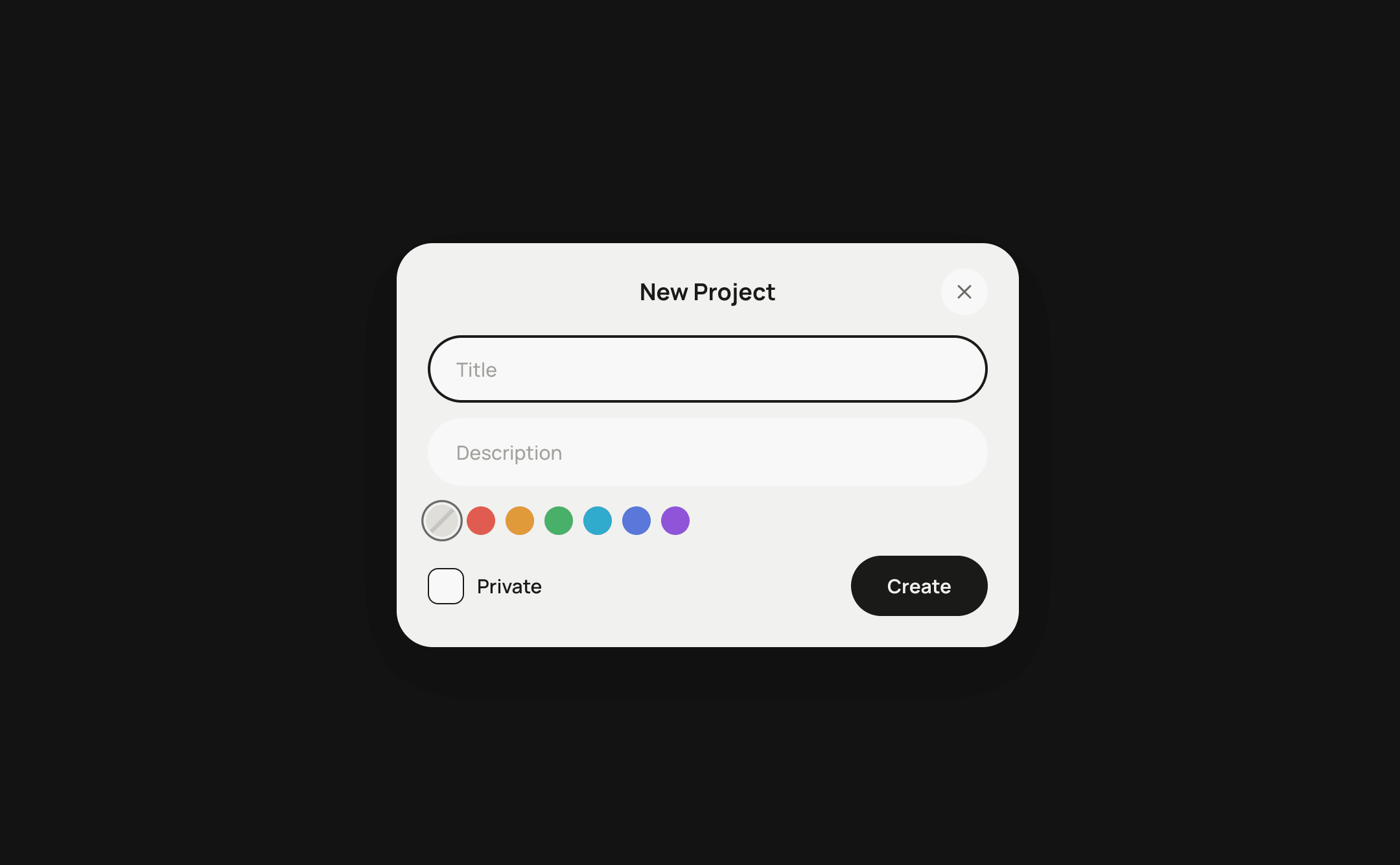

 AI Canvas